“Education is the most powerful weapon which you can use to change the world.” — Nelson Mandela
FlowScholar.com equips teachers with a thoughtful, AI-driven solution for daily lesson planning. The platform helps educators craft aligned lesson plans and learning activities that meet curriculum standards and classroom goals.
Designed for classrooms like The School House Anywhere, which uses the American Emergent Curriculum for Pre-K to 6th, FlowScholar supports diverse students and various subject needs. The tool streamlines content creation and saves time while preserving instructional quality.
Teachers can adapt materials for different groups, choose formats such as Google Slides or Google Classroom, and include assessment options that match learning goals. Collaboration features and flexible designs make it easy to blend instruction and support personalized teaching.
Key Takeaways
- FlowScholar uses AI to speed lesson planning and lesson planning design.
- It aligns content with curriculum standards and assessment goals.
- Teachers can adapt materials for students across multiple groups and subjects.
- The platform supports common formats like Google Slides and Google Classroom.
- FlowScholar saves time and improves collaboration among educators.
The Challenge of Teaching Mixed Grade Levels
Managing varied student needs across one classroom turns simple lesson planning into a complex project. Teachers create unique materials for each group, and that design work takes time away from direct instruction.
Across the United States, many educators report a 54-hour work week, yet less than half that time reaches students. The gap shows how planning, assessment, and administrative tasks reduce teaching minutes.
Balancing curriculum and standards for several grades demands careful organization. Without clear systems, the burden of multiple lesson plans can cause burnout and lower instructional quality.
“Effective collaboration and smart digital tools are essential to keep teaching standards high while saving time.”
- Aligning goals and assessments across subjects
- Adapting formats for Google Slides or Google Classroom
- Using collaboration features to share ideas and reduce duplication
| Challenge | Impact | Digital support |
|---|---|---|
| Multiple lesson plans | More prep time, less instruction | Template creation and sharing |
| Diverse learning styles | Varied pacing and materials | Adaptive activities and scaffolds |
| Standards mapping | Risk of misalignment | Aligned curriculum tools |
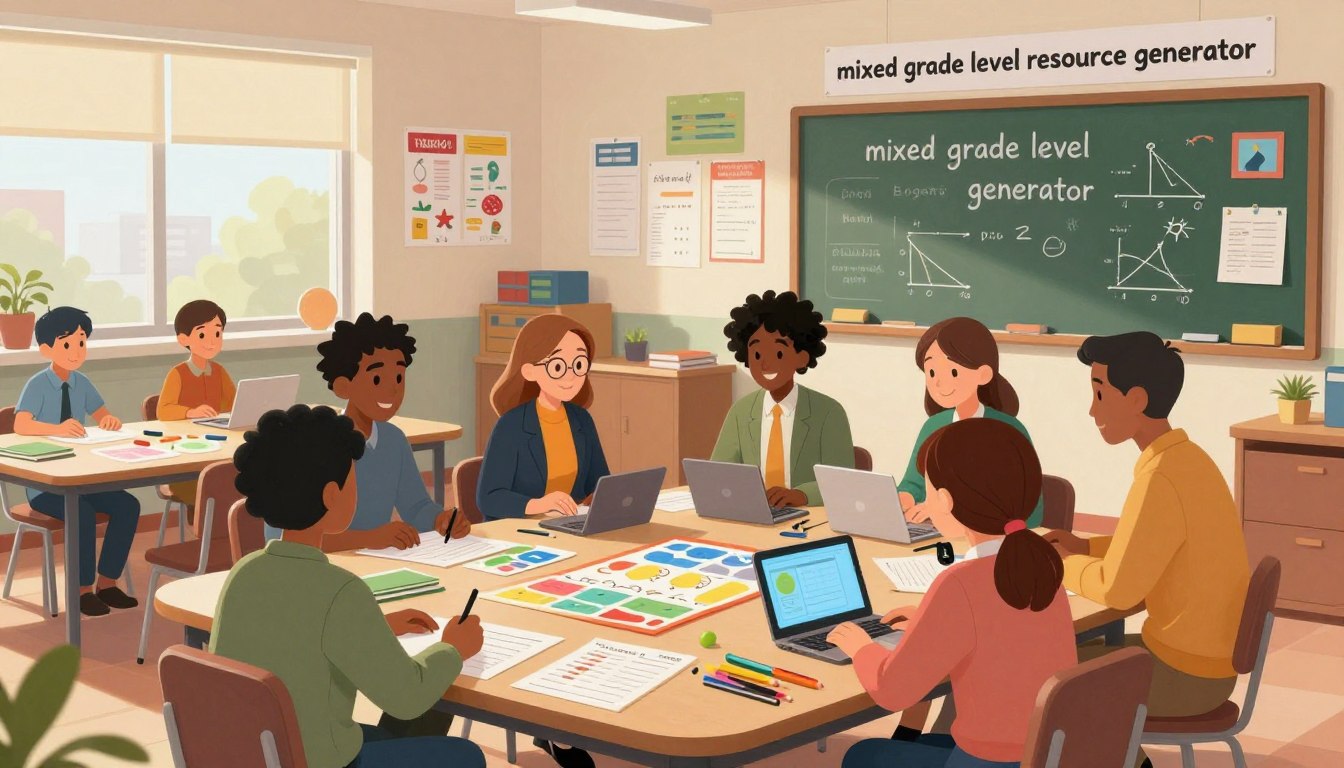
Why You Need a Mixed Grade Level Resource Generator
A practical system that automates lesson design frees educators to spend more time with students. Automation trims admin work, so teachers can focus on instruction and student growth.
Benefits of Automation
Automation tools let educators create high-quality lesson plans and learning activities in seconds. This saves time and reduces repetitive editing.
Consistent content across the classroom ensures each student receives aligned instruction that maps to curriculum and standards.
Supporting Diverse Learners
By adding video and interactive videos, teachers reach students who need multi-sensory learning. Materials can be tailored for groups or individual needs.
Customization is simple: adjust tasks, scaffold instruction, or add assessment options—then export to Google Slides or Google Classroom.
| Need | What it does | Benefit |
|---|---|---|
| Fast lesson planning | Auto-create lesson plans and templates | More time for teaching and feedback |
| Engagement | Embed video and interactive activities | Better retention and participation |
| Standards alignment | Map content to curriculum and goals | Consistent assessment and outcomes |
| Flexible delivery | Export options for devices and platforms | Smooth blended learning in any classroom |
Getting Started with FlowScholar
With a few clicks, FlowScholar turns curriculum goals into ready-to-use materials for classroom use.
Getting started with FlowScholar is straightforward. Educators visit https://www.flowscholar.com, choose a template, and begin mapping instruction for the school year.
The platform bundles the key tools teachers need: curriculum mapping, lesson planning, and flexible content creation. This design saves time and keeps teaching consistent with standards.
FlowScholar empowers teachers to build engaging learning activities for students across multiple groups. The interface supports export to Google Classroom and common formats for blended learning.
| Step | What it does | Benefit |
|---|---|---|
| Choose template | Pre-built lesson structure | Saves time on lesson planning |
| Map curriculum | Link standards to plans | Keeps instruction aligned |
| Customize materials | Adjust tasks and scaffolds | Supports diverse students |
| Export & share | Download or send to Google Classroom | Smooth classroom delivery |
“Join a community of teachers using FlowScholar to improve outcomes and reclaim planning time.”
Aligning Curriculum Goals with Student Needs
Aligning what students do each day with clear curriculum goals reduces gaps and raises expectations across the classroom. This approach keeps instruction focused and makes progress visible.
Start with outcomes: identify the learning goals for a unit, then design daily lesson plans that map to those targets. When teachers plan backward, every activity serves a purpose.
Mapping Standards
Mapping Standards
Mapping standards means tagging lessons to specific criteria so educators can track mastery. A simple tracker shows which standards appear in each lesson and which students need more support.
- Use a tool to align standards to lessons and materials.
- Adjust content quickly when students need extra time or challenge.
- Create cohesive learning activities that connect across groups and abilities.
Why it matters: consistent alignment ensures each student faces appropriate challenges. Teachers then spend less time reorganizing plans and more time on high-quality instruction.
| Action | How it helps | Outcome |
|---|---|---|
| Tag standards in plans | Clear mapping of targets | Faster progress checks |
| Differentiate activities | Adjust tasks and scaffolds | Better engagement for students |
| Export aligned materials | Saves planning time | Smoother blended learning |
Designing Flexible Learning Activities
Designing adaptable activities gives educators the freedom to respond to real-time progress and setbacks. When lesson structure is flexible, teachers adjust tasks so students stay engaged. This approach supports deeper learning without extra planning time.
FlowScholar acts as a tool for creating quick variations of the same lesson. Educators can swap content, change pacing, or add scaffolds in moments. The platform helps build materials that support both independent work and group activities.
Prioritize clear paths: one core task with optional extensions. Students who need challenge take an advanced path; others pick scaffolded steps. This keeps the classroom focused and makes assessment simpler.
Flexible plans also protect teaching time and meet curriculum standards. By designing lessons that scale, schools keep high expectations while honoring individual progress. The result: better outcomes and sustained student learning.
Managing Classroom Time and Efficiency
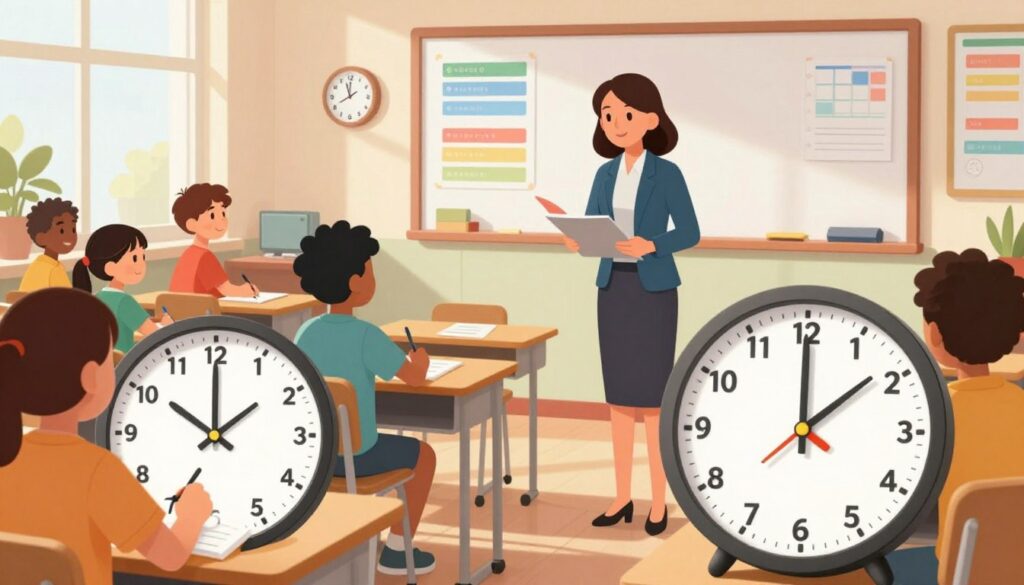
Streamlined daily routines free teachers to spend more minutes on direct instruction and meaningful feedback. Efficient systems reduce friction so educators can focus on student learning, not paperwork.
Reducing Planning Burden
AI-driven tools can cut an educator’s task load by more than 50% according to TSHA data. That drop shrinks repetitive editing and lets teachers reclaim planning time.
When the tool handles template creation and standards mapping, teachers craft better lesson content faster. This improves pacing and gives students clearer expectations.
Organizing Schedules
Clear schedules let schools balance curriculum and classroom needs. Efficient blocks free time for small-group instruction and formative checks.
FlowScholar and similar classroom management tools integrate calendars, plans, and materials so educators manage complex timetables without extra work. See practical options for organizing the day at classroom management tools.
“Reclaiming planning time lets teachers do what matters most: teach and connect with students.”
Integrating Digital Tools into Your Workflow
Connecting classroom tools into a single workflow turns scattered tasks into steady progress for teachers.
Monsha syncs with Google Classroom and Microsoft 365 to streamline assignment creation and publishing. This connection makes it simple to push plans and materials into the same systems teachers already use.
Educators can embed video and educational videos directly into a lesson. Adding short clips and guided activities increases engagement and supports different modes of learning for students.
Centralizing content, activities, and attachments keeps everything accessible. When materials live in one place, classroom time shifts from file hunting to focused instruction.
- Save time: automate publishing so teachers spend less on admin and more on creative planning.
- Stay aligned: map materials to the school curriculum and standards for consistent outcomes.
- Improve access: students find videos, worksheets, and tasks in one spot for blended learning.
“A cohesive digital strategy lets schools scale efficient workflows and deepen learning.”
Adapting Content for Diverse Ability Levels
Practical differentiation blends small adjustments into daily plans so students receive instruction at their readiness. A focused approach keeps learning measurable and reduces rework for teachers.
Adjusting Reading Levels
Use short passages and tiered texts to meet varied reading needs. AI tools can rewrite a passage to a simpler or richer form in seconds, saving prep time for educators.
Scaffolding Complex Tasks
Break multi-step problems into clear checkpoints. Offer guided prompts, worked examples, and optional extensions so each student progresses at a steady pace.
Language Support
Embed captioned video and follow-up prompts to support English learners. Supplemental videos and glossaries help students access curriculum vocabulary and stay engaged in class activities.
Result: With targeted scaffolds and adaptive materials, classrooms become more inclusive. Teachers create differentiated plans and materials that maintain high expectations while supporting real learning.
Creating Engaging Visuals and Materials
Teachers who pair clear images with short videos boost student attention and recall. Visuals help students connect ideas quickly and make learning stick.
Over 20 million students and educators use tools like Genially to build interactive materials. These platforms speed creation of appealing content and support varied classroom needs.
Integrate video and interactive videos into each lesson to make activities memorable. Short clips, annotated graphics, and clickable elements invite students to explore and respond.
FlowScholar helps educators design high-quality materials that align with plans and standards. Teachers can customize visuals for different groups, saving time while raising the quality of student learning.
- Use visuals to introduce a concept, then follow with a short video for depth.
- Create interactive activities that let a student practice and get instant feedback.
- Export polished content for blended learning and fast classroom use.
“Well-designed visuals change how students engage; they make complex ideas accessible and keep learning active.”
Streamlining Assessment and Feedback
Efficient assessment systems give teachers the data they need without slowing day-to-day instruction. Quick checks and clear criteria keep instruction focused and support better learning.
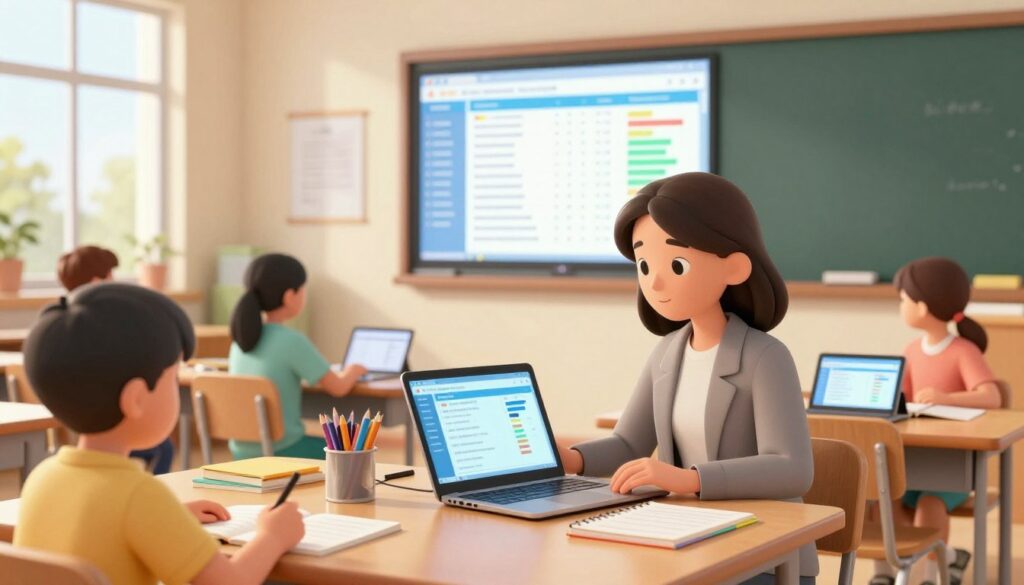
Use simple structures to make feedback timely and actionable. When teachers create clear success criteria, students know what to aim for. That clarity shortens revision cycles and improves outcomes.
Using Rubrics
Rubrics promote consistent grading and align with learning goals. They turn vague expectations into observable steps. Educators can attach rubrics to a lesson and score work faster.
- Include levels that describe skills and criteria.
- Combine text feedback with short video comments to explain next steps.
- Track progress digitally so trends appear at a glance.
| Feature | Why it helps | Result |
|---|---|---|
| Rubric templates | Standardize grading | Faster, fairer feedback |
| Video feedback | Clarifies next steps | Stronger student revision |
| Progress dashboard | Highlights gaps | Targeted support |
FlowScholar and similar tools let educators manage assessments, embed videos, and run interactive activities in one place. For a quick rubric option, try the free rubric creator to streamline setup.
“Timely, clear feedback changes how students respond to challenges in class.”
Fostering Student Independence
Students gain confidence when classrooms offer clear pathways for self-directed learning and measurable choice.
Provide interactive activities and short video tutorials so students can explore topics at their own pace. Self-paced lessons let each student practice skills and reflect without constant prompts.
FlowScholar and similar tools support independent learning paths that deliver tailored content and personalized checkpoints. Teachers and educators can monitor progress, give targeted feedback, and nudge learners when they stray.
Practical steps:
- Offer a short video or two that explains the task and success criteria.
- Design one core lesson with optional extensions for deeper practice.
- Use simple progress checks to build self-regulation and study habits.
When a classroom values autonomy, students take ownership of learning and build lasting confidence. These skills transfer to blended learning and future challenges, preparing students for independent study beyond school.
Collaborating with Other Educators
Peer collaboration turns isolated lesson planning into a purposeful exchange that improves student learning. Educators who share ideas raise the quality of classroom materials and shorten preparation time.
Teams trade lesson plans, short video clips, and practical activities. A shared tool streamlines edits so teachers can adapt content quickly for students.
Working together helps address the challenges of varied groups. When teachers co-design units, students get more consistent expectations and clearer pathways to progress.
Build a professional network: regular swaps of lessons and videos keep educators current on methods and trends.
| Collaboration Action | What it delivers | Benefit for students |
|---|---|---|
| Share lesson plans | Editable templates | Faster prep, clearer learning targets |
| Exchange videos | Short clips for instruction | Higher engagement and review options |
| Co-create activities | Aligned assessments | Better tracking of student progress |
“Collaboration turns individual practice into collective improvement.”
Maintaining Human Connection in the Classroom
The strongest learning outcomes grow from relationships that make each student feel known and supported. Connection is the foundation of engagement, motivation, and lasting progress for students.
When administrative tasks are handled by an efficient tool, teachers reclaim time for meaningful conversations. That time lets them notice needs, celebrate effort, and guide learning in real moments.
Incorporating short video and personal videos can bring classroom stories to life. These clips bridge digital content and the real experiences that matter to students.
“A tech strategy that supports relationships strengthens instruction and keeps students at the center.”
- Prioritize interactions: short check-ins and conferences build trust and clarity.
- Use video wisely: supplement, don’t replace, face-to-face guidance.
- Connect content to life: link lessons to things students know and care about for deeper learning and better blended learning outcomes.
FlowScholar is designed to back teachers in this mission: technology that frees time without replacing the human touch. The result is a classroom where every student feels seen, valued, and ready to learn.
Conclusion
Conclusion
When planning stays efficient, teachers spend more time guiding student learning and less time on paperwork.
FlowScholar.com offers the ultimate mixed grade level resource generator to help teachers save time and improve student outcomes. The platform brings aligned content, quick templates, and embedded video so students get clear, engaging learning every day.
Why it matters: automating repetitive tasks lets educators focus on instruction and nurturing growth. This tool supports blended learning and keeps classroom content connected to real progress.
Visit https://www.flowscholar.com to start a more efficient, impactful teaching journey. Join thousands of teachers who have transformed their classrooms with AI-driven tools and richer videos for students.
FAQ
How does FlowScholar.com help teachers prepare academic resources for mixed grade levels?
FlowScholar.com streamlines lesson planning by letting teachers create adaptable materials that span multiple student ages and abilities. It offers templates, curriculum-aligned objectives, and editable activities so educators can save time while maintaining high instructional quality.
What are the main challenges of teaching students across different grades in one classroom?
Teachers must juggle varied readiness, align standards, and provide appropriate pacing. FlowScholar addresses these challenges with differentiated pathways, scaffolded tasks, and tools for grouping students by skill or interest to keep everyone engaged.
Why use a mixed grade level resource tool rather than building lessons from scratch?
A purpose-built tool reduces repetitive planning, ensures alignment with standards, and generates multiple entry points for learners. That saves time and produces consistent, evidence-based materials that support diverse learners and assessment practices.
What automation benefits does FlowScholar provide?
Automation features include lesson templates, standards mapping, differentiated activity suggestions, and printable or digital outputs. These functions cut planning time and produce ready-to-use materials for small groups, stations, or whole-class instruction.
How does FlowScholar support diverse learners and English language students?
The platform offers scaffolded tasks, adjustable reading levels, and language supports like sentence frames and glossaries. Teachers can create tiered assignments and visual aids to meet varied academic needs and language proficiencies.
How do teachers get started with FlowScholar?
Teachers sign up, select subject and standards, then choose from starter templates or existing lesson plans. The onboarding guides walk through customizing activities, grouping students, and exporting lessons for Google Slides or Google Classroom.
Can FlowScholar help align curriculum goals with state or national standards?
Yes. The platform includes standards-mapping tools so teachers can tag objectives, track coverage across units, and generate materials that target specific learning outcomes and assessment criteria.
How does FlowScholar support designing flexible learning activities?
FlowScholar provides modular activities—project-based tasks, quick formative checks, and station rotations—that adapt for different durations and student needs. Teachers can mix formats and design blended learning sequences easily.
In what ways does the platform reduce planning burden and save classroom time?
By supplying templates, ready-made assessments, and grouping strategies, FlowScholar cuts administrative work. It also offers timers, printable routines, and scheduler tools to streamline transitions and maximize instructional minutes.
How can teachers organize schedules and groupings using FlowScholar?
The platform includes scheduling templates and grouping features that let teachers assign activities by ability, interest, or rotation. These tools help coordinate small-group instruction and maintain equitable access to resources.
What digital tools integrate with FlowScholar?
FlowScholar integrates with Google Slides and Google Classroom for sharing and delivery. It also supports common file formats and digital collaboration tools so teachers can use lesson plans on Chromebooks, tablets, or laptops.
How does FlowScholar adjust reading levels and scaffold complex tasks?
Teachers can select alternative text complexity, provide guided notes, and add step-by-step scaffolds. The platform generates leveled prompts and differentiated versions of the same task to ensure accessibility for all students.
What language supports are available for multilingual students?
FlowScholar includes translation-ready templates, visual supports, and sentence starters. Educators can add bilingual glossaries and simplified directions to help English learners access content and build confidence.
Does FlowScholar assist in creating visuals and classroom materials?
Yes. It offers customizable templates for slides, worksheets, and posters. Teachers can quickly design engaging visuals that align with lessons and support multiple learning styles.
How does the platform streamline assessment and feedback?
FlowScholar provides formative and summative templates, rubric builders, and quick-check tools. Teachers can generate assessments tied to standards and deliver timely, targeted feedback to inform instruction.
Can teachers create rubrics and use them across different classes?
Absolutely. The rubric tool lets teachers design, save, and reuse assessment criteria. Rubrics can be adjusted for varied tasks and shared with colleagues for consistent evaluation.
How does FlowScholar encourage student independence in learning?
The platform supports choice boards, self-paced modules, and clear learning goals so students can take ownership. Structured routines and scaffolded resources foster autonomy while keeping students on track.
What collaboration features exist for educators using FlowScholar?
Teachers can share lesson plans, co-edit materials, and access a community library of activities. Collaboration tools make it simple to exchange best practices and co-design instruction with peers.
How does FlowScholar help maintain human connection while using digital tools?
FlowScholar emphasizes teacher-led facilitation, discussion prompts, and reflection activities that prioritize relationship-building. Digital materials are designed to support meaningful interactions, not replace them.