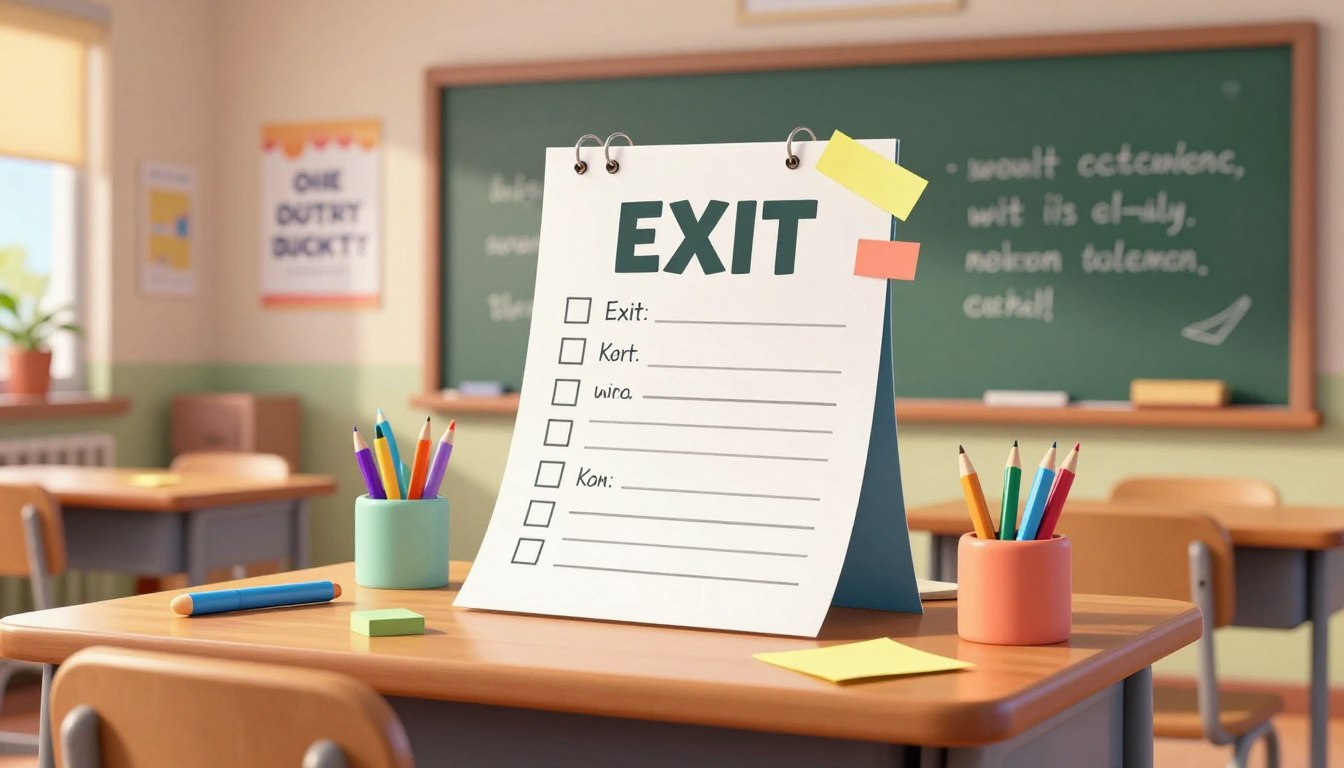
“Education is the passport to the future, for tomorrow belongs to those who prepare for it today.” — Malcolm X. This thought frames a simple aim: make assessment practical and fast.
FlowScholar.com provides advanced AI tools that streamline daily assessments. The platform helps teachers create an exit ticket generator for teachers in seconds, aligning each prompt with the core lesson.
By using intelligent templates and automated question drafting, FlowScholar ensures every student stays engaged until the very end. The system turns lesson content into targeted tickets that collect clear data for the next day.
Educators can pair FlowScholar with tools like the Jotform AI exit ticket generator to upload materials or scan documents and produce tailored questions quickly. The result: less prep time and more actionable insight.
Key Takeaways
- Speed: Create daily assessments in seconds.
- Alignment: Tickets map directly to lesson goals.
- Engagement: Students remain focused through the end.
- Actionable data: Results guide the next class.
- Integration: Works with AI tools like Jotform to customize content.
The Importance of Daily Exit Tickets in the Classroom
Brief, focused checks of understanding transform classroom routines into actionable data.
Daily exit ticket practices give educators quick insight into what students know at the end of a lesson. According to AI for Education (2025), these checks are most effective when used just before lunch or recess to capture fresh understanding.
Consider a 4th grade math example: a short prompt on measuring angles reveals who mastered geometry and who needs a reteach. That simple ticket turns observation into clear next steps.
“When teachers collect rapid feedback each day, planning becomes targeted and efficient.”
Benefits at a glance:
| Benefit | Timing | Classroom example |
|---|---|---|
| Immediate feedback | End of lesson | 4th grade geometry prompt |
| Instructional adjustment | Next class planning | Small-group reteach |
| Student accountability | Daily routine | Quick written response |
| Data-driven decisions | Weekly review | Grouping by need |
To learn more about integrating AI into assessment workflows, explore targeted professional development at teaching AI skills workshops.
How to Use an Exit Ticket Generator for Teachers
A short, targeted prompt captures what students really learned in the last ten minutes of class.
Getting Started with FlowScholar
Begin by asking an AI chatbot to produce five focused exit ticket ideas tailored to your grade and subject. These prompts can include one recall question, one application item, and one reflection prompt.
Why this saves time: Automated question drafting reduces prep time and keeps each lesson’s wrap-up aligned with your goals.

Sharing Tickets with Students
Once you finalize questions, publish the ticket and share the URL so students complete it on their devices. After submissions, review responses in Jotform Tables to see class-level understanding at a glance.
“Automating tickets gives teachers more time to address individual needs immediately.”
For a practical template and examples, consult this concise guide on creating a quick assessment: exit ticket templates and how to use.
Strategies for Enhancing Student Learning and Feedback
A focused wrap-up can transform a minute of class time into actionable insight.
Customizing Questions for Better Insights
A teacher can tailor questions to match a grade level, lesson objective, or the pace of the class. Custom prompts help sharpen understanding and reveal who needs reteaching.
Use AI to adapt difficulty and format. An AI agent can turn a standard exit ticket into a conversational quiz that keeps students engaged until the end. It can also suggest pair activities or scaffolded prompts when collaboration works best.
- Customize question difficulty to meet diverse student needs.
- Convert a form into a conversational quiz with an AI agent for higher engagement.
- Tailor questions to recent lesson topics to get precise insights.
- Ask the AI for an example when you need more engaging prompts.
Result: Targeted questions provide deeper insight into student understanding and give clear guidance for the next class. Effective feedback comes from prompts that ask students to reflect on their learning in the classroom.
Conclusion: Streamlining Your Assessment Workflow with FlowScholar.com
Streamlined short checks make it easy to measure what students grasp at the close of class.
FlowScholar.com offers a practical, AI-driven way to create an effective exit ticket quickly. These simple prompts reduce prep time and deliver clear data on student understanding.
Use consistent tickets at the end of each lesson to track progress and guide your next steps. The system helps each student get timely feedback that improves learning and classroom focus.
Take action: visit https://www.flowscholar.com to start crafting professional assessments that save time and boost engagement.
FAQ
What is FlowScholar and how does it help create daily exit tickets?
FlowScholar is a web tool that streamlines creation of short end-of-class checks. It provides templates, editable prompts, and quick grading options so teachers can produce meaningful formative assessments in minutes without disrupting lesson flow.
Why are daily exit tickets important in the classroom?
Daily checks give teachers immediate insight into student understanding, reveal misconceptions early, and guide next-day planning. Regular use improves retention and supports targeted interventions for students who need more support.
How do teachers get started with FlowScholar?
Sign up on the site, choose a template tied to learning objectives, customize prompts, and save the ticket. The interface focuses on clarity and speed so educators can prepare assessments between lessons or during planning periods.
How can tickets be shared with students quickly?
Tickets can be assigned via class links, Google Classroom integration, or printable PDFs. These options let teachers deliver checks digitally or on paper depending on classroom technology and student access.
Can questions be customized to match different grade levels and standards?
Yes. FlowScholar supports question types—multiple choice, short response, and reflections—and allows adjustment of language complexity to align with grade-level standards and lesson goals.
How does the tool help with collecting and analyzing responses?
Responses aggregate in a dashboard that highlights trends, common errors, and mastery levels. Teachers can filter by class, standard, or student to plan targeted reteaching and record grades efficiently.
What strategies improve the quality of responses from students?
Use clear prompts, limit each ticket to one or two focused questions, and vary formats between recall and application. Provide exemplars and model answers occasionally so students learn the expected depth of response.
Is it possible to reuse or adapt past tickets for future lessons?
Yes. Saved tickets form a library teachers can duplicate and tweak. Reusing well-designed items saves time and helps build longitudinal data on student growth.
How can teachers ensure tickets respect diverse learning needs?
Differentiate by offering simple and extended response options, add scaffolds like sentence starters, and allow multiple submission formats. This creates equitable opportunities for students with varied strengths.
What privacy and data protections does FlowScholar provide?
The platform follows standard educational privacy practices, using secure storage and allowing schools to manage access. Teachers should review the site’s privacy policy and district requirements before sharing student data.