“Education is the passport to the future, for tomorrow belongs to those who prepare for it today.” — Malcolm X.
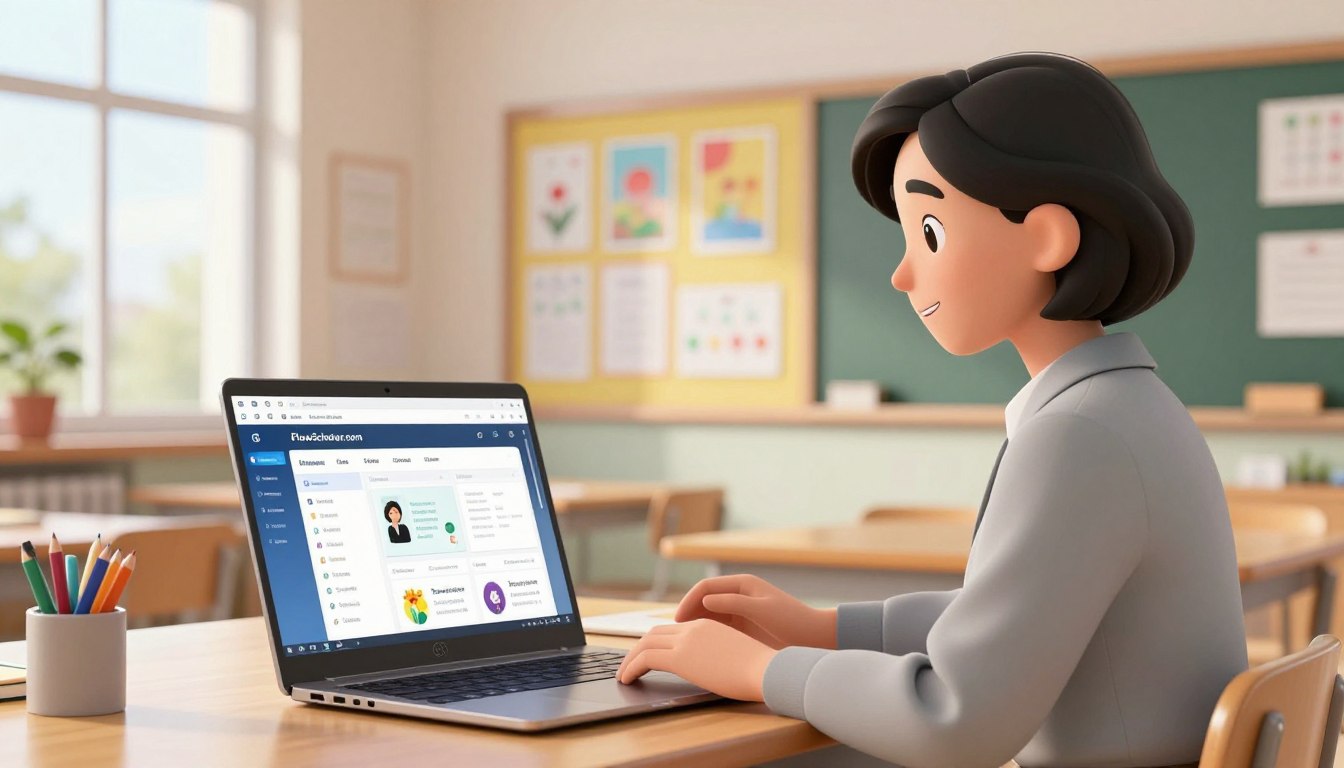
FlowScholar.com offers a clear path for educators who want to spend less time on admin and more time with students. This platform acts as a comprehensive teacher workflow planning tool that centralizes lesson creation, student data, and unit objectives in one place.
By integrating digital resources and standards alignment, FlowScholar helps teams design lessons, gather responses, and analyze results in real time. Educators can use these features to improve student work, speed review cycles, and give focused feedback that raises grade-level outcomes.
For practical guidance on building GPT-powered educational tools and classroom-ready outputs, see a step-by-step perspective on GPT-powered educational tools that complement FlowScholar’s approach.
Key Takeaways
- FlowScholar streamlines lesson plans, student data, and unit objectives to save time.
- Digital resources reduce grading time and make feedback more actionable for students.
- Standards alignment and real-time analysis support better instructional decisions.
- Integrating these resources improves classroom review and assessment cycles.
- Teams and staff can scale consistent practices across grade levels and subjects.
The Evolution of Modern Teacher Workflow Planning Tools
Digital classroom management has moved far beyond paper binders and clipboards. Trello introduced visual boards with lists and cards to help teams map unit pacing and sequence lessons in a single view.
Sunsama brought time-blocking to grading and lesson prep, letting educators reserve focused sprints across calendars and apps. This approach helps ensure every student gets timely feedback and reduces last-minute grade crunches.
FlowScholar.com complements Trello and Sunsama by uniting standards alignment, student data, and review workflows in one platform. Schools adopting this centralized resource report smoother collaboration and clearer handoffs between staff.
The shift to digital resources has also expanded how teams share ideas, assess standards, and produce video or printable materials for classroom use. As technology grows, a single, integrated system becomes vital for maintaining grade-level consistency and improving student outcomes.
Why Educators Are Turning to AI for Lesson Planning
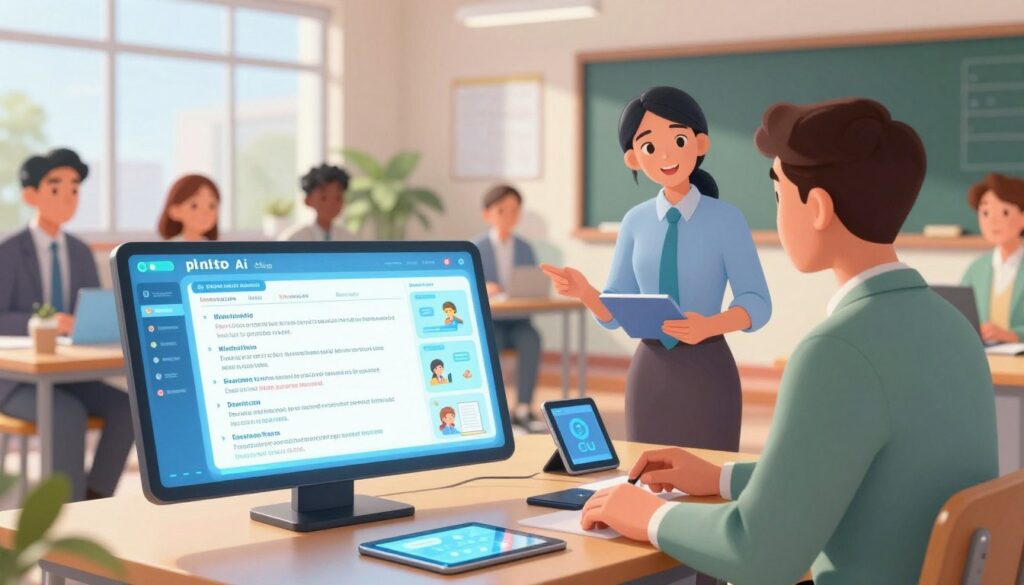
AI is reshaping how schools convert standards into daily lessons, cutting hours from routine tasks. Platforms now move from idea to classroom-ready materials quickly. This reduces repetitive work and improves alignment with state and national standards.
Efficiency in Standards Alignment
AI speeds alignment by mapping standards to learning objectives, assessments, and activities. Education Copilot focuses on backward design, helping teams build a cohesive unit that meets grade-level expectations.
MagicSchool AI generates entire lesson plans, quizzes, and rubrics from simple prompts. That creates consistent resources across science, history, and more.
Reducing Administrative Burnout
Automated grading, template generation, and reply drafts cut admin time. FlowScholar.com adds AI-driven insights and real time analysis of student data so instructors can spot misconceptions faster.
- Faster lesson creation: high-quality content in seconds.
- Aligned units: backward design that matches standards.
- More focus on students: less time on docs and emails.
For practical steps and examples of AI in curriculum design, see AI tools for lesson planning.
Essential Categories for Streamlining Classroom Tasks
Classroom leaders now rely on connected systems to collect student responses and turn them into timely actions.
Managing Student Data and Feedback
Plickers enables device-free formative assessment: scan simple cards, gather instant data, and pose quick questions to the whole class.
Classkick creates a live workspace where a teacher can view student work and add comments or feedback in real time.
FlowScholar.com integrates with these platforms to centralize data and simplify how a team tracks progress across each unit.
Key benefits:
- Faster collection of assessment data for same-day instructional decisions.
- Immediate comments and feedback that help students correct errors quickly.
- One dashboard to compare responses, spot trends, and adjust a lesson or grade target.
For a practical guide on using AI for lesson creation and classroom-ready outputs, see the AI lesson planning guide.
Top Software Solutions for Collaborative Lesson Design
A small set of specialized apps can move a collaborative lesson from idea to classroom-ready in a single session.
Visual Brainstorming Platforms
FigJam provides an infinite canvas for mapping unit objectives, sticky-note ideation, and quick visual sequences. Teams sketch activities and align them to standards in a shared space.
Cloud-Based Document Collaboration
Fast.io offers cloud workspaces with generous storage so lesson files, research, and student work stay accessible and secure. Docs sync in real time to reduce duplicate versions and speed review.
Real-Time Classroom Dashboards
ClassroomScreen acts as a live display for transitions, timers, and exit questions. It helps keep students focused and supports smoother class pacing during a lesson.
How these solutions compare:
| Platform | Primary Use | Key Benefit |
|---|---|---|
| FigJam | Visual brainstorming | Maps unit ideas and activities quickly |
| Fast.io | Cloud document collaboration | Stores lesson plans, research, and student work securely |
| ClassroomScreen | Real-time classroom dashboard | Manages timers, prompts, and student responses |
FlowScholar.com integrates these platforms to create a unified resource. Whether the subject is science, history, or another area, the combined setup helps a team organize lesson plans, assessments, and feedback in one place.
Leveraging FlowScholar for Enhanced Teacher Productivity
Consolidating lesson resources into one interface changes how a classroom team coordinates.
FlowScholar.com optimizes the teacher workflow by bringing lesson, practice, and review together in a single, intuitive view.

Users report clear time savings when they prepare a daily lesson and manage student interactions. This reduction in admin lets staff focus on instruction and on answering formative questions as they arise.
Key advantages include:
- Consolidate a lesson plan, unit objectives, and student data in one place for faster retrieval.
- Collaborate as a team via shared dashboards and synced ideas, improving consistency across classes.
- Track standards alignment and student progress to target follow-up questions and practice efficiently.
Try it: explore the advanced features at FlowScholar.com and see how it can transform classroom routines. For a short case on practical change, transform your activity with a proven example.
Conclusion: Transforming Your Classroom Workflow
When routines are streamlined, educators reclaim time to ask sharper questions and support more students. A focused approach helps shift energy from admin tasks to meaningful instruction.
Adopting a robust system like FlowScholar.com is the first step toward reducing daily stress and improving an overall lesson plan. It connects unit design, student data, and the daily lesson in one place.
Visit https://www.flowscholar.com to access resources that build a stronger plan for every student. Integrate these digital tools to streamline your unit work and lift instructional quality.
Start today: explore FlowScholar.com to make lessons easier to manage and to keep student success at the forefront.
FAQ
What is FlowScholar.com and how does it simplify lesson planning?
FlowScholar.com is a platform that centralizes lesson design, student work, and assessment resources in one place. It streamlines standards alignment, offers templates and collaborative spaces, and reduces repetitive administrative tasks so educators can focus on instruction and student feedback.
How does the platform support alignment to standards and learning objectives?
FlowScholar includes standards-mapping features that link activities, assessments, and resources to specific state or national standards. This makes it easier to track coverage, generate reports, and ensure each lesson meets targeted objectives without manual cross-referencing.
Can teams collaborate on units and lesson plans in real time?
Yes. The system supports cloud-based document collaboration and shared course spaces where staff can co-create units, comment on drafts, and maintain version history. Real-time editing and threaded feedback speed up the review cycle and keep teams synchronized.
What tools does FlowScholar offer for managing student data and feedback?
FlowScholar provides dashboards for tracking formative assessment results, student work samples, and progress over time. Teachers can annotate submissions, deliver targeted feedback, and export data for reporting or intervention planning.
How does AI assist with lesson design and reducing workload?
Built-in AI features suggest activity sequences, generate assessment items aligned to standards, and propose differentiation strategies based on class profiles. These suggestions cut down planning time and help reduce administrative burnout by automating routine tasks.
Are there visual brainstorming or planning tools integrated into the platform?
The platform integrates visual mapping and planning interfaces that help teams sketch unit flows, sequence lessons, and link resources. These visual tools support idea generation and make complex unit design more transparent.
Does FlowScholar support different grade levels and subjects like science and history?
Yes. FlowScholar offers customizable templates and resource libraries tailored to various grade bands and subjects, including science and history. Educators can adapt materials and assessments to match grade-level expectations and learning goals.
How secure is student data on the platform?
The platform follows industry-standard security practices, including encrypted storage and role-based access controls. Administrators can manage permissions so only authorized staff view sensitive student records and assessment data.
Can FlowScholar integrate with existing classroom tools and systems?
FlowScholar supports integrations with popular learning management systems, gradebooks, and cloud storage providers to streamline resource sharing and sync student data across platforms.
What kind of analytics and reporting does the platform provide?
The platform offers performance analytics, mastery reports, and customizable exports. These insights highlight trends, reveal skill gaps, and inform instruction and intervention strategies at both the student and classroom levels.
Is training or professional development available for school staff?
FlowScholar provides onboarding resources, guided tutorials, and professional development sessions focused on collaborative lesson design, data use, and best practices for integrating AI into planning processes.
How does FlowScholar help reduce administrative workload for educators?
By automating task generation, syncing resources across classes, and streamlining feedback workflows, FlowScholar cuts down repetitive tasks. This frees time for instruction, analysis of student work, and targeted support.
Can materials and lessons be shared across a district or with external partners?
Yes. The platform supports sharing at multiple levels—individual, team, school, or district—while maintaining control over permissions. This enables scalable collaboration and resource reuse across campuses.
What options exist for assessing student learning in real time?
FlowScholar includes real-time classroom dashboards and quick-check tools for formative assessment. Teachers can launch short polls, exit tickets, or on-the-spot quizzes and immediately see results to adjust instruction.
How does FlowScholar support differentiated instruction and grouping?
The platform recommends differentiated activities and grouping strategies based on assessment data and student profiles. Teachers can assign tailored resources and track group progress to ensure equitable access to instruction.