“Education is the most powerful weapon which you can use to change the world.” — Nelson Mandela.
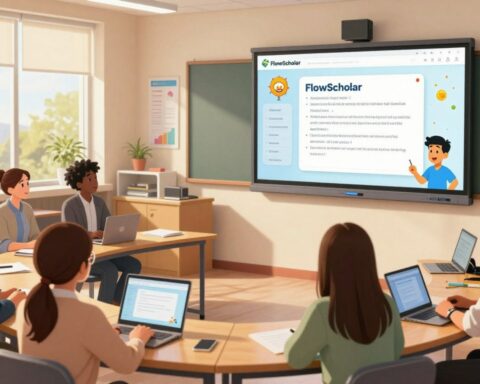
FlowScholar.com serves as a focused Education AI site that helps parents bridge classroom instruction and home activities. The platform gives families access to tailored resources for literacy and math, clear suggestions for reading practice, and brief videos that model lessons.
Researchers show that engaged families raise student success across grades. FlowScholar offers an app and web page with communication tools that keep the classroom and home connected. Parents find practical tips, curriculum-aligned lessons, and quick ways to track progress.
We position FlowScholar as a confident, analytical guide: concise resources, targeted recommendations, and actionable steps to meet each child’s needs. This site aims to make access to quality resources simple and measurable.
Key Takeaways
- FlowScholar combines AI with practical resources to assist parents at home.
- Families gain curriculum-aligned suggestions for literacy and math practice.
- The site and app include communication tools to link school and home.
- Short videos and tips help parents apply lessons quickly.
- Access to targeted resources helps students make steady progress.
The Importance of Family Engagement in Student Success
Consistent communication between teachers and caregivers creates clearer pathways to student success.
Trusted relationships begin with small actions: timely updates, respectful questions, and clear invitations to participate. Teachers who ask about access to devices and the languages spoken at home build realistic plans that meet each child’s needs.
Building Trusting Relationships
Educators who value a family’s time and perspective create environments where children thrive. Simple steps—flexible meeting times, translated notes, and warm classroom welcomes—help parents feel included.
- The Harvard Graduate School of Education’s Family-School Relationship Survey is available in 10 languages and is a great way to engage students and parents in meaningful conversations.
- Analyzing survey data lets teachers identify barriers that limit parent participation.
- When families feel respected, literacy and math outcomes improve for every student.
Overcoming Language Barriers
Offering materials in multiple languages and using clear, jargon-free messages increases access. Schools that prioritize translation and bilingual outreach make it easier for parents to help with reading and other lessons.
By combining respectful outreach with targeted resources, educators can create a welcoming classroom and a consistent bridge between school and home.
Essential Communication Tools for Parents and Educators
Mobile messaging and secure class pages streamline communication between teachers and households.
TalkingPoints combines machine and human translation so educators can message in over 100 languages. This feature reduces delays and helps reach diverse families quickly. With translations, teachers send clear literacy and math suggestions that parents can act on the same day.
Mobile reach matters: in 2019, 96% of Americans owned a cell phone. That makes apps the most reliable way to contact parents and keep students on track. Classting offers a private site for class updates; ClassDojo adds translation for more than 30 languages.
Best practices include a dedicated messaging tab on the classroom page and concise, curriculum-aligned updates. These resources help teachers maintain consistent routines and provide quick tips, short videos, and progress notes that respect parents’ time.
For practical guidance, review strategies for using tech to connect caregivers and schools at using technology to connect parents.
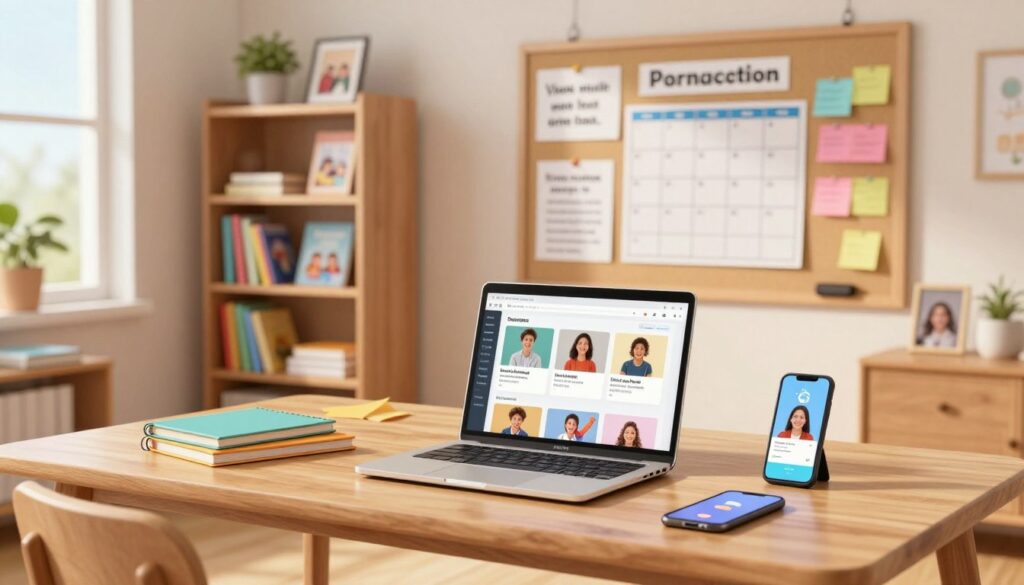
- Translate: reach more families with multilingual messages.
- Message tab: ensure every student and parent gets timely updates.
- Short updates: share reading, math, and lesson suggestions in bite-sized notes.
Engaging Activities to Support Learning at Home
Practical at-home activities let children connect classroom concepts to real-world play.
Digital museum tours bring science into the living room. The Monterey Bay Aquarium streams exhibits live, giving families a visual way to explore marine life and spark curiosity.
STEAM projects for students give hands-on practice with simple materials. PCS Edventures offers full projects, including BrickLAB STEAMventures for K–1 and 2–3 grades. These lessons map to curriculum goals and build problem-solving skills.
Public media and checks round out the mix. The Learning Heroes Readiness Check is a great way for parents to assess reading and math against grade standards. Public media sites add short videos and guided activities that keep children engaged.
- Use the Readiness Check to identify areas for focused practice.
- Combine a digital tour with a short project to extend the video experience.
- Share completed STEAM activities with a teacher or on the class page to show progress.
FlowScholar.com as Your Primary Family Learning Support Tool
FlowScholar places tailored resources and quick videos in one place to make weekday practice easier for busy parents.
Empowering Parents with Innovative Solutions
FlowScholar is an Education AI site and app that brings online resources to the home. It delivers personalized reading and math activities, short videos, and clear progress notes that respect parents’ time.
Like the Mulliez family—who use the Affectio Societatis pact to keep 740 shareholders aligned—FlowScholar fosters a culture of continuous learning. The platform encourages families to set routines and track growth with simple, data-backed steps.

| Feature | What it does | Benefit |
|---|---|---|
| AI Personalization | Matches resources to a child’s reading and math level | Faster progress and targeted practice |
| Videos & Tips | Short how-to clips and timed activities | Makes lessons easy to try at home |
| Communication tools | Multilingual messages and classroom page tab | Better connection between parents and teachers |
| Progress Dashboard | Track literacy and math milestones | Clear next steps and best practices |
Visit FlowScholar.com to explore how this Education AI tool brings practical resources and videos into daily routines. Parents and educators can use the app to improve reading, math, and science practice with measured results.
Conclusion
Practical, data-backed steps create reliable paths to improved school outcomes.
Empower, with focused routines and measurable goals. FlowScholar.com brings AI-driven recommendations, short videos, and clear progress notes that make at-home practice manageable and effective.
Explore resources like the Framework for family engagement and the SmartPath approach for ideas on planning and tracking progress.
Get started: visit FlowScholar.com to begin using AI-driven features that strengthen family learning and teacher communication today.
FAQ
What is FlowScholar.com and how does it help parents support their children?
FlowScholar.com is a platform that offers tools, activities, and resources designed to help parents engage with their children’s education at home. It provides lesson ideas, reading and math tips, curriculum-aligned videos, and communication features that connect parents with teachers and schools. The site emphasizes practical strategies—like short at-home lessons and literacy activities—that improve student outcomes and make learning manageable within busy schedules.
Why is caregiver engagement important for student success?
Caregiver engagement builds trust and motivation, which boosts attendance, behavior, and academic performance. When parents and guardians use consistent routines, communicate with teachers, and access suggested activities—such as STEAM projects or guided reading sessions—students show greater confidence and achievement. FlowScholar.com frames these practices into easy steps so caregivers can sustain involvement without added stress.
How can parents build trusting relationships with teachers using FlowScholar?
FlowScholar.com encourages transparent, regular communication through messaging templates, suggested conversation starters, and scheduling features. Parents can share observations, ask targeted questions about lessons, and collaborate on goals. The platform also provides guidance on constructive feedback and family-teacher conferences, helping both sides focus on the student’s needs and strengths.
What options are available to overcome language barriers between home and school?
The site supports multilingual resources and clear translation tools for messages and lesson summaries. FlowScholar partners with education-focused translation services and offers video explanations and pictorial guides to reduce misunderstanding. It also suggests local community resources and bilingual public media content to ensure parents can access curriculum information in their preferred language.
Which communication tools on the site are most effective for staying connected with educators?
Effective tools include secure messaging, shared calendars, quick progress reports, and resource tabs that teachers can update. FlowScholar emphasizes concise updates—brief videos or bullet-point messages—that respect parents’ time. These features streamline classroom-to-home communication and make it easier to coordinate interventions, tutoring, or at-home practice.
What are some high-impact at-home activities recommended by FlowScholar?
Recommended activities include short STEAM challenges, family reading routines, math games tied to daily tasks, and guided digital museum tours. The platform curates age-appropriate projects and links to public media resources and educational videos that align with classroom objectives. Each activity comes with materials lists, success tips, and differentiation ideas so parents can adapt based on their child’s needs.
How do digital museum tours and public media resources support curriculum goals?
Digital museum tours and public media resources provide real-world context and visual explanations that reinforce classroom concepts. They enhance subjects like science, history, and art by offering interactive exhibits, expert interviews, and primary-source content. FlowScholar pairs these media with simple follow-up questions and mini-lessons to deepen comprehension and link media to standards-based learning targets.
What STEAM project examples does FlowScholar suggest for at-home exploration?
Project examples include building a simple circuit with household items, designing a weather station to collect data, and creating a narrative using coding apps. Each project emphasizes inquiry, experimentation, and reflection. FlowScholar supplies step-by-step guides, safety notes, and extension ideas so projects scale to different ages and abilities while reinforcing science and math habits.
Can FlowScholar integrate with a school’s existing curriculum and tools?
Yes. FlowScholar is designed to complement school systems by offering curriculum-aligned resources and exportable progress summaries. Educators can upload lesson links, share assignments, and recommend targeted activities for specific standards. The platform also supports interoperability with common learning management systems and communication apps to reduce duplication of effort.
How does FlowScholar help parents track academic progress and needs?
The platform provides simple tracking dashboards, goal-setting templates, and suggested next steps based on observed patterns. Parents receive actionable suggestions—such as targeted reading passes or math fluency routines—plus links to short instructional videos and external resources. This approach helps families focus on measurable growth and timely interventions.
What privacy and security measures protect student information on FlowScholar?
FlowScholar follows industry best practices for data security, including encrypted communication, role-based access, and compliance with education privacy standards. Parents and educators control what information is shared, and the platform provides clear consent flows and documentation so users understand how data is used and protected.
Are there resources for busy parents with limited time to support at-home education?
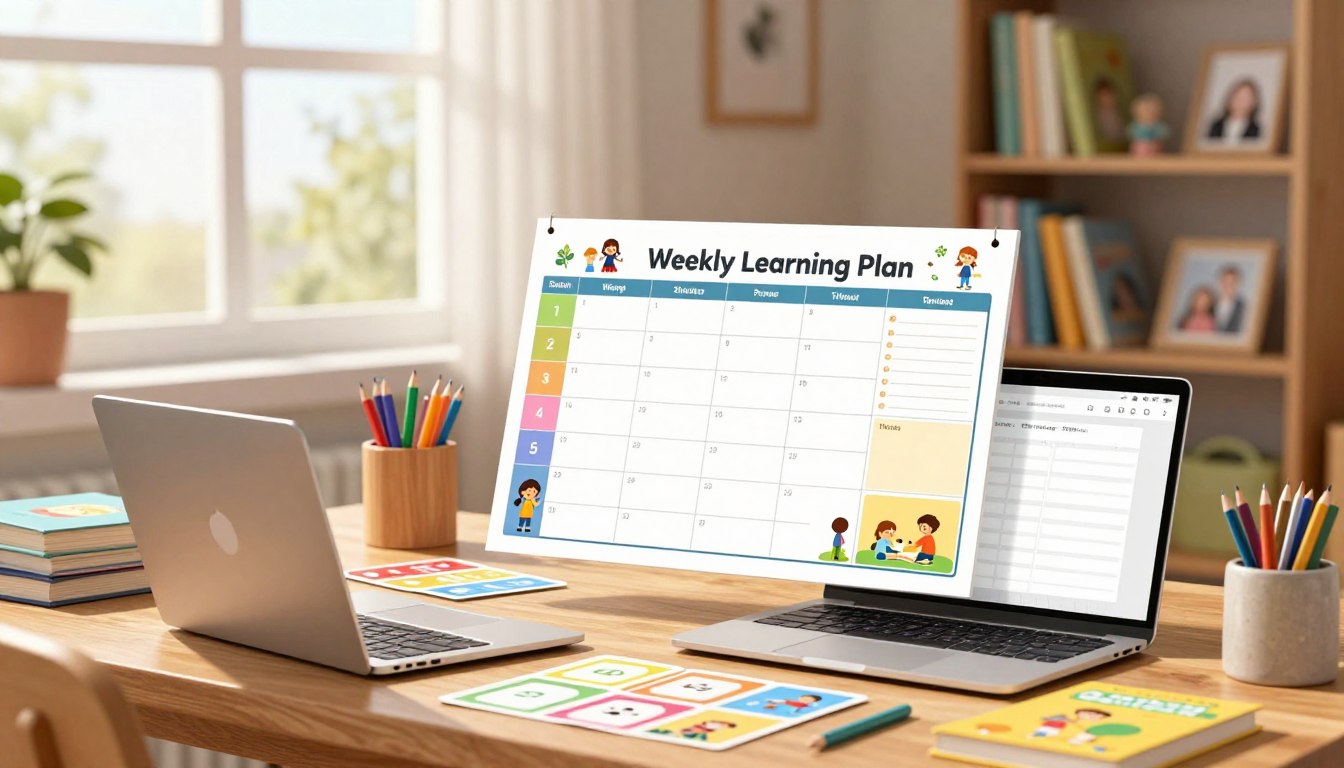
FlowScholar emphasizes micro-lessons and high-impact routines that fit into short time windows—10–20 minute reading sessions, quick math warm-ups, and one-step STEAM prompts. The site offers playlists of short videos, printable activity cards, and daily tip emails so parents can integrate learning into routine moments like meal preparation or commutes.
How does FlowScholar address diverse learning needs and special education considerations?
The platform includes differentiated activity options, multisensory resources, and guidance for adapting tasks to varied learners. It provides links to evidence-based strategies for scaffolding, assistive technology suggestions, and collaboration tools for special educators and parents to co-design supports aligned with individualized goals.
What evidence supports the effectiveness of using FlowScholar resources at home?
FlowScholar aggregates case studies and educator feedback showing improved engagement, increased reading time, and better communication between home and school. The site highlights measurable outcomes—such as gains in reading fluency or homework completion—and pairs those with practical best practices to replicate success across classrooms.
How can parents get started and personalize FlowScholar for their child?
Parents start by creating a profile, selecting grade level and learning priorities, and linking to their child’s classroom if available. The onboarding process recommends activities, videos, and communication templates based on those inputs. From there, parents can bookmark favorite resources, schedule reminders, and invite teachers to collaborate on goals.