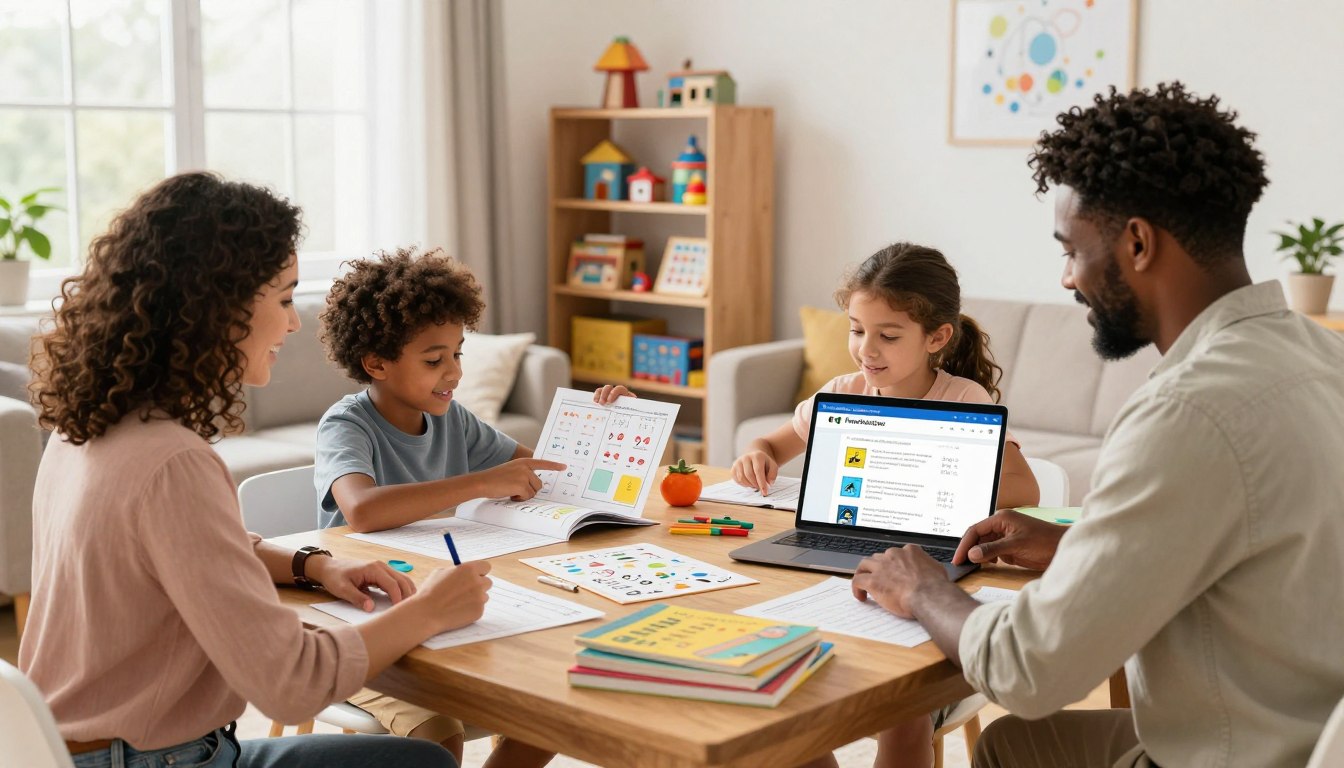
“Education is the most powerful weapon which you can use to change the world.” — Nelson Mandela. This idea frames a practical aim: equip parents with clear, effective ways to guide their children during unstructured time.
As the school year ends, many parents face a sudden gap in routine and purpose. FlowScholar.com offers a platform of smart tools that help families plan engaging days, preserve academic momentum, and balance play with progress.
By blending intuitive design and artificial intelligence, the service adapts to each child’s pace and interests. Visit https://www.flowscholar.com to explore resources that make planning simple and meaningful.
FlowScholar’s mission is clear: support parents with actionable strategies so every family can navigate modern educational challenges with confidence and calm.
Key Takeaways
- FlowScholar centralizes planning tools to ease transitions after school ends.
- Parents can use adaptive, technology-driven features to keep children engaged.
- The platform balances academic goals and free time for healthier routines.
- Accessible resources help families maintain momentum throughout the year.
- Visit FlowScholar to find tailored plans and start organizing time today.
Understanding the Summer Slide and AI Potential
Each year, families confront a clear risk: knowledge fades when school pauses. The “summer slide” reduces retention and forces teachers to spend early weeks reviewing past material.
“Small, consistent practice prevents big setbacks.”
Modern tools change the way parents and teachers respond. Platforms such as ChatGPT, Google Gemini, Claude, Grok and Microsoft 365 Copilot can generate structured plans, track progress, and suggest projects that match a child’s pace.
FlowScholar.com integrates these ideas into a single resource. It helps parents build meaningful schedules that balance play and academic goals. Using artificial intelligence, families can create customized routines that keep students engaged all year.
- Recognize the slide: assessment helps spot gaps quickly.
- Use planning tools to set short, weekly goals.
- Leverage digital assistants to adapt tasks to each child.
How to Use Summer Learning Activities for Kids with AI
Parents can use smart prompts to shape playful moments into real skills. Start by stating an objective: skill practice, a craft, or a short science project. Clear prompts produce focused, usable output from artificial intelligence tools.

The Role of Prompt Engineering
Prompt engineering is the craft of writing precise instructions so technology returns useful, age-appropriate ideas. It is a great way for parents to refine output and reduce trial-and-error.
“A concise prompt yields a safer, more practical plan.”
Tailoring Content by Age
Use FlowScholar.com to generate a short list of projects that match ages and skill levels. Limit screen time by pairing one digital task with one hands-on game or art project.
- Ask for step-by-step tasks that use household objects.
- Request adaptations for younger or older students.
- Include Alexa Skill Blueprints or an app-based game to boost creativity.
Outcome: balanced plans that teach skills, keep days fun, and prepare each child for the next year.
Creative Projects and Skill Building
Simple home experiments spark curiosity, then guide it toward core scientific habits. These projects turn questions into steps: hypothesize, test, observe, and reflect.
DIY Science and Logic Experiments
DIY science experiments help students build a baseline understanding of the scientific method. Parents can pair hands-on builds—like a potato battery or a baking soda volcano—with brief observations and notes.
“Small tests teach the habits of careful observation and repeatable results.”
- FlowScholar.com encourages parents to use artificial intelligence to design DIY experiments; this is a great way to build critical thinking and practical skills.
- Provide specific prompts and the user will get a list of creative projects that use common household objects.
- Logic games and puzzles generated by smart tools sharpen memory and reasoning and keep the child mentally active.
- These projects blend art, design, and science so the family explores concepts and gains confidence together.
Visit https://www.flowscholar.com to generate step-by-step prompts and tailored project ideas that match each student’s age and interests.
Interactive Games and Digital Exploration
Interactive digital games can turn idle time into focused practice that grows skills and curiosity. Short, guided sessions let a child test ideas, make small experiments, and see immediate feedback.
FlowScholar recommends platforms such as AI for Oceans by Code.org to teach machine learning and ethics. Quick, Draw! demonstrates how neural networks recognize objects and patterns. Scratch Lab Face Sensing lets students build playful projects that respond to faces and motion.
“Hands-on apps help students link creativity and technical concepts.”
- Use AI Bingo to help the family spot artificial intelligence in the world and on-screen experiences.
- Mix short games and one hands-on art project to balance screen time and active play.
- Explore curated educational AI ideas via educational AI ideas to expand project options.
Outcome: engaging projects that teach core concepts, boost creativity, and keep students productive during free weeks.
Designing Personalized Schedules
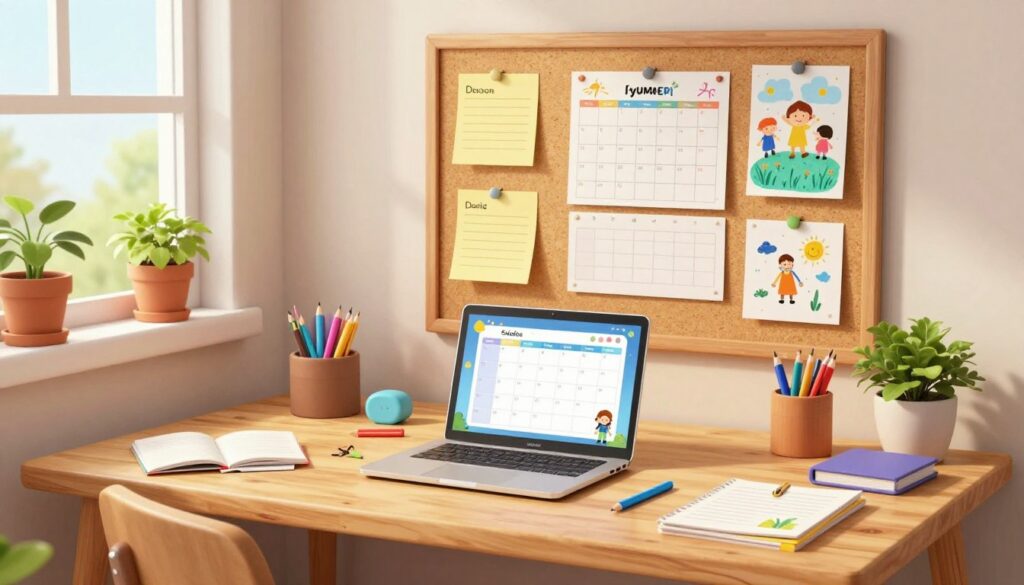
Custom schedules let families blend short lessons, chores, and creative play into one practical routine. A clear daily plan reduces friction and keeps children engaged across the day.
Balancing Screen Time and Play
FlowScholar.com helps parents design plans that balance screen time and outdoor play so kids stay active and curious. Use short digital sessions paired with an art or game that takes the child away from the screen.
Setting Academic Goals
Set one or two weekly goals that focus on reading, math practice, or project work. For a 9-year-old, a sample schedule from 9:00 AM to 3:00 PM can include reading, outdoor play, creative art, and light chores.
“Small, consistent goals build confidence and reduce review time when school resumes.”
- Automated prompts: ask the app questions to generate routines by ages and interests.
- Track progress: use an app or tool to log tasks and adjust time blocks.
- Balance: mix digital games and hands-on projects to teach core concepts and sustain motivation.
| Time | Focus | Example |
|---|---|---|
| 9:00–10:00 | Reading | Short chapter + discussion |
| 10:15–11:15 | Outdoor play | Bike, nature walk |
| 11:30–12:00 | Chores | Room tidy, pet care |
| 1:00–2:30 | Project | Art or hands-on science |
Use FlowScholar to generate ideas, customize an app-based calendar, and track milestones through the year. Small adjustments keep families calm and students confident.
Leveraging FlowScholar for Educational Success
FlowScholar turns scattered goals into a clear plan that grows a child’s skills and curiosity. The platform combines adaptable tools and practical prompts so parents and teachers can design short, meaningful sessions that reinforce core concepts.
Use one trusted system to reduce planning time and boost confidence. Families gain access to templates, gamified exercises, and step-by-step guides that blend technology and hands-on play.
“Small, consistent practice produces lasting gains in skills and self-belief.”
- Essential tools: prompts, trackers, and game-style tasks that keep students engaged.
- Teacher-friendly: resources that support classroom extension and parent collaboration.
- Join the community: explore an education AI tool and start customizing plans today.
For practical ideas on integrating technology into seasonal plans, see this AI summer guide. Visit FlowScholar to transform routine into purposeful growth.
Conclusion
Start small, Practical tools make it easy to convert free time into moments that build confidence and skills. FlowScholar gives parents clear templates and adaptable prompts to shape daily habits that stick.
Use steady, short sessions to protect progress and spark curiosity. This approach helps families keep momentum, encourage creativity, and strengthen bonds while preserving academic gains.
Explore proven, research-backed examples of AI-infused teaching and museum programs via AI-infused teaching success. Embrace tools that make growth practical, keep the experience fun, and help students return ready for what comes next.
FAQ
What is FlowScholar and how does it help parents create learning activities during break?
FlowScholar is an online resource that guides parents in designing bite-sized, skill-focused projects. It provides curated prompts, step-by-step project plans, and tool recommendations—like interactive apps and hands-on kits—to keep children curious, confident, and progressing academically while away from formal school.
Why is addressing the "slide" between school years important?
The decline in retained skills can affect reading, math, and problem solving. Short, regular challenges reduce regression by reinforcing core concepts and promoting steady practice. FlowScholar frames these challenges as playful experiments and games to sustain motivation across the break.
How can prompt engineering improve a child’s experience with smart tools?
Thoughtful prompts help AI tools generate age-appropriate explanations, creative story starters, or stepwise science guides. Parents can refine prompts to control complexity, set safety boundaries, and encourage exploration—turning a generic response into a tailored learning moment.
How should content be tailored by age and ability?
Match tasks to cognitive and motor skills: early-elementary prompts focus on sensory play and simple patterns; upper-elementary introduces logic puzzles, coding basics, and short research tasks; middle-schoolers get design challenges and data projects. Always adapt pace and scaffolds to the child’s confidence level.
What are easy DIY science and logic experiments families can try at home?
Simple options include vinegar–baking soda volcanoes for chemical reactions, sink-and-float tests for buoyancy, and logic mazes using cardboard and yarn. Each experiment pairs observation prompts and reflection questions to build reasoning and measurement skills.
Which interactive games and apps work well for skill building?
Look for games that emphasize problem solving, coding fundamentals, or creative expression—examples include Osmo for tactile play, Scratch for block coding, and Prodigy for adaptive math practice. Choose apps with clear learning goals and parental controls.
How can families design a personalized weekly schedule that balances play and study?
Start with a 30–60 minute daily block that mixes one focused learning task, one creative project, and free play. Rotate subjects and skills across the week. Use visual planners and brief reflection prompts to reinforce progress without making the schedule feel like school.
What strategies help balance screen time and hands-on play?
Set clear session limits and alternate digital tasks with maker projects or outdoor activities. Choose high-quality screen experiences that invite interaction—coding puzzles or guided art apps—then follow with a related hands-on activity to reinforce concepts.
How should parents set realistic academic goals for the break?
Focus on growth, not perfection. Set specific, measurable goals—read three short books, complete four coding challenges, or master a set of multiplication facts—and break them into weekly milestones. Celebrate small wins to build momentum and confidence.
How does FlowScholar support long-term educational success beyond the break?
FlowScholar offers frameworks for sustained curiosity: skill maps, project templates, and reflective prompts that translate short-term practice into durable habits. These resources help families build a learning routine that complements the school year and fuels independent study.
How can parents ensure safety and privacy when using technology and apps?
Choose reputable platforms, enable privacy settings, and supervise younger users. Review app permissions, use family accounts, and prefer tools with strong data policies. Teach children basic digital safety—like not sharing personal details—and keep devices in shared spaces during sessions.
Can these ideas be adapted for students with different learning needs?
Yes. Many projects scale by changing complexity, time expectations, or supports. Use multimodal materials, break tasks into smaller steps, and incorporate assistive tools like text-to-speech. Consult teachers or specialists to align adaptations with each child’s learning profile.
What role do families and teachers play together in supporting these projects?
Collaboration creates continuity: families provide context and sustained practice, while teachers offer curricular alignment and skill targets. Share project outcomes with educators to reinforce classroom goals and to fine-tune future plans.