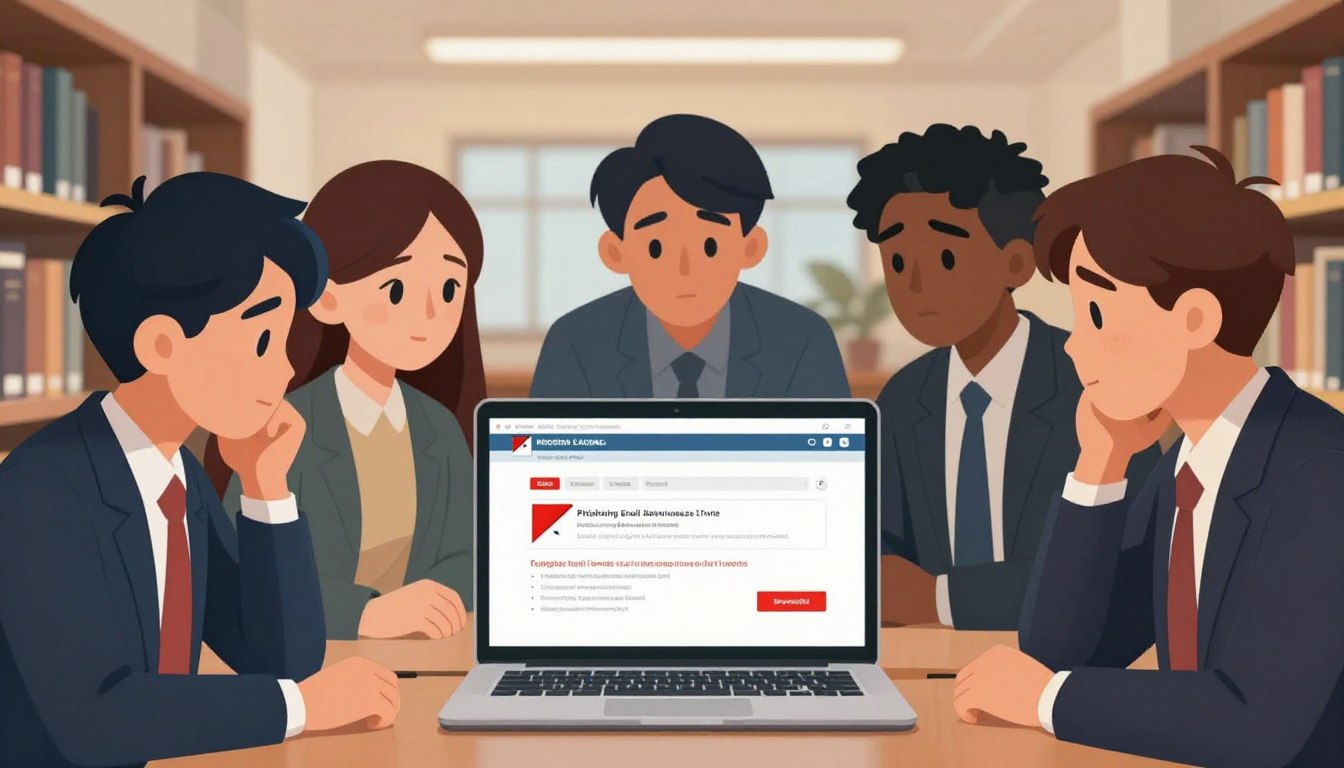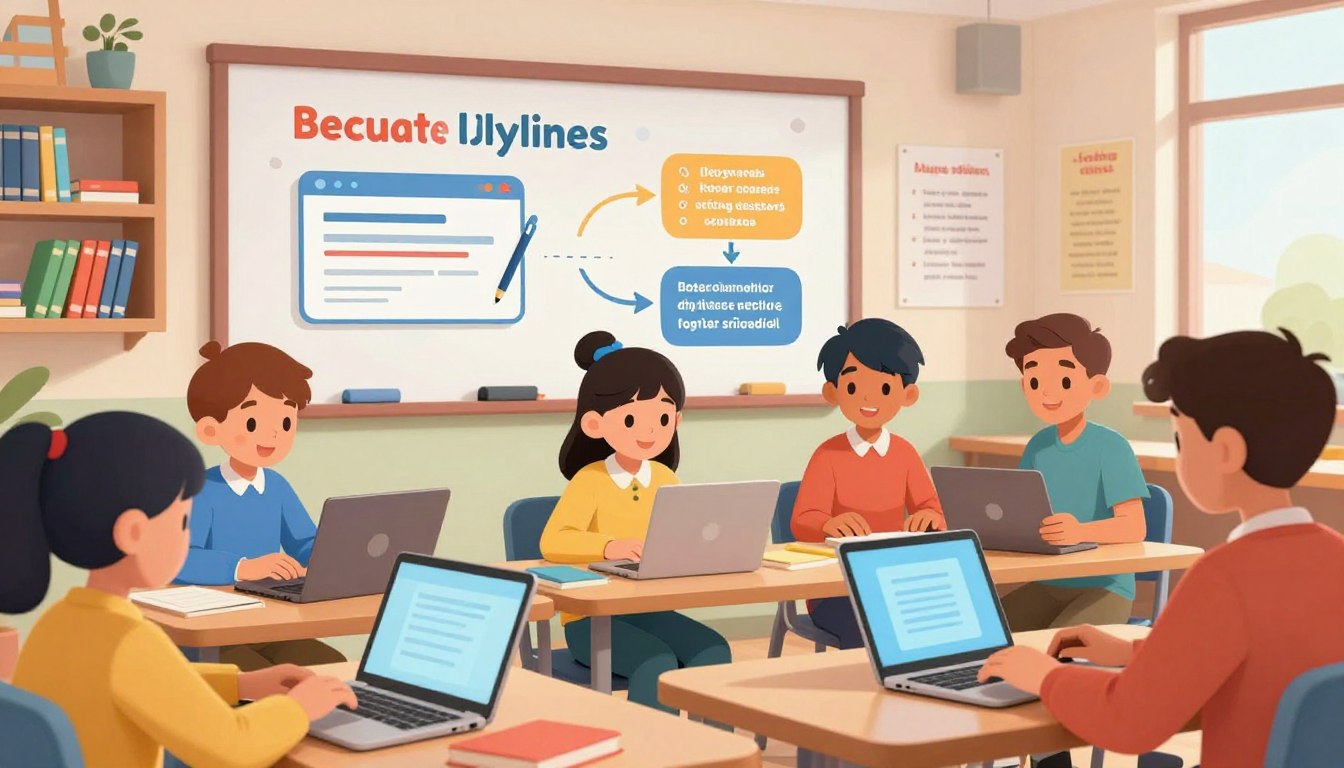
“The price of greatness is responsibility.” Winston Churchill’s timeless words resonate profoundly in today’s educational landscape. As technology becomes deeply woven into the fabric of learning, a new form of responsibility emerges for every member of the school community.
The stakes are higher than ever. In 2023 alone, K-12 institutions faced 954 reported cyber incidents—a staggering sevenfold increase from the previous year. Government agencies now classify educational institutions as “target rich, cyber poor”.
This designation highlights a critical vulnerability: schools hold vast amounts of sensitive personal data on students and employees, yet often operate with limited cyber defenses. The average data breach cost in the education sector is a devastating $3.5 million per incident.
This guide introduces a comprehensive approach to safeguarding our learning environments. It’s not merely an IT concern but a shared responsibility. We will explore practical strategies for securing technology, managing access, and protecting information.
Key Takeaways
- Educational institutions are prime targets for cyberattacks due to the valuable data they hold.
- The number of cyber incidents in K-12 schools saw a dramatic increase in 2023.
- Strong security practices are a collective responsibility for everyone in a school community.
- Proactive measures can significantly reduce the risk of costly data breaches.
- Building a culture of awareness is the first step toward robust protection.
Introduction to Cyber Hygiene in Educational Settings
A silent but pervasive challenge confronts today’s educational systems. This challenge is rooted not in curriculum but in the digital infrastructure that supports it. Understanding this landscape is the first step toward building effective defenses.
Understanding the Cybersecurity Landscape in Schools
Educational institutions hold a treasure trove of sensitive data. This includes academic records, financial details, and health information. Such valuable assets make them attractive targets for threats.
In 2024, a staggering 66% of higher education institutions worldwide experienced ransomware attacks. K-12 schools also face unprecedented breaches. Historically, cybersecurity in education has been undervalued and underfunded.
Unlike heavily regulated sectors like finance, schools often lack strict cybersecurity mandates. This creates a systemic risk. We must understand why these threats are so effective.
Impact of Data Breaches on the Education Community
The consequences of a successful attack ripple through the entire community. The 2023 National Student Clearinghouse incident is a stark example. It impacted nearly 900 colleges and over 51,000 individuals.
Such breaches drain financial resources and disrupt learning. Students can lose access to coursework and face emotional distress. Trust within the community is severely eroded.
The table below outlines the multifaceted impact of security incidents.
| Affected Group | Primary Consequence | Long-Term Effect |
|---|---|---|
| Students | Disrupted learning & privacy loss | Academic delays & identity theft risk |
| Staff & Faculty | Operational paralysis | Erosion of professional trust |
| Institution | Financial loss & reputational damage | Compliance penalties & enrollment decline |
Protecting our learning environments requires a proactive culture. Adopting the foundational principles of cyber safety is essential. Every member of the community plays a vital role in this defense.
Essential Digital Hygiene for School: Devices, Logins, and Shared Computers
Phishing, malware, and ransomware represent the triad of threats most commonly deployed against learning environments. Recognizing these dangers is the foundational step toward building robust security.
Overview of Key Threats: Phishing, Malware, and Ransomware
Educational communities face three primary cyber threats:
- Phishing: Deceptive messages trick users into clicking a malicious link or revealing login information.
- Malware: Software like viruses infects systems to steal or damage data.
- Ransomware: This attack locks critical files, demanding payment for their release.
Phishing emails are particularly effective in schools. Hackers impersonate trusted contacts—like administrators or IT support. The high-trust culture makes staff and students more likely to click without suspicion.
Malware often spreads through email attachments or unsafe websites. On shared computers, one user’s mistake can infect the device for everyone. Outdated software increases this risk significantly.
Understanding these threats empowers everyone to spot phishing emails and avoid risky clicks. This awareness is the cornerstone of safety and a critical component of effective cybersecurity training.
Practical Steps to Secure Devices and Manage Logins
Effective protection begins with fundamental, yet powerful, actions that secure entry points and harden systems against intrusion. This involves a disciplined approach to managing who gets in and ensuring the digital environment itself is fortified.
Implementing Strong Passwords and Multi-Factor Authentication
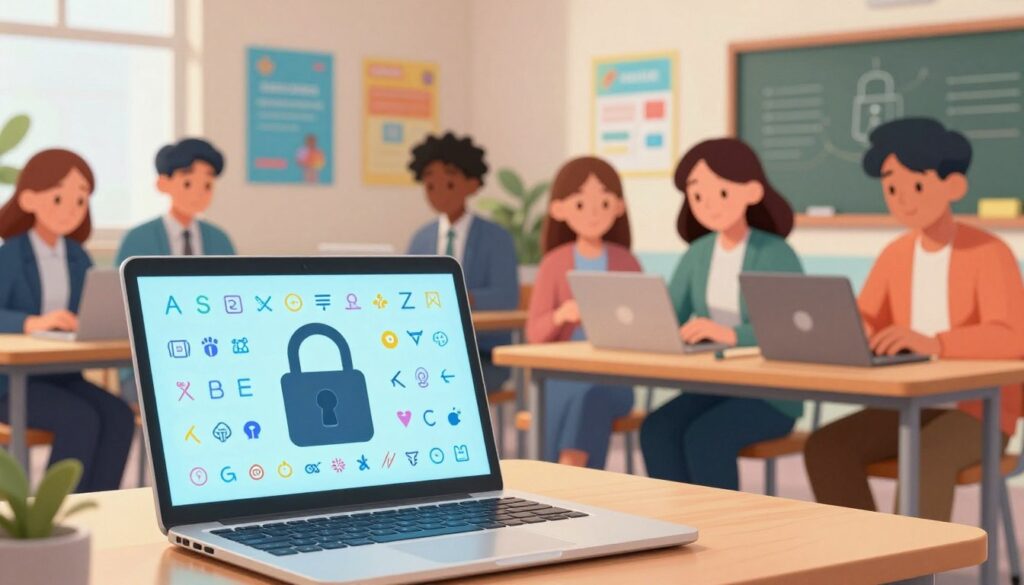
The cornerstone of access security is moving beyond simple passwords. Experts now recommend using passphrases—longer, memorable phrases that incorporate numbers and symbols. For instance, a teacher might use “My3rdGradeClass@2024!” instead of a short, complex code.
This method creates passwords that are easier to remember but significantly harder for hackers to crack. It is a critical essential daily habit for all users.
Multi-factor authentication (MFA) adds a vital second layer of safety. Even if a password is stolen, MFA blocks access by requiring a code from a phone or a physical key. For student accounts, hardware tokens like YubiKeys offer a compliant solution.
| Authentication Method | Security Level | Best For |
|---|---|---|
| Password Only | Basic | Low-risk internal systems |
| Strong Passphrase | Good | General user accounts |
| Passphrase + MFA | Strong | Email, cloud storage, sensitive data |
Ensuring Regular Software and System Updates
Outdated operating systems and applications are prime targets for hackers. They contain known weaknesses that malware exploits to steal information. Keeping all software current is a non-negotiable security practice.
Schools should enable automatic updates on all devices where possible. This includes computers, tablets, and the apps and antivirus tools they run. A regular schedule for manual checks ensures nothing is missed.
This proactive approach closes vulnerabilities before they can be used in an attack. It protects institutional data and maintains a safe learning environment.
Managing Shared Computers Effectively in Schools
When multiple users access the same technology resources, a systematic approach to security becomes essential. Shared learning environments require protocols that balance accessibility with protection.
User Account Protocols and Access Controls
Individual login credentials form the foundation of secure shared computing. Each user should have unique accounts rather than shared logins. This enables accountability and personalized settings.
Tiered access controls restrict users to necessary functions only. Students receive limited permissions preventing installation of unauthorized apps. Teachers gain additional classroom management capabilities.
Session management is critical. Users must completely log out when finished. Automatic screen locks after brief inactivity prevent unauthorized access to sensitive information.
Maintaining Physical and Remote Device Security
Physical security measures protect shared equipment. Cable locks and secure storage prevent theft. Positioning computers in visible areas allows teacher monitoring.
Network practices ensure remote safety. Users should connect only to trusted school networks. Public Wi-Fi poses risks that hackers can exploit. Implementing comprehensive network security prevents data interception.
Data privacy protocols require strict compliance with regulations like FERPA. Staff should use only approved platforms for student records. School-provided encrypted storage protects sensitive information better than personal USB drives.
Content filtering and classroom management apps maintain safe browsing environments. These tools block inappropriate websites while supporting educational needs. Regular antivirus scans and automatic updates complete the security framework.
Leveraging Technology and AI Tools for Enhanced Cybersecurity
As cyber threats evolve at an unprecedented pace, educational institutions face a critical technological gap. Traditional security measures struggle against sophisticated attacks that target networks, cloud applications, and sensitive data. Advanced tools now offer intelligent protection that adapts to emerging risks.

Integrating the Education AI Tool from FlowScholar
FlowScholar’s Education AI Tool provides comprehensive security service specifically designed for learning environments. This platform offers 360-degree visibility across all systems—from network traffic to student devices. It uses machine learning to detect anomalies and new attack patterns.
The tool continuously analyzes user behavior and application activity. It establishes baseline normal operations and instantly flags potential threats. This includes suspicious email patterns, malware attempts, and unauthorized data access.
Benefits of AI-Driven Threat Detection and Response
AI-powered protection delivers 24/7 monitoring that never sleeps. It identifies emerging threats that traditional antivirus software might miss. The system reduces false alarms through intelligent analysis while providing immediate automated responses.
These tools can isolate compromised devices within seconds of detection. They block suspicious network activity before attacks can spread. This level of protection was previously accessible only to large corporations with extensive IT teams.
Schools can now prepare for artificial intelligence-backed cyberattacks with equally advanced defenses. Visit https://www.flowscholar.com to discover how these tools can transform your institution’s cybersecurity approach.
Building a Cyber-Aware Culture Among Students and Staff
The most resilient cybersecurity systems begin not with technology, but with people. Transforming technical requirements into shared values creates collective vigilance that protects entire learning communities.
Ongoing Training Initiatives and Awareness Programs
Effective training moves beyond annual checkboxes to become engaging, continuous learning. Schools should conduct quarterly sessions showing real phishing attempts that targeted educational institutions.
These practical demonstrations help teachers identify suspicious sender addresses and urgent credential requests. For students, age-appropriate curriculum integrates cyber hygiene into digital citizenship lessons.
Younger learners practice creating strong passwords and protecting personal information. Older students analyze phishing attempts and understand digital footprints.
Peer Leadership and Community Engagement Strategies
Student “cyber ambassadors” receive advanced training to become peer resources. This approach makes security tips feel more relevant than adult instruction alone.
Positive reinforcement celebrates good habits rather than punishing mistakes. Recognizing staff who report suspicious emails fosters an environment where vigilance becomes second nature.
Extending these practices to families through workshops creates consistent safety messages across home and school environments.
Conclusion
The journey toward comprehensive protection in learning settings demands continuous adaptation and collective effort. This guide has outlined how integrating technology solutions with established practices creates resilient environments.
Strong cyber hygiene is not a destination but an ongoing process. Every individual’s commitment to security habits significantly reduces institutional risk. From recognizing phishing attempts to managing access controls, these tips empower entire communities.
As research from the Electronic Frontier Foundation reveals, the scale of educational technology adoption underscores the critical need for robust data protection. Maintaining student privacy requires vigilance across all touchpoints.
We encourage educational leaders to explore advanced solutions like FlowScholar’s Education AI Tool. These technologies complement human awareness with enterprise-grade security. Visit https://www.flowscholar.com to begin strengthening your institution’s cyber defenses today.
By embracing these habits, schools invest in environments where learning thrives without compromise. This commitment to cyber hygiene ensures technology enhances education while safeguarding what matters most.
FAQ
What is the most common cyber threat students face at school?
Phishing attacks are the most frequent threat. These deceptive emails or messages trick users into revealing passwords or clicking malicious links. Students should learn to identify suspicious requests and never share login credentials.
How can I create a strong password that is easy to remember?
Use a passphrase—a sequence of random words, numbers, and symbols. For example, “Blue-Carrot$Jump-42” is strong yet memorable. Avoid using personal information like birthdays or pet names. A password manager like Bitwarden or 1Password can also generate and store complex passwords securely.
Why is multi-factor authentication (MFA) so important for school accounts?
MFA adds a critical layer of protection beyond a password. Even if a password is stolen, an attacker would need access to your phone or authenticator app to log in. This simple step dramatically reduces the risk of unauthorized access to school email and cloud services.
What should I do immediately after using a shared computer in the library or lab?
Always log out of all accounts completely. Close the browser entirely to clear session data. For extra safety, restart the computer if possible, as this often clears temporary files and ensures the next user starts with a fresh session.
How often should school-issued devices like laptops and tablets be updated?
Enable automatic updates for the operating system and all applications. Critical security patches should be installed as soon as they are available. Teachers and students should make it a habit to check for updates weekly to protect against the latest malware and ransomware.
Are free antivirus programs sufficient for school devices?
While better than nothing, free antivirus software often offers basic protection. Schools should consider robust endpoint protection solutions that include real-time threat detection, firewall management, and anti-ransomware features for comprehensive security.
What role can AI tools play in improving cybersecurity for schools?
AI-powered tools, like the Education AI tool from FlowScholar, can analyze network traffic and user behavior to detect anomalies indicative of a cyber attack. They provide faster response times and can help identify phishing attempts before they cause harm, augmenting the efforts of IT staff.
How can schools effectively build a culture of cybersecurity awareness?
Implement ongoing, engaging training programs that use real-world examples. Encourage peer leadership where tech-savvy students help educate others. Regular simulations, like mock phishing tests, and rewarding safe online habits can make cybersecurity a shared responsibility for everyone.