“The only truly secure system is one that is powered off, cast in a block of concrete and sealed in a lead-lined room with armed guards.” – Gene Spafford’s famous cybersecurity quote reminds us that perfect security doesn’t exist, but proactive defense does.
Today’s digital landscape presents unprecedented challenges for young learners. The education sector experienced more cyber attacks than any other industry in Q2 2024, with a staggering 25.43% increase from the previous year. This alarming trend places learners directly in the crosshairs of sophisticated threats.
Digital-native status often creates a false sense of security. While young people navigate technology with ease, they frequently lack the sophisticated awareness needed to recognize evolving dangers. Educational environments have become prime targets for those seeking personal data and academic credentials.
This guide frames online protection not as restrictive limitation, but as empowering skill development. We’ll explore how fundamental practices serve as the first line of defense against identity theft, academic disruption, and financial fraud. These strategies represent an investment in long-term digital literacy.
The knowledge gained here will equip learners with protective measures that serve throughout academic journeys and into professional careers. Understanding these principles transforms digital navigation from risky endeavor to confident practice.
Key Takeaways
- The education sector faces the highest number of cyber attacks across all industries
- Digital comfort doesn’t automatically translate to security awareness
- Proactive defense strategies prevent long-term consequences
- Cyber safety knowledge represents an investment in future success
- Fundamental practices protect against multiple threat types
- Empowerment comes from understanding rather than restriction
- These skills transfer from academic to professional environments
What is Student Cyber Safety?
The concept of online protection for young scholars bridges the gap between technological fluency and security consciousness. It transforms daily digital activities into secure practices that safeguard academic progress.
Definition and Importance
Cyber safety represents the practice of using digital devices and online platforms in a secure, responsible manner. This framework protects both personal information and academic integrity without restricting digital freedom.
The approach encompasses four core components: protecting sensitive data, maintaining device security, practicing ethical online behavior, and developing threat awareness. These elements work together as digital armor for confident exploration.
Real-World Examples in Education
Young people often use multiple platforms daily—email for professor communication, social media for connections, and learning systems for coursework. Each requires specific security considerations.
Over 15,000 malicious emails targeting institutions get blocked daily. Yet sophisticated threats still reach inboxes. Creating strong passwords like “MySchool2025!Study#” instead of simple ones demonstrates basic prevention.
Avoiding photos that reveal school affiliation and refraining from location tagging protects privacy. These practices help maintain security across all digital interactions.
The Growing Threat Landscape for Students
The academic environment now faces an unprecedented surge in targeted digital threats. Young learners encounter sophisticated risks that extend beyond traditional classroom concerns.
Recent Cyber Attack Trends in the Education Sector
Statistics reveal alarming patterns in educational security breaches. System intrusion, social engineering tactics, and human errors account for 90% of all incidents.
These three vulnerability areas create perfect conditions for data compromise. Criminals exploit both technological weaknesses and psychological trust factors.
Young people represent attractive targets for multiple reasons. They maintain extensive digital footprints across social media platforms while handling valuable personal information.
Many learners access numerous online accounts daily. Yet they often lack enterprise-level security resources available in corporate settings.
The consequences extend far beyond immediate financial loss. Identity theft can damage credit scores before young people even establish credit histories.
Academic disruption through lost files creates significant stress. Emotional trauma from privacy violations adds another layer of risk.
Recent trends show criminals using sophisticated social engineering techniques. They exploit trust in educational communications and familiarity with legitimate school interactions.
A single compromised password can cascade into multiple account breaches. This creates weeks of recovery efforts that distract from educational priorities.
Protecting Your Personal Information Online
Digital platforms demand constant information sharing, making thoughtful protection of personal details an essential academic skill. Learners handle various types of sensitive data across educational systems, social networks, and financial services.
Understanding what constitutes protected information forms the foundation of digital safety. This includes academic records, financial credentials, medical data, and any details that could enable identity theft.
| Information Type | Risk Level | Protection Strategy | Tools/Methods |
|---|---|---|---|
| Academic records | High | Limited sharing | Secure portals |
| Financial data | Critical | Encrypted storage | Password managers |
| Personal identifiers | Medium-High | Privacy settings | Alias creation |
| Contact information | Medium | Selective disclosure | Separate email accounts |
Regular privacy audits help maintain control over exposed information. Review what personal details are visible across all accounts and systematically restrict unnecessary access.
Weak authentication represents the primary vulnerability allowing unauthorized access to accounts. Implementing strong passwords prevents criminals from viewing private messages or altering academic records.
Layered protection involves evaluating whether platforms actually need requested information before providing it. This fundamental cybersecurity awareness prevents oversharing while maintaining necessary functionality.
Monitoring account activity provides early warning of potential compromise. Immediate action when noticing suspicious patterns can prevent significant consequences from information theft.
Creating Strong and Unique Passwords for Cyber Safety
Effective digital protection begins with the fundamental barrier of authentication: robust password creation. This practice forms the cornerstone of personal security across all digital platforms.
Password Best Practices
Developing strong passwords requires a strategic approach. The formula involves combining uppercase and lowercase letters, numbers, and special symbols across at least 12 characters.
One accessible technique transforms memorable phrases into complex codes. For example, “I love studying at college in 2025!” becomes “ILs@c!2025#” through strategic character substitution.
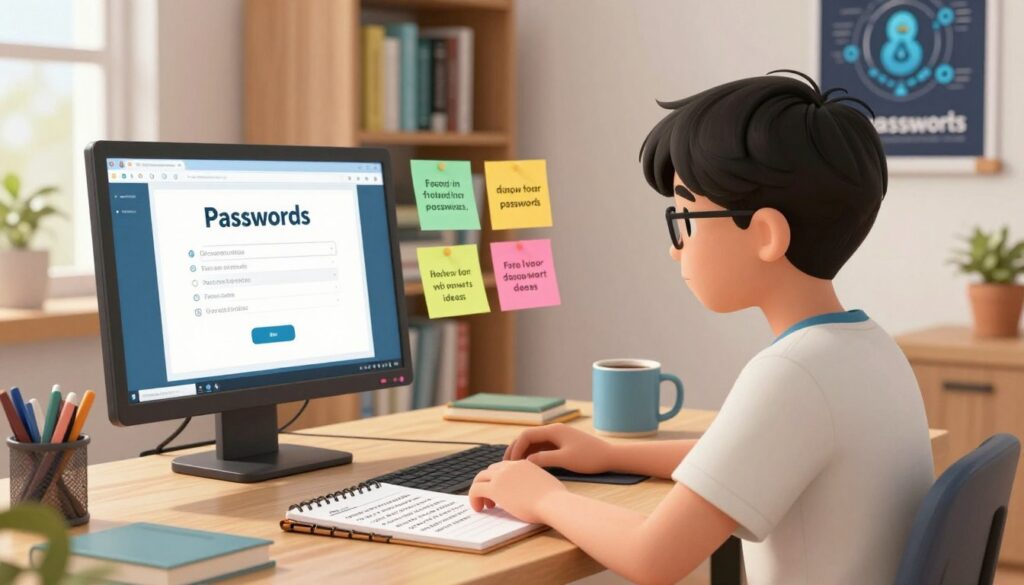
Critical guidance emphasizes never reusing credentials across multiple accounts. This prevents cascading breaches where one compromised password exposes all digital assets.
Using Password Managers Effectively
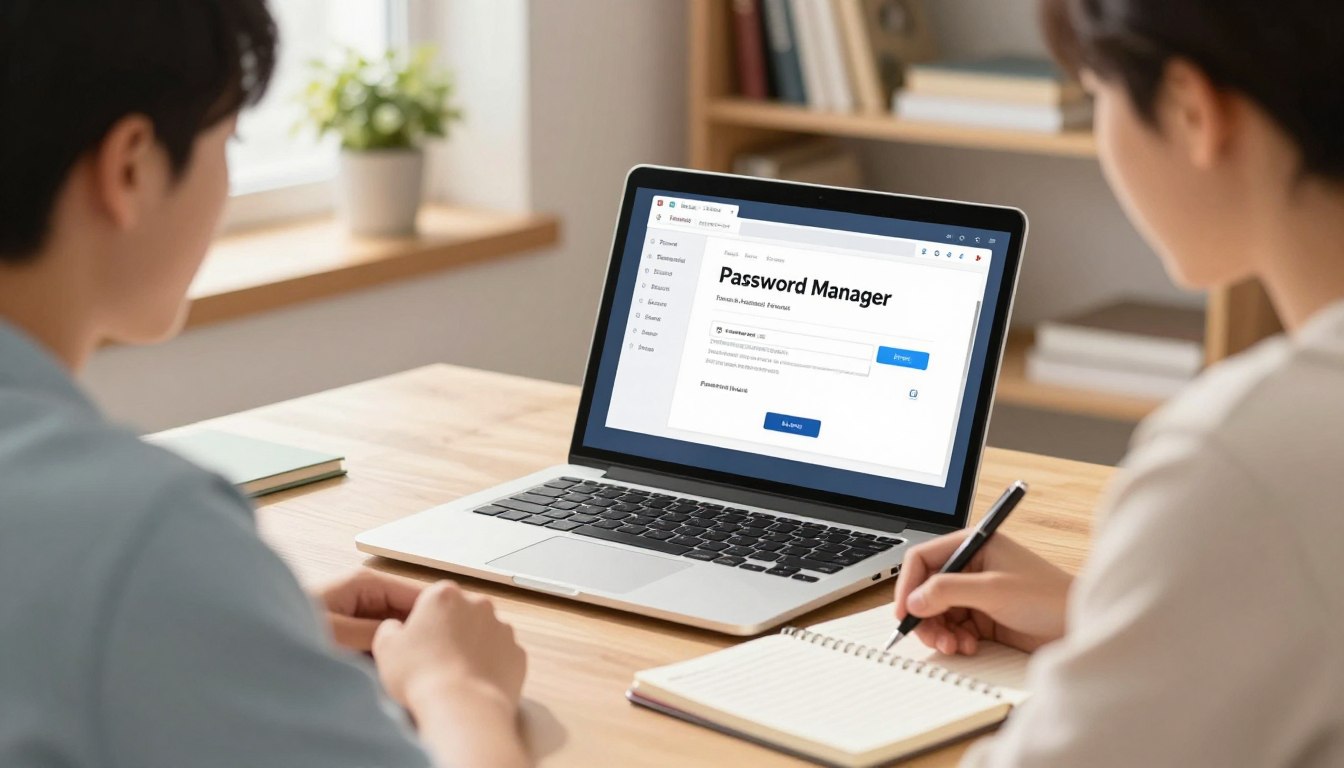
Password managers represent essential tools for modern security. These applications generate, store, and automatically fill complex unique passwords for every account.
Implementation involves selecting reputable services with strong encryption. Learners create one master password using the phrase technique, then rely on the manager for all other credentials.
Regular password rotation for sensitive accounts and immediate changes after security announcements complete the defense strategy. These best practices create formidable barriers against unauthorized access.
Implementing Multifactor Authentication for Enhanced Security
Modern security requires more than secret knowledge—it demands multiple proofs of identity. Multifactor authentication (MFA) adds crucial layers beyond passwords.
This approach transforms digital protection from single-point vulnerability to robust defense. Even compromised passwords cannot grant access without secondary verification.
Benefits of Multifactor Authentication
MFA fundamentally changes the security equation. Instead of relying solely on something you know (passwords), it requires something you possess—like your phone receiving codes.
This creates barriers remote attackers cannot easily overcome. Criminals might steal your password, but they cannot physically possess your device.
The system dramatically reduces unauthorized account entry. It protects sensitive information even when primary credentials become exposed.
Setting Up MFA on School and Personal Accounts
Implementation begins with critical accounts like email and school portals. These often serve as recovery points for other services.
Most platforms offer MFA in security settings. Users typically choose between SMS codes, authenticator apps, or biometric verification.
| Method | Security Level | Convenience | Best For |
|---|---|---|---|
| SMS Codes | Medium | High | Quick setup |
| Authenticator Apps | High | Medium | Frequent use |
| Biometric Verification | High | High | Device-specific access |
Educational institutions increasingly recognize the importance of MFA in schools for protecting academic records. Implementation follows similar patterns across platforms.
Always store recovery codes securely. Update authentication settings when changing phone numbers to maintain continuous access.
This layered approach creates formidable protection for all digital interactions. It represents the evolution of personal security in connected environments.
Recognizing and Avoiding Phishing Attempts
Digital deception often arrives disguised as legitimate communication. These phishing attempts represent one of the most successful attack methods targeting academic environments.
Criminals craft convincing emails and messages impersonating trusted sources. Their goal is to obtain sensitive information through psychological manipulation.
Spot the Phishing Signs
Several red flags distinguish fraudulent emails from authentic communications. Scrutinize sender addresses for slight domain variations that mimic official sources.
Poor grammar and generic greetings like “Dear User” often indicate scams. Urgent language creating artificial pressure is another common tactic.
These phishing attempts frequently contain links to fake login pages. They request passwords, personal identification numbers, or financial details.
| Phishing Type | Delivery Method | Primary Goal | Common Targets |
|---|---|---|---|
| Email Phishing | Fake institutional emails | Account credentials | School portals, email |
| Smishing | Text messages | Personal information | Mobile devices |
| Vishing | Phone calls | Financial details | Banking information |
| Social Media Phishing | Fake profiles/messages | Identity theft | Social accounts |
Verification Strategies to Stay Safe
Always verify suspicious requests through independent channels. Contact the supposed sender using known phone numbers or official websites.
Instead of clicking questionable links, manually type web addresses or examine URL destinations. Copy suspicious links into a text editor to reveal their actual targets.
Legitimate institutions never request passwords via email. Report suspicious messages immediately and delete them after documentation.
This verification process prevents exposure of personal information and protects academic account integrity.
Safe Digital Habits for Device and Network Security
Consistent digital hygiene forms the foundation of robust device and network protection. These maintenance routines safeguard against evolving threats that learners encounter through academic work and social media interactions.
Software updates represent critical security patches addressing newly discovered vulnerabilities. Enable automatic updates for operating systems and applications to ensure continuous protection. This approach closes security gaps before attackers can exploit them.
Software Updates and Secure Connections
Antivirus software serves as a fundamental protective layer against malicious programs. It detects threats that might infiltrate devices through various channels. Regular scans identify risks that real-time protection might miss.
Network security requires careful attention during data transmission. Avoid sensitive transactions on public Wi-Fi networks where information can be intercepted. Use Virtual Private Network services when secure connections aren’t available.
Always verify HTTPS encryption and padlock icons before submitting confidential information. These visual indicators confirm website security before sharing any data.
Establish systematic security routines including weekly malware scans and monthly privacy audits. Immediate action protocols help address suspicious device behavior promptly. These practices align with comprehensive cyber safety tips for maintaining protection.
Data backup strategies provide insurance against various digital threats. Follow the 3-2-1 rule: three copies on two media types with one offsite copy. This approach ensures academic work remains secure despite device issues.
These habits create layered protection that complements other security measures. They represent practical applications of broader cybersecurity principles for daily life. Consistent implementation transforms vulnerability into resilience.
Cyber Safety in Social Media Use for Students
Digital footprints left on social networks can influence opportunities long after posts are made. These platforms blend personal connections with public exposure, creating unique security challenges.
Managing Your Digital Footprint
Social media accounts represent high-value targets for attackers seeking personal data. Weak protection can lead to compromised profiles sending spam to contacts.
Monthly privacy audits help maintain control over shared content. Review who can see posts and profile details across all platforms.
| Platform | Privacy Controls | Default Settings | Data Sharing |
|---|---|---|---|
| Friends-only posts | Public visibility | Third-party apps | |
| Private accounts | Public profiles | Business partners | |
| Connection-only | Network visibility | Recruitment tools | |
| Twitter/X | Protected tweets | Public tweets | Developer API |
College admissions and employers frequently review online profiles. Inappropriate content can impact academic and career prospects significantly.
Accept connection requests only from people you know personally. Limit sharing of location data and school information to protect your privacy.
These practices help maintain a positive digital presence while enjoying social connectivity. They represent essential skills for modern academic life.
Student Cyber Safety: Protect Your Accounts, Grades, and Identity
The journey toward comprehensive digital protection culminates in understanding the interconnected nature of security practices. Individual measures create powerful synergy when implemented as a cohesive strategy.
Strong passwords form the foundation, while multifactor authentication adds crucial layers. Phishing awareness prevents credential theft before it occurs. These elements work together seamlessly.
The long-term consequences of security breaches extend far beyond immediate inconvenience. Young scholars face particularly severe impacts that can affect their future trajectories.
| Consequence Type | Immediate Impact | Long-Term Effect | Prevention Strategy |
|---|---|---|---|
| Identity Compromise | Account takeover | Credit damage lasting years | Multifactor authentication |
| Academic Disruption | Lost coursework access | Delayed graduation timeline | Regular data backups |
| Emotional Toll | Stress and anxiety | Loss of digital confidence | Early threat recognition |
| Career Implications | Reputation damage | Limited job opportunities | Privacy setting management |
This integrated approach transforms digital navigation from risky endeavor to confident practice. It represents an investment in both current academic success and future professional stability.
Regular security audits and adaptive strategies ensure ongoing protection against evolving threats. The comprehensive nature of this framework provides resilience across all digital interactions.
Leveraging Education AI Tools for Cyber Protection
Modern AI-driven learning tools now incorporate sophisticated cybersecurity features that protect users while enhancing educational outcomes. These platforms transform how learners approach academic challenges while building robust digital defenses.
Explore FlowScholar for Enhanced Digital Safety
FlowScholar represents a new generation of education technology designed with security as a foundational priority. The platform combines powerful learning assistance with built-in protection measures that safeguard academic work and personal information.

The system addresses specific challenges faced by students in academic environments. It offers secure password-protected accounts with multifactor authentication options and encrypted storage for sensitive research data.
FlowScholar helps maintain better digital hygiene through integrated safety features. The platform provides secure alternatives to sharing passwords for group projects and implements scam-resistant communication channels.
Educational institutions benefit from choosing platforms that prioritize cybersecurity. These tools complement personal security practices with institutional-grade protection that individual students cannot easily implement across various school-related activities.
We encourage exploring FlowScholar to discover how advanced educational technology can simultaneously enhance learning outcomes and strengthen digital protection strategies.
Conclusion
The journey toward digital resilience represents an investment in lifelong protection and opportunity. When learners embrace these security measures, they gain confidence to explore educational technology without unnecessary limitations.
This approach transforms online safety from defensive burden to empowering skill set. Consistent habits create substantial protection against common threats in our interconnected digital world.
Research shows that comprehensive policies, like those discussed in cybersecurity education frameworks, help institutions support these efforts. The knowledge gained serves learners throughout their academic journeys and professional futures.
We encourage exploring tools like FlowScholar that integrate security with learning enhancement. Start implementing these best practices today to build momentum toward comprehensive digital protection.
FAQ
Why is personal information so valuable to cybercriminals?
Personal details like phone numbers, addresses, and even school information can be used for identity theft or sold on the dark web. Criminals can open fraudulent accounts, apply for loans, or impersonate individuals, causing long-term financial and reputational damage.
What makes a password truly strong and secure?
A strong password is long (at least 12 characters), complex (mixing uppercase and lowercase letters, numbers, and symbols), and unique to each account. Avoid using easily guessable information like birthdays or pet names. Password managers like Bitwarden or 1Password can generate and store these unique passwords securely.
How does multifactor authentication (MFA) protect my accounts?
Multifactor authentication adds a critical layer of defense beyond just a password. Even if a hacker steals your password, they cannot access your account without also having your phone or another verification method. This dramatically reduces the risk of unauthorized access to your email, school portal, and social media.
What are the most common signs of a phishing email or message?
Be wary of messages that create a sense of urgency, request sensitive information, or contain suspicious links or attachments. Look for generic greetings, spelling errors, and email addresses that don’t match the claimed sender. Always verify by contacting the organization directly through their official website or phone number.
How can students manage their digital footprint on social media?
Regularly review and adjust privacy settings on platforms like Instagram and TikTok to control who sees your posts. Think critically before sharing any content, as information online is often permanent. Be mindful of geotags and avoid posting details that reveal your location, schedule, or personal identity.
What role do software updates play in device security?
Software updates are essential for cybersecurity. They often include patches for security vulnerabilities that hackers exploit. Enabling automatic updates for your operating system, web browser, and antivirus software ensures you have the latest defenses against new threats.
Are public Wi-Fi networks safe for accessing school work?
Public Wi-Fi networks are often unsecured, making it easy for others to intercept your data. Avoid accessing sensitive accounts or transmitting personal information on these networks. For safer browsing, use a Virtual Private Network (VPN) to encrypt your connection.