“The Internet is becoming the town square for the global village of tomorrow,” observed Bill Gates. This vision is now a reality, especially for young learners. Their academic and social lives are deeply woven into this digital fabric.
Effective password management is a cornerstone of this new landscape. It is far more than a technical chore; it is a fundamental life skill. For individuals navigating numerous online platforms, strong security habits protect academic work, personal communications, and sensitive data.
Many face a common challenge: balancing robust protection with practical memory. The temptation to reuse simple credentials is high. This guide offers a realistic approach, transforming security from a burden into an empowering habit. It provides actionable tips that fit seamlessly into a busy schedule.
We will explore creation techniques and modern management tools. This foundation supports broader essential computer skills, building confidence in the digital world.
Key Takeaways
- Password security is a critical life skill, not just a technical detail, in today’s digital learning environment.
- Strong practices protect valuable academic and personal information from unauthorized access.
- A good routine balances high security standards with realistic, manageable habits for learners.
- Modern tools can simplify the management challenge, making it easier to maintain security.
- Developing these habits early builds a foundation for lifelong digital safety and citizenship.
Understanding the Importance of Password Safety in Education
Digital citizenship education begins with understanding how to safeguard online identities. Young learners navigate numerous platforms daily—from email systems to collaborative tools. Each login represents a gateway to sensitive academic work and private communications.
Building Digital Citizenship Through Strong Passwords
Effective security practices teach respect for personal boundaries. They demonstrate responsible technology use in interconnected learning environments. Platforms like FlowScholar.com integrate these principles into their digital citizenship curriculum.
Educators play a crucial role in modeling proper behavior. When teachers consistently demonstrate good password habits, they create a culture where data protection becomes second nature. This foundation supports broader cyber safety awareness.
Protecting Students’ Personal and Academic Information
Multiple accounts across learning platforms create numerous vulnerability points. Weak or reused credentials can compromise entire classroom ecosystems. The consequences range from altered academic work to exposed family information.
Two primary threats exist: social engineering and technical attacks. Friends discovering written-down login details represent the most common risk. Automated cracking software targets weak character combinations systematically.
Strong protection habits build confidence in technology use. They remove fear that can hinder digital learning progress. Students develop critical thinking skills for navigating complex online spaces securely.
The Password Routine Every Student Should Use (Simple + Realistic)
Effective online protection begins with understanding modern authentication methods. Traditional approaches focused on complex character combinations like “noBx4nwM4@ETZ3R&” have evolved toward more memorable solutions.

Modern security emphasizes length over complexity. This paradigm shift makes robust protection accessible to all users.
Step-by-Step Guide to Creating Strong Passwords
Building secure credentials involves strategic thinking. Start by selecting four or more unrelated words. Avoid personal information like names or birthdays.
Combine these into a memorable sequence. Then strategically insert uppercase letters, numbers, and symbols. Place them naturally within the phrase rather than using predictable patterns.
| Feature | Traditional Password | Modern Passphrase |
|---|---|---|
| Length | ~10 characters | 14+ characters |
| Memorability | Difficult | Easier |
| Security Strength | Moderate | High |
| Example | P@ssw0rd123! | Purple$Elephants&Dance@Midnight |
“Entropy—the measure of unpredictability—makes longer phrases mathematically superior to shorter complex strings.”
This approach creates credentials that balance security with practicality. As discussed in this security podcast, the methodology represents a significant advancement.
Integrating Keyboard Skills with Cybersecurity Best Practices
Typing proficiency directly supports better security habits. Learners who type efficiently can enter complex credentials without frustration.
Platforms like FlowScholar.com combine skills development with cybersecurity awareness. This integration transforms abstract concepts into practical abilities.
Developing these competencies early builds confidence in digital spaces. It creates a foundation for lifelong safe practices, as detailed in this guide on crafting memorable passphrases.
Best Practices and Tools for Secure Password Management
Modern cybersecurity tools have evolved to address the practical challenges of maintaining robust online protection. These solutions transform complex security requirements into manageable daily habits.
Utilizing Password Managers and Passphrases
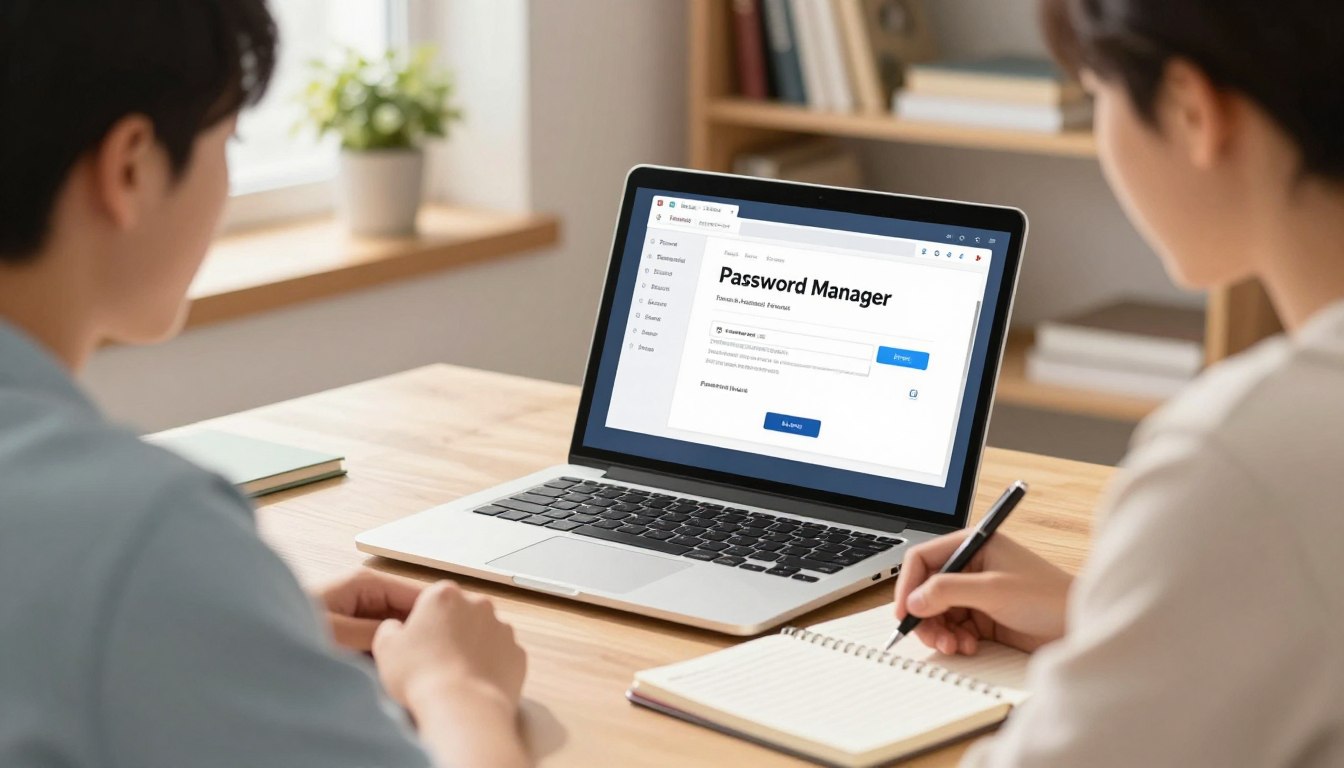
Password managers represent the gold standard for credential security. These tools store encrypted login information behind a single master passphrase.
Free options like LastPass 4.0 automatically generate strong passwords for individual accounts. They eliminate the memory burden while ensuring each credential remains unique and complex.
Implementing Real-World Strategies in the Classroom
Educators can integrate security principles through engaging activities. Password strength contests encourage creative yet secure passphrase development.
Teaching students to recognize phishing attempts builds critical thinking skills. Proper logout procedures on shared devices become reinforced classroom habits.
Platforms like FlowScholar.com support comprehensive digital literacy curriculum. They provide resources for modeling effective security practices across learning environments.
Conclusion
Effective cybersecurity practices unlock the full potential of digital learning environments. Balancing robust protection with practical usability ensures that security becomes an enabler rather than a barrier. This approach transforms complex requirements into manageable daily habits.
Ongoing education reinforces these competencies. Mistakes provide valuable learning opportunities—forgotten credentials or accidental sharing become chances to discuss recovery procedures. A comprehensive student checklist for online classes can integrate these practices seamlessly.
Platforms like FlowScholar.com support this holistic development. They provide engaging resources that build confidence in digital spaces. Mastering these skills empowers learners to explore technology independently and safely.
FAQ
Why are strong passwords so critical for students?
Strong passwords are a student’s first line of defense in protecting their personal and academic data. With access to school portals, email, and cloud storage, a weak password can expose sensitive information to hackers, leading to privacy breaches and even identity theft. Building this habit early fosters essential digital citizenship skills.
What is the simplest way for a student to create a strong, memorable password?
The most effective and realistic strategy is using a passphrase. Students should combine four or more random words, like “CamelRadioGardenSpark.” This creates significant length, which is more important than complexity. For added security, they can incorporate a number and a symbol, resulting in something easy to remember but hard to crack.
How can a password manager help a student?
A password manager, such as Bitwarden or 1Password, is an invaluable tool. It generates and stores unique, complex passwords for every account. Students only need to remember one master password. This eliminates the risky practice of reusing passwords and simplifies login processes across all their devices, from laptops to phones.
What are some practical strategies teachers can use to promote password security in class?
Educators can integrate cybersecurity into lessons by having students practice creating passphrases. They can run simple, non-graded challenges where students critique the strength of sample passwords. Discussing real-world examples of phishing scams also makes the learning relevant, showing how hackers trick users into revealing their login credentials.
Is it safe to write down passwords?
For students, writing down a complex passphrase in a secure, private place—like a locked drawer—can be a safer alternative to using a weak, easily guessed password. However, this method is less secure than using a dedicated password manager, which offers encrypted protection and is accessible across their devices.