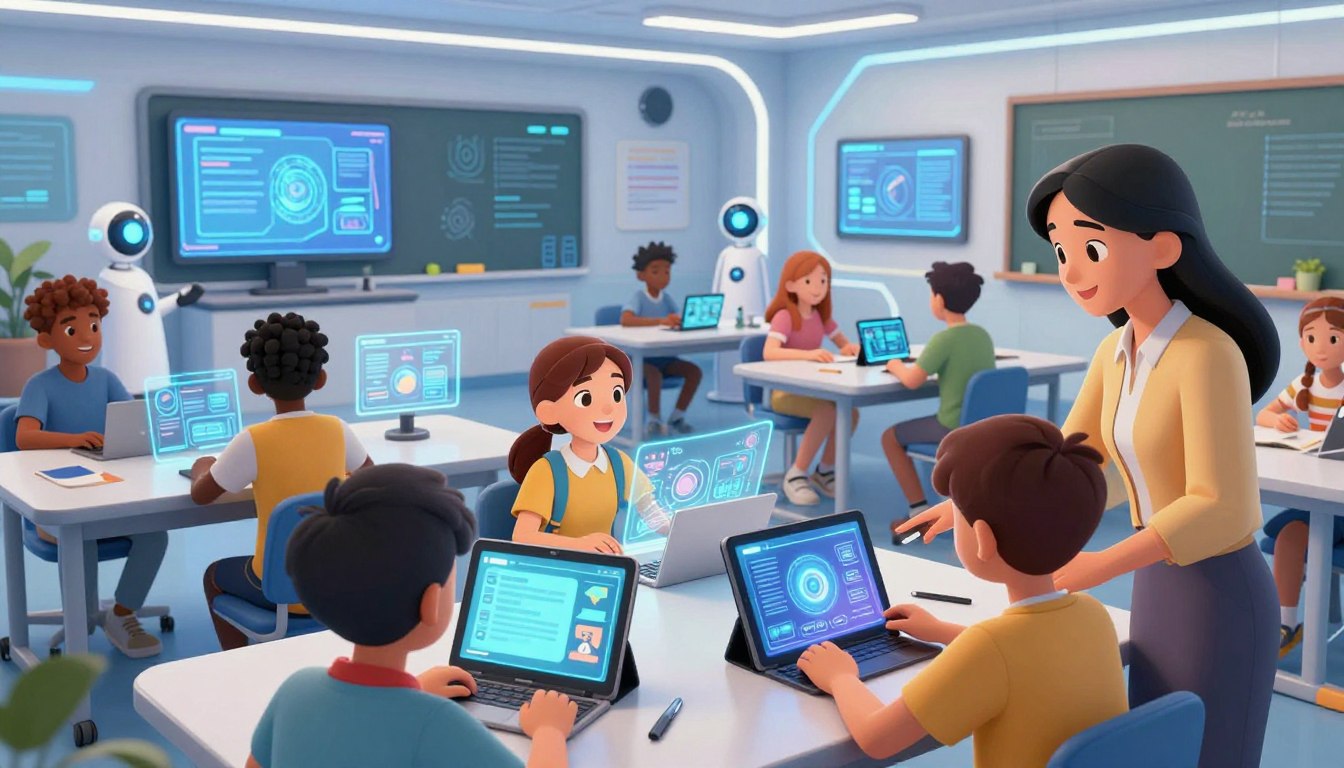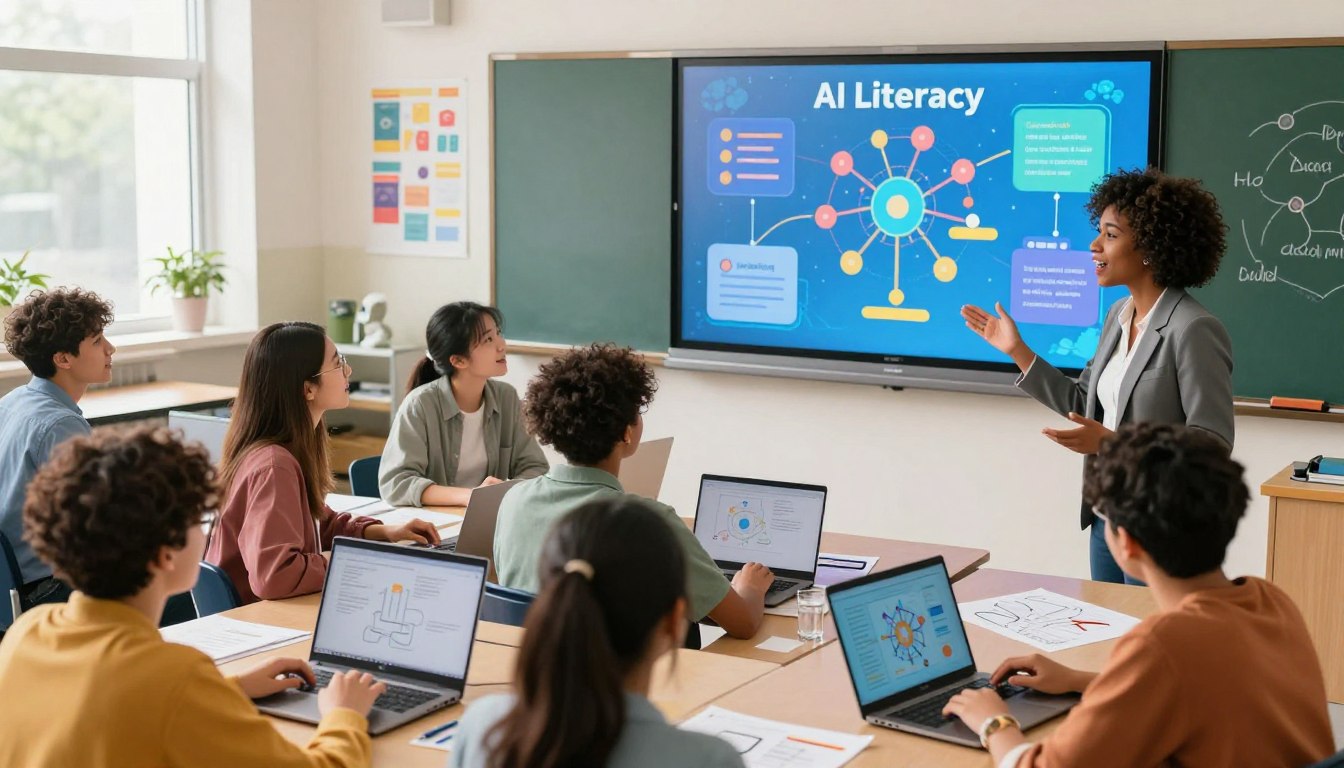
There is a quiet urgency in classrooms and kitchens where parents and young people talk about the future. The tools we use each day shape choices, jobs, and the way communities connect. This matters to students who will inherit systems that decide what they see, buy, and trust.
Teaching practical literacy about these tools gives young people agency. With clear learning goals, hands-on projects, and ethical discussion, learners gain the confidence to question outputs and build simple models that reflect real-world needs.
Trusted resources—like Code.org’s pathway and Stanford Digital Education pilots—show how ten hours of focused lessons can fit into existing classes. Combined with teacher support and ready lessons, schools can reduce friction and deliver measurable benefits.
Key Takeaways
- Literacy in emerging technology equips students to understand and shape daily systems.
- Effective curriculum blends foundations, ethics, and hands-on projects.
- Short, integrated modules can fit into existing courses with clear outcomes.
- Teacher professional learning and ready-made lessons lower barriers to adoption.
- Student-centered goals: critical thinking, creativity, and responsible use.
Why AI Literacy Matters in High School Classrooms Today
Students encounter intelligent systems every day, from search engines to content recommendations, yet few lessons explain how those systems work. This gap makes practical literacy urgent: learners need a bridge between routine use and technical understanding.
From daily apps to industry systems: the present impact
Many applications—search, media curation, and productivity tools—rely on models trained on large sets of data. Those same models shape hiring, finance, logistics, and healthcare systems, so classrooms are a safe space to examine benefits and risks with real examples.
Preparing students as informed users and creative makers
Teachers can demystify mechanisms like training data, bias, and model behavior with short, focused lessons. Code.org’s “How AI Works” videos and Stanford Digital Education pilots link concepts—neural networks, computer vision, and large language models—to concrete classroom projects.
- Evaluate outputs critically; avoid overreliance on opaque tools.
- Prototype small solutions that address local problems.
- Use transparent resources and ready-made lessons to save planning time.
Defining an AI School Curriculum for the United States
A focused architecture gives teachers a roadmap to introduce core technical and ethical concepts over time.
Start by prioritizing core concepts: data collection and labeling, models and training, evaluation cycles, and ethics. Code.org’s units for grades 3–12 and SDE’s ten-hour pilot modules offer ready content teachers can adapt.
Outline a clear scope and sequence: early grades explore simple predictions and categorization; middle grades add model behavior and media analysis; high school projects extend to computer vision, coding with generative tools, and applied evaluations.
Embed cross-disciplinary applications: pair technical lessons with humanities work—argument writing, media literacy, and research—to deepen ethical reasoning. This approach helps students see real-world connections.
Guidance for teachers and lessons
- Align concepts to existing computer standards (algorithms, data) and humanities standards (research, rhetoric).
- Structure each lesson with a mini-lecture, guided practice, and a short hands-on lab tied to the How Works videos and modular pilots.
- Iterate—use brief lessons and classroom feedback to refine pacing and materials over time.
Benefits for Students, Teachers, and Schools
Practical classroom tools transform learning by giving students immediate, actionable support during projects. That real-time help reduces frustration and keeps momentum during complex tasks.
“The magic is the timing. Students get help the moment they need it,” shared a district lead.
Student outcomes: confidence, creativity, and career readiness
Students show greater confidence interpreting model outputs and explaining decisions. They become more creative when designing projects that mirror real workflows.
Exposure to authentic tools and tasks builds career-ready habits: documentation, iteration, and teamwork. Immediate feedback turns mistakes into learning steps and accelerates mastery.
Teacher outcomes: time savings and actionable insights
Teachers report measurable time savings for grading and targeted intervention. Dashboards provide clear insights into where each student excels or struggles.
When routine tasks are automated, teachers focus on coaching, discussion, and deeper feedback. At the school level, consistent data models help monitor progress, align supports, and scale effective practices.
- Faster mastery through timely support.
- Streamlined grading and differentiated instruction.
- Clear analytics that guide classroom decisions.
Ethics at the Core: Teaching Responsible AI Use
Classroom instruction must pair technical skills with clear ethical frameworks. That pairing helps learners judge outputs, protect privacy, and weigh social costs.
Bias, training data, and privacy in the classroom
Center ethics within instruction: show how biased training data can skew outcomes and why privacy matters for every student. Use short case studies and curated content to make abstract risks tangible.
Teach verification habits: check sources, compare outputs, and document data choices. Include a brief ethics component in each lesson so students justify design decisions and mitigation steps.
Energy, labor, and real-world impacts beyond hypotheticals
Discuss energy footprints and the human labor behind datasets. SDE lessons and Code.org materials provide age-appropriate modules that link misinformation, global warming, and labor conditions to concrete classroom projects.
- Translate risks: analyze algorithmic bias with guided examples.
- Frame impacts: explore energy use and dataset labor in local contexts.
- Equip teachers: foster balanced inquiry and evidence-based debate.
- Reinforce norms: set rules for attribution, verification, and safe prompt design.
“Students who learn ethics alongside tools make more thoughtful choices about design and use.”
AI curricula for elementary, middle, and high school
A clear progression across grades makes technical ideas accessible and meaningful for every learner.
This section outlines age-appropriate lessons and projects that move from prediction activities to advanced model building. The goal is steady, hands-on learning that connects data and real tasks to classroom practice.
Grades 3–5: predictions and categorization
Early lessons introduce simple predictions, sorting, and basic data models. Code.org offers predictive model activities that help young students link inputs and outputs.
Hands-on labs use physical cards, pictures, and short class experiments to expose core concepts without heavy screen time.
Grades 6–8: writing, research, and virtual projects
Middle grades combine writing and research lessons with creative virtual projects—such as a dance party simulation—to reinforce analysis and teamwork.
Teachers use guided prompts and source-evaluation tasks so students practice trustworthy research while staying engaged.
Grades 9–12: computer vision, coding, and generative work
High school units scaffold toward computer vision pipelines, coding with assistants, and generative content creation. Code.org and related pilots include units and a hands-on “train a model” project that classifies ocean trash versus sea creatures.
Capstone projects require students to explore, train or apply a model, then evaluate outcomes and reflect on results.
| Grade band | Core lessons | Signature projects |
|---|---|---|
| 3–5 | Predictions, categorization, simple data models | Pattern-sorting labs; classroom prediction charts |
| 6–8 | Writing with tools, research skills, virtual simulations | Virtual dance project; source-evaluation essays |
| 9–12 | Computer vision, coding with assistants, generative units | Train-a-model (ocean trash vs creatures); portfolio project |
Sequencing advice: begin with data exploration, then train or apply a model, and finish with evaluation and reflection. Blend technical work with humanities tasks—argument writing and source checks—to broaden student understanding.
Offer offline-friendly options and scaffolded supports so every student can join the work.
Ready-to-Use Lesson Plans and Classroom Projects
Practical plans bridge video explanations and project work to deepen student understanding.
How video-aligned lessons work: Code.org links each “How AI Works” clip to short lessons that introduce core concepts. Teachers play a brief video, then guide students into a focused activity that reinforces the idea.
Train a model: ocean trash classifier
The signature project asks students to train an image classifier that separates sea creatures from ocean trash. Teams use provided or collected data, run training rounds, evaluate metrics, and iterate on data quality.
Design a local-data app
Middle and high school units move teams from concept to prototype. Students select a local problem, find public data, propose features, and build a simple app that demonstrates impact.
- Plug-and-play path: video → guided practice → hands-on build.
- Teacher supports: sample rubrics, pacing plans, and a suggested tool stack reduce prep time.
- Repeatable projects: swap datasets to scale across classes while keeping concepts and ethics central.
For additional ready materials and examples, see AI-generated lesson plans.
Teacher Professional Learning to Get Started Today
Practical teacher training turns unfamiliar ideas into usable lessons that save time and boost confidence. Code.org offers a K-12 foundational pathway and modules for younger learners (How AI Makes Decisions), for grades 6–12 (Coding with AI, Computer Vision), and for 8–12 (Exploring Generative AI).
PD prepares educators to guide a class through projects while centering ethics and responsible use. Flexible formats—self-paced online, short workshops, and coaching—help teachers get started without taking excessive time away from school duties.
K-12 foundational PD and focused modules
Begin with a foundation: complete the K-12 online learning, then select focused modules that match teaching goals—coding, vision, or generative work. Each module includes classroom-ready activities, safety guidelines, and strategies for prompt design and model evaluation.
Flexible formats that fit teacher schedules
Short workshops and self-paced units let a teacher upskill in small blocks. Training aligns to existing curriculum units, reducing friction between professional learning and lesson planning.
- Classroom management tips for collaborative projects and device logistics.
- Practical takeaways: rubrics, sample lessons, and assessment ideas.
- Community networks to share artifacts, pacing, and troubleshooting.
| Format | Typical Time | Classroom Outcome |
|---|---|---|
| Self-paced online | 4–12 hours | Foundational knowledge; ready lesson plans |
| Short workshop | 2–6 hours | Hands-on practice; classroom-ready labs |
| Coaching / cohorts | 4–10 hours over weeks | Implementation support; peer feedback |
“Teachers who train with project-aligned PD report faster adoption and clearer student outcomes.”
Tools and Integrations That Enhance Learning
A modern classroom benefits when thoughtfully chosen digital tools support both instruction and student agency.

Ethical classroom use of chatbots and large language models
Code.org offers clear lessons on how conversational chatbots work and how to teach writing and research with them. Select classroom-approved chatbots that publish data policies and include age-appropriate filters.
Establish guardrails: provide prompt templates, checkpoints in lessons, and explicit use policies so students practice responsible use and reflection.
Insights dashboards to track student progress in every class
Administrators report “valuable insights into their students’ progress in every class,” with teachers noting time savings and more personalized instruction.
Dashboards visualize formative data and highlight patterns across classes. That helps teachers target interventions and adjust lessons quickly.
- Define an ethical toolset: choose transparent vendors and clear privacy rules.
- Integrate smartly: pair writing and research lessons with conversational tools and dashboards.
- Protect data: store only essentials, anonymize records, and inform families.
- Start small: pilot a few lessons, gather feedback, then scale.
| Feature | Teacher benefit | Student outcome |
|---|---|---|
| Classroom-approved chatbots | Reduced planning time | Timely writing feedback |
| Progress dashboards | Clear student patterns | Faster skill growth |
| Data privacy practices | Lower compliance risk | Safer learning environment |
“Valuable insights into their students’ progress in every class.”
Classroom Experience: What Teachers Are Saying
The classroom experience shows practical change: timely supports reshape daily routines and lift instructional impact. Educators describe clearer student progress and fewer interruptions, which improves pacing and focus.
Personalized lessons and timely support improve learning
Personalized lessons let students move ahead at their own pace while a teacher circulates and coaches. This parallel flow keeps other learners engaged and prevents downtime.
Leaders report renewed energy among staff because routine grading and busy work shrink. Those saved minutes turn into targeted feedback and small-group instruction.
Reducing busy work and reigniting teacher engagement
Concrete insights from classroom dashboards help teachers prioritize next steps. With clear data, corrections become teachable moments instead of repetitive tasks.
- Teacher perspectives: timely support elevates student learning and provides actionable insights for next lessons.
- Classroom flow: personalized lessons run while teachers conference with small groups, keeping others working independently.
- Time regained: automation of routine tasks opens minutes for feedback, intervention, and richer discussion across the school.
- Professional fulfillment: teachers report less burnout and more joy when tools remove busy work and amplify impact.
- Student agency: real-time guidance and reflective checkpoints help each student own their progress.
- Continuous improvement: regular insights let teachers iterate lessons quickly to meet group needs.
“Students get help the moment they need it,”
“personalized lessons while I target specific needs,”
“valuable insights into their students’ progress in every class.”
In short, these experiences show that thoughtful tools can restore time for teaching and deepen learning for every student.
College and Career Pathways Linked to AI Education
Linking practical credentials and classroom projects gives students a measurable edge as they plan for college and work.
Industry-recognized certificates like Google AI Essentials pair well with career exploration class work. SDE piloted these lessons alongside Google Essentials, and at Birmingham Community Charter High School 22 students earned Google Career Certificates.
NFHS combined CS 105-style content with SDE modules to build clear computer pathways. Administrators reported greater awareness of computer science careers among students.
Practical steps schools can take include integrating the certificate into a class sequence and mapping college credits or dual-enrollment options.
- Map pathways from high school to college: stack Google AI Essentials with complementary lessons to create credentials students can build on.
- Connect class work to job applications: projects show roles in data support, prompt engineering basics, and entry-level workflows.
- Scaffold teaching: pair CS foundations with applied modules so each student can demonstrate workplace-relevant skills.
“Credentialed coursework helped students clarify next steps toward college and careers.”
For educators seeking deeper training and a full prompt engineering program, see the prompt engineering course to build stackable skills and portfolio-ready artifacts.
Designing an AI Unit: Time, Content, and Assessment
A compact unit balances hands-on labs, targeted discussions, and clear assessments so teachers can add it to a term without extra load.
Ten-hour modules: SDE pilots ran about ten hours inside existing courses, blending misinformation, energy use, labor conditions, and practical skills. A proposed ten-hour blueprint sequences mini-lessons, short labs, and reflection moments to fit a regular class calendar.
Assessment and artifacts
Define clear artifacts: project deliverables, a brief ethics write-up, and a skills checklist. Use rubrics for project quality, ethical reasoning, and technical proficiency so student progress is visible and actionable.
Data checkpoints and teacher supports
- Data slices: collect small metrics during labs to track understanding of models, bias, and evaluation.
- Reflection: require a short analysis on trade-offs—accuracy vs fairness, convenience vs privacy.
- Plans for teachers: daily objectives, estimated time, and differentiation strategies help rapid adaptation.
- Tool stack: recommend simple, browser-based tools for data handling, model training, and prototyping to lower barriers.
AI School Curriculum
A laddered approach gives teachers a roadmap from fundamentals to hands‑on applications. Code.org’s laddered units—How AI Works, Coding with AI, Computer Vision, and Generative AI—show a clear progression from basic ideas to project work.
Sequencing concepts from fundamentals to applications
Begin with core concepts: data, model behavior, and evaluation. Short modules introduce each idea, then students apply them in focused labs that build toward a capstone project.
Cross‑curricular connections in humanities and STEM
Bridge classrooms and disciplines so writing and research complement technical builds. Humanities lessons practice sourcing and argument while STEM classes test models and measure outcomes.
Teacher roles shift to orchestration: facilitate inquiry, guide peer review, and connect content to real local problems. Later lessons revisit earlier ideas to promote cumulative learning and ethical reflection.
- Align units to ELA research standards and CS data/algorithms for smoother adoption.
- Encourage student portfolios that collect projects, reflective writing, and design choices.
“A coherent sequence helps learners move from understanding to building with purpose.”
For practical resources and a K–12 pathway, see the K–12 AI education program.
Data, Insights, and Measuring Student Progress
When teachers capture multiple small signals, patterns in student learning become clear. A mix of quick checks and milestone reviews turns classroom impressions into measurable evidence.
Formative checkpoints during projects and lessons
Design multiple data points: short quizzes, rubric scores, and student reflections work together to map growth. Code.org units tie lesson-level assessments to video content and project milestones for clear measures.
Using classroom tools to analyze learning over time
Use dashboards to surface insights: see who needs reteaching, who is ready to extend, and which topics require whole-class review. Balance numbers with qualitative notes so the teacher and each student understand next steps.
- Collect routine evidence so progress shows over weeks, not just moments.
- Keep tools lightweight—capture what matters and avoid data overload.
- Close the loop: share charts with students, set goals, and document follow-up actions.
“Valuable insights into their students’ progress in every class.”
For implementers seeking tool guidance and product ideas, see how to build GPT-powered educational tools for teachers and support classroom workflows.
Addressing Challenges: Bias, Access, and Teacher Time
Addressing bias and access starts with straightforward policies and realistic supports for every classroom. Practical guidelines drawn from SDE’s emphasis on misinformation, energy, and labor risks—and Code.org’s privacy and bias modules—help schools move from theory to practice.
Equitable access to technology and content
Plan for device gaps: rotate shared devices, provide offline-friendly materials, and offer differentiated tasks so students can participate meaningfully.
Guidelines for safe, effective use in class
Publish clear rules: define acceptable prompts, citation habits, privacy norms, and consequences so teachers and students know expectations.
- Tackle bias: include labs that reveal dataset and model bias and teach mitigation steps.
- Respect teacher time: choose streamlined workflows that free time for feedback and intervention.
- Coordinate supports: align policies, filters, and parent communication to reduce friction.
- Just-in-time coaching: short PD refreshers and peer networks help a teacher troubleshoot quickly.
| Challenge | Strategy | Expected outcome |
|---|---|---|
| Device inequity | Device-sharing plans + offline kits | All students access core tasks |
| Bias in outputs | Bias labs + data review checklists | Students learn mitigation practices |
| Teacher workload | Streamlined tools + quick PD | More time for instruction and feedback |
“Time saved through smart workflows can be redirected to small-group support,”
Implementation Roadmap for Schools and Districts
Begin with a focused experiment: one course, a short module, and a cycle of student and teacher review. This lets leaders get started without major disruption while collecting actionable feedback.
Start small: pilot lessons and iterate with feedback
Choose a pilot—embed a ten-hour module into an existing course, as SDE demonstrated. Run the unit, gather teacher surveys and student artifacts, then refine pacing and materials quickly.
Scale with PD, community buy-in, and policy alignment
Schedule professional learning cycles and peer mentoring so more teachers adopt the curriculum with confidence. Communicate goals to families, showcase student work, and align policies for privacy, bias, and acceptable use to build trust.
Funding strategies and partnerships
Blend district budgets with grants and partner offerings. Early pilots at Birmingham and NFHS show how partnerships—such as combining modules with Google AI Essentials—expand offerings without large local costs.
- Pilot plans: select a course, run 10-hour modules, gather feedback from students and teachers, and iterate.
- Train for scale: PD cycles, mentoring, and resource libraries support broader adoption.
- Integrate the right tools: pick tools that surface learning data, protect privacy, and reduce workload.
- Pursue funding: leverage district funds, grants, and partner curriculum or certificates.
- Monitor outcomes: track participation, artifacts, and progression to show impact and secure support.
“Start small, measure quickly, and scale with clear supports.”
For a practical implementation plan and templates, see the detailed implementation plan.
Conclusion
Small, deliberate experiments—one project, one class, one PD session—unlock durable capacity across a district.
Across pilots and platforms—Code.org’s resources, SchoolAI’s classroom impact, and SDE’s ten-hour modules tied to Google AI Essentials—schools can implement meaningful learning now.
Teaching practical literacy within a thoughtful approach strengthens student learning and equips every student to use technology responsibly and creatively. Ethics—privacy, bias, labor, and energy—should sit at the heart of each project.
Feasibility matters: start with short modules, leverage ready materials, and measure progress with clear rubrics and formative checks. These steps build artifacts, certificates, and college pathways while showing real classroom gains.
Take action: begin with one pilot, collect quick data, and scale what works. Small steps today create lasting capacity for tomorrow’s education and experience.
FAQ
Should AI literacy be taught in every high school?
Yes. Teaching the fundamentals prepares students to use tools responsibly, assess sources, and pursue careers that increasingly rely on data and automation. A focused program builds digital judgment, ethical reasoning, and technical skills without displacing core subjects.
Why does AI literacy matter in high school classrooms today?
Everyday apps and industry systems shape decisions students will encounter. Literacy helps learners understand how models use data, spot bias, and apply tools creatively—transforming passive consumption into informed, productive use.
What core concepts should a practical curriculum cover?
A well-rounded set includes data fundamentals, model behavior, basics of machine learning, and ethics such as privacy and fairness. These concepts enable students to critique systems and build simple, responsible projects.
How can schools sequence topics across grades and subjects?
Start with tangible, age-appropriate ideas—patterns and classification in elementary grades; research, writing, and simple modeling in middle school; and deeper technical projects like computer vision or generative models in high school. Cross-curricular units link humanities, math, and STEM.
How do AI lessons align with existing computer science and humanities standards?
Units map to common standards by emphasizing computational thinking, data literacy, ethical inquiry, and evidence-based writing. Educators can embed modules within English, social studies, math, and science courses to meet benchmarks efficiently.
What measurable benefits do students gain?
Students report stronger confidence, improved creativity, and clearer career pathways. Skills include data interpretation, problem framing, teamwork on projects, and ethical decision-making—qualities valued by colleges and employers.
How do teachers benefit from integrating these materials?
Ready-made lesson plans and assessment rubrics reduce prep time. Professional development provides actionable strategies and tools, enabling teachers to guide projects and interpret student data with confidence.
How is ethics taught in practical terms?
Ethics appears through case studies, data audits, bias detection exercises, and privacy discussions tied to classroom projects. Students examine real-world impacts like labor and environmental costs, not only hypotheticals.
What does developmentally appropriate content look like by grade band?
Grades 3–5 focus on patterns, categorization, and basic hands-on data activities. Grades 6–8 add research, writing with tools, and virtual projects. Grades 9–12 introduce coding, computer vision, and generative systems with project-based assessments.
What ready-to-use projects work well in class?
Examples include video-aligned lessons explaining how models work; training a classifier for ocean trash or sea creature images; and designing an app that uses local data to solve a community problem. Each project emphasizes iteration and assessment.
What professional learning supports help teachers get started?
Effective PD blends K–12 foundational modules, focused short courses (coding with models, computer vision, generative tools), and flexible formats—self-paced, workshop, and coaching—that fit teacher schedules and school calendars.
Which classroom tools and integrations are recommended?
Ethical chatbot use and large language model integrations can enhance instruction when paired with guardrails and reflection prompts. Insights dashboards and assessment tools help teachers track formative progress across lessons and projects.
How do teachers describe classroom experience after adopting these lessons?
Many report more personalized learning, timely formative support, and reduced busy work. Engagement rises when students tackle real problems and receive quick feedback from tools and teachers.
How does this education connect to college and careers?
Coursework aligns with pathways like Google Career Certificates and industry-recognized microcredentials. Career exploration modules help students link classroom skills to software development, data science, and design roles.
How much classroom time do units typically require?
Ten-hour modular units fit easily into existing courses. They include clear milestones, rubrics for ethical reasoning and technical skills, and checkpoints for formative assessment.
How should districts approach sequencing across a full curriculum?
Sequence fundamentals early and build to applied projects—moving from conceptual understanding to design and evaluation. Cross-curricular planning ensures repetition with increasing complexity and practical application.
What assessment strategies measure student progress effectively?
Use formative checkpoints during projects, performance tasks, and rubrics that assess both technical skills and ethical reasoning. Data dashboards aggregate student performance to guide instruction over time.
How do schools address equity and access challenges?
Prioritize low-barrier tools, offline activities, and community partnerships to expand access. Provide teacher supports and funding strategies to ensure all students can participate meaningfully.
What safety and usage guidelines should classrooms follow?
Establish clear rules for data privacy, consent, and acceptable tool use. Teach students to validate outputs, cite sources, and flag biased or harmful results as part of everyday practice.
How can schools begin implementation with limited resources?
Start small with pilot lessons, collect feedback, and scale iteratively. Leverage professional development grants, vendor partnerships, and local industry for funding and expertise.