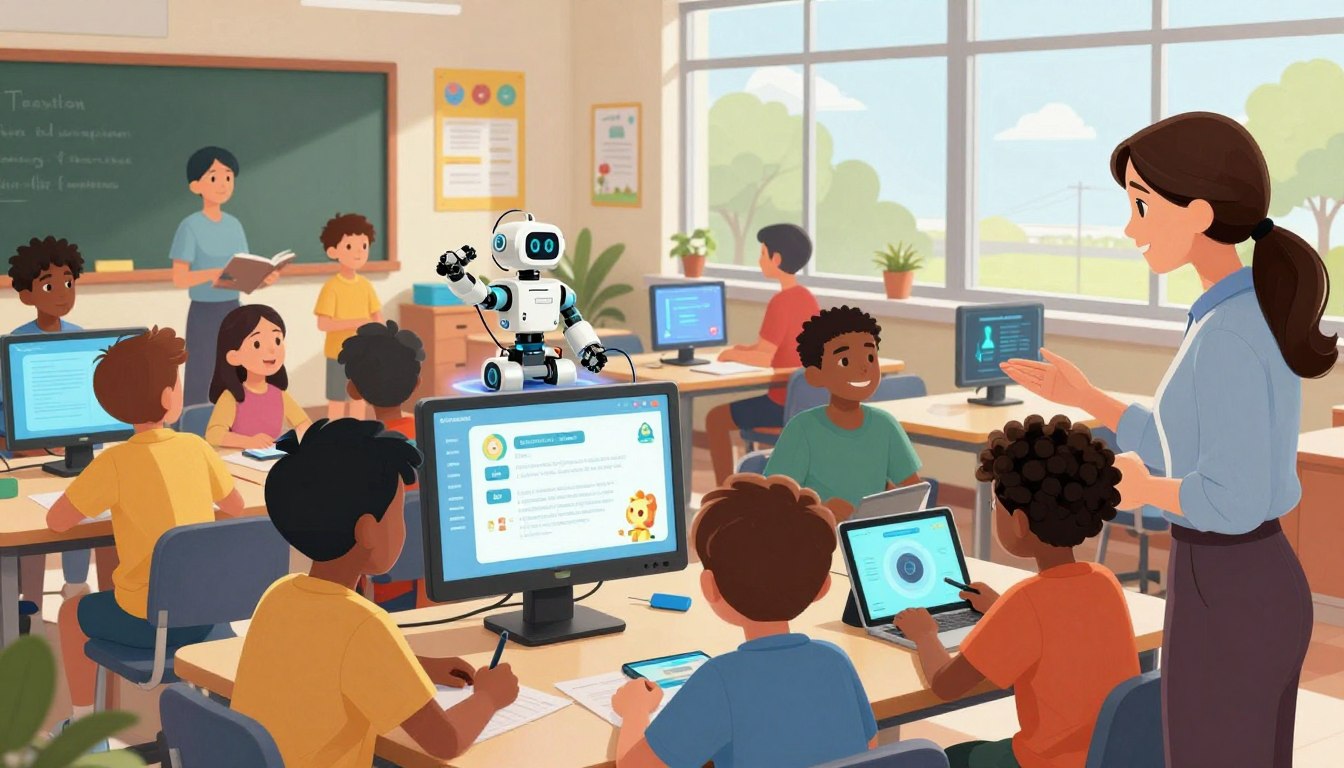
There is a tense hope in school hallways: parents, teachers, and staff want safer, fairer days for students.
Across Texas, a handful of districts are piloting programs that pair human judgment with machine intelligence to solve urgent problems. The work ranges from faster threat detection to richer classroom feedback, all aimed at improving student outcomes while reducing staff burden.
This case study maps how leading districts put governance first, test data practices, and run a careful process before any tool reaches a classroom.
Readers will find concrete examples — from weapon detection that shortens response time to scheduling tools that free principals’ summers — and practical guidance on pilots, metrics, and parent communication. For one operational example, see how a district reshaped master scheduling with an intelligent tool in this report: master schedule pilot.
Key Takeaways
- Districts balance innovation with clear governance and human oversight.
- Targeted pilots show gains in safety, instruction, and staff capacity.
- Data practices and goal metrics guide scale decisions over the year.
- Successful programs hinge on cross-functional staff routines and training.
- Transparent communication with parents and teachers builds trust.
Why Texas school districts are accelerating AI adoption in K-12 right now
A mix of safety concerns and staff shortages has pushed Texas school systems to test smart tools this year.
Families want clear information: why the technology is entering the school experience now, what data is collected, and how classroom workflows will change.
Teachers ask for practical gains—tools that return time through faster feedback, streamlined planning, and useful classroom insights without undermining professional judgment.
District leaders focus on governance: data protections, vetted software lists, defined processes, and staff training cycles that reduce risk while moving adoption forward.
“Start small: pick one classroom tool and one safety use case, set measurable goals, and review results on a regular cadence.”
- Parents seek safety and transparency; students want engaging learning and fair use protections.
- Leaders set goal statements—faster response time, improved student understanding, higher-quality feedback—to measure progress across the year.
- Cross-district conversation is growing as districts share what works and how to train staff effectively.
For districts exploring classroom tools and development pathways, resources on how to build GPT-powered educational tools can inform practical next steps.
Angleton ISD’s safety-first approach: AI weapon detection in real time
Angleton’s security program layers real-time weapon recognition on top of existing camera networks to detect threats before they reach campus entry points. The system has been operational for three to four years, and leaders say steady improvement in software and process builds confidence across the district.
How ZeroEyes integrates with school cameras and 24/7 verification
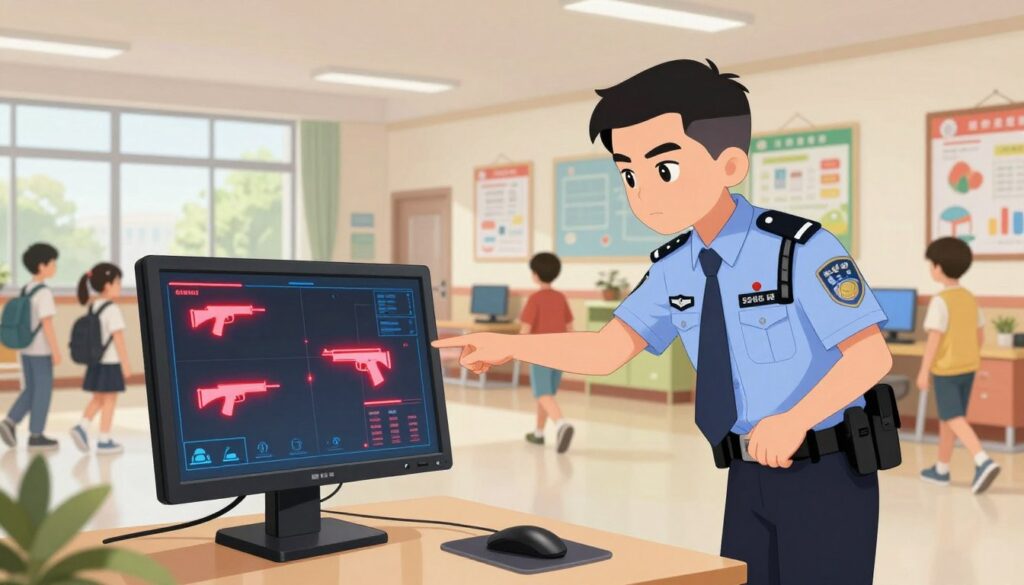
ZeroEyes analyzes live video from current security cameras and routes possible weapon detections to a staffed operations center. Trained military and law enforcement veterans verify alerts around the clock, adding human judgment to automated scans.
From detection to response: 3–5 second alerts, tracking, and law enforcement coordination
When the software flags a gun, the operations center confirms and pushes text alerts to district leaders within three to five seconds. Snapshots include the person, clothing, and exact location so staff can track movement and guide responding officers.
Impact on parents, students, and staff: peace of mind and weekly safety assistance
Parents report increased peace of mind; staff say the process has become routine during drills and real events. The district runs weekly safety assistance checks that keep the community aligned without disrupting daily school life.
A real-world example
One compelling example: at a Texas elementary school, cameras detected three people pulling an AK-47 from a bag while attempting entry. The verified alert prompted a rapid police response and apprehension. Given that over 60% of shootings begin outside, early detection before doorways or detectors is a core advantage.
For more on weapon-detection programs and operational lessons, see this coverage of gun-detection systems in schools: gun-detection systems in schools.
ISDs Using AI in instruction: Cedar Hill ISD’s classroom tools and teacher training
Cedar Hill’s classrooms offer a practical model for how a district pairs teacher expertise with smart feedback tools to boost math inquiry.
Snorkl is central: it accepts wrong answers (for example, 25 + 25 = 410) and guides a student through the steps needed to fix thinking without giving the final result. This promotes productive struggle and deeper learning.
Personalized feedback at scale
In classes of about 30 students, immediate feedback saves time and helps teachers target quick mini-lessons. Staff circulate with clearer data and focus on students who need the most support.
Platforms and professional learning
The district uses roughly ten tools—Canva and Google Gemini among them—and vets each platform before classroom use. Ongoing teacher training emphasizes prompts, routines, and boundaries so that artificial intelligence enhances rather than replaces human connection.
“Tools should return instructional minutes and deepen student reasoning.”
| Tool | Classroom use | Teacher role |
|---|---|---|
| Snorkl | Step-by-step math feedback | Orchestrate discussion; verify understanding |
| Canva | Creative production, cross-curricular tasks | Design briefs; critique drafts |
| Google Gemini | Drafting and research support | Guide prompts; check accuracy |
The district documents instructional examples and runs staff conversations about data, storage, and intervention points. For broader leadership efforts that connect philanthropy and district programs, see this Texas education leadership collaborative.
Safety, governance, and vetting: how districts protect students while adopting AI
District leaders now treat governance as the gatekeeper for any classroom technology, not an afterthought. Cedar Hill reports that every app slated for classroom use is vetted by school leaders before deployment. That review is part of a broader safeguard approach that pairs policy clarity with teacher training.
District-led app approvals and safeguards before tools reach the classroom
Formal approval steps check software privacy terms, map data flows, and confirm instructional alignment. Policies state what information tools may access and how long data is retained.
- Safety checks weigh misuse risks and escalation paths for staff.
- Year-over-year reviews tighten approvals and remove tools that underperform.
- Training equips teachers and staff to read dashboards, set permissions, and explain expectations to students and parents.
Collaboration matters: shared rubrics let districts avoid repeat evaluations and speed safe adoption. Clear role definitions—who approves, who monitors, who escalates—make accountability visible and timely.
“Governance ensures technology helps classrooms without creating new risks.”
Classroom workflow and pedagogy: balancing critical thinking, feedback, and technology
Classroom routines are the linchpin for making smart tools support, rather than supplant, student thinking.
Using tools as a revise-and-edit cycle
Pedagogy matters: students draft work, receive targeted feedback, then explain edits to a teacher or peer. This sequence builds durable understanding rather than outsourcing thought.
Keep the loop tight: attempt, consult the platform, then justify changes in writing or discussion. That metacognitive step makes revisions stick.
Teacher efficiency: immediate insights and better use of instructional time
Teachers triage common misconceptions by scanning immediate reports and planning short reteach moments. This saves precious time and raises impact during lessons.
Districts can standardize prompts and checklists so staff know the process and students face consistent expectations. Routine teacher moves—cold-calling, conferring, and aligning feedback to standards—still drive results.
“When teams treat technology as an augment, not a replacement, learning deepens and confidence grows.”
- Standardize platform prompts to reduce cognitive load.
- Train staff on when to intervene and when to let struggle happen.
- Document routines so teachers and students share a clear way forward.
Measuring outcomes and communicating with parents: data, transparency, and goals
Meaningful evaluation starts when a district names precise goals and shares results clearly.
Defining success: safety alerts, instructional gains, and clearer feedback loops
Define success up front: faster safety alerts in real time, improved student understanding, and more consistent feedback between teachers and learners.
- Track counts of verified safety alerts, response intervals (ZeroEyes often flags in three to five seconds), and weekly assistance events.
- Monitor instructional metrics: error rates after feedback, rubric-aligned gains, and increases in student revision cycles.
- Limit safety reports to necessary person descriptors and location snapshots to balance transparency with confidentiality.
Communicate with parents through a steady conversation cadence: newsletters, town halls, and dashboards that explain what the tool does, what data it collects, and how the process protects privacy over the year.
“The right tool, used with integrity, strengthens trust and keeps students at the center of decision-making.”
Conclusion
When districts pair focused tools with training and data guards, they create reliable improvements for students and teachers.
Practical steps—pick a high-impact tool, define clear data indicators, train staff, and review results each year—turn pilots into durable practice. This process keeps the school mission central and limits risk from new technology.
Transparency matters: parents and the community need plain updates on what the platform does, what data is collected, and how student privacy is protected. With strong governance and staff capacity, artificial intelligence and related software become levers that return time to teachers, sharpen feedback for learners, and strengthen trust across district and classroom contexts.
FAQ
What Texas school districts are piloting artificial intelligence programs in K-12 education?
Several large and mid-sized districts across Texas are testing classroom tools, safety platforms, and administrative systems. Examples include districts implementing real-time security analytics, personalized learning platforms for math and literacy, and teacher-facing applications that streamline grading and planning. These pilots often pair vendors like Snorkl, Canva, and Google Gemini with district-led vetting and professional learning.
Why are Texas districts accelerating adoption of these technologies now?
District leaders cite a need to improve student outcomes, boost teacher efficiency, and strengthen campus safety. Rising demands on staff time, the availability of real-time data, and parental interest in transparency push districts to explore practical tools that can scale across a district without undermining classroom relationships.
How do schools ensure student safety when deploying real-time weapon detection systems?
Districts follow a strict governance process: vendor assessments, privacy reviews, and integrations with existing security cameras. Systems are configured for 24/7 human verification, rapid law enforcement coordination, and clear incident workflows to limit false positives and protect student data.
How do weapon-detection platforms like ZeroEyes work with current camera infrastructure?
These platforms analyze camera video streams using trained models, flag potential threats, and route alerts to human monitors for verification. When integrated, they leverage existing CCTV networks and dispatch protocols so schools receive 3–5 second notifications while preserving chain-of-custody and compliance.
What happens after a detection alert—how quickly do schools respond?
Verified alerts trigger immediate notifications to campus security and local law enforcement, plus internal response teams. Effective programs emphasize coordination—tracking a suspect, locking doors remotely, and notifying staff and families—so responses are rapid and organized.
How do districts balance safety technology with student privacy and civil liberties?
Districts adopt transparent policies, limit data retention, restrict access, and require third-party audits. They involve parents and community stakeholders in decisions and publish safeguards that show how footage, alerts, and personal data are stored and used.
How are classroom tools like Snorkl used without replacing teachers or giving answers to students?
Tools designed for instruction provide step-by-step feedback, scaffold inquiry, and coach problem-solving instead of delivering answers. Teachers set prompts, monitor progress, and use platform analytics to guide differentiated instruction and preserve formative assessment practices.
Can these instructional platforms scale effectively in classrooms of 30 students?
Yes—when paired with clear workflows and teacher training. Real-time feedback engines and automated insight dashboards let one teacher monitor multiple learners, spot misconceptions quickly, and personalize follow-up, improving instructional minutes without sacrificing quality.
What role do mainstream platforms like Canva and Google Gemini play in instruction?
Educators use Canva for visual design projects and Google Gemini for research and drafting supports. These platforms augment creativity and information literacy when districts set usage policies, align tasks to standards, and train teachers on ethical, age-appropriate deployment.
How are teachers prepared to integrate new tools while keeping human connection central?
Districts invest in professional learning that combines hands-on practice, lesson modeling, and peer coaching. Training emphasizes pedagogy-first use cases, classroom management strategies, and safeguarding student agency so technology amplifies—not replaces—teacher expertise.
What governance steps do districts take before apps reach students?
Typical steps include vendor risk assessments, privacy and security reviews, pilot studies, parental notifications, and approval from a district technology committee. Ongoing monitoring and feedback loops ensure tools meet learning and safety goals.
How do schools maintain transparency with parents about data and tool usage?
Districts publish clear communications: data-use policies, parental opt-in or opt-out options where applicable, and regular updates on pilot outcomes. Town halls, FAQ pages, and weekly safety reports help sustain trust and invite community input.
How do districts measure success for safety and instructional pilots?
Success metrics include reduced incident response times, verified safety alerts, improvements in formative assessment scores, student engagement indicators, and teacher time savings. Districts set baseline measures and review outcomes periodically to inform scaling decisions.
What safeguards limit bias and errors in detection or instructional models?
Districts require vendors to provide transparency on model training data, conduct independent audits, and run local validation tests. Human verification remains essential to catch false positives and ensure equitable treatment of students.
How do pilots affect day-to-day teacher workflow and grading?
Automated insights cut down administrative tasks—like routine grading and progress tracking—freeing teachers to focus on targeted instruction. Platforms that integrate with district systems reduce duplicate entry and streamline parent communication.
What are the costs and procurement considerations for districts adopting these tools?
Costs vary by scale, integration needs, and licensing models. Districts weigh upfront implementation, training, ongoing subscriptions, and potential hardware upgrades. They often pursue competitive bids, grant funding, or phased rollouts to manage budgets responsibly.
How do districts coordinate with law enforcement when incidents occur?
Effective coordination relies on pre-established protocols, joint training exercises, and shared communication channels. Agreements clarify roles, evidence handling, and notification procedures to ensure swift, lawful response while protecting student privacy.
How are success stories or incidents communicated to parents without causing alarm?
Districts use measured, factual updates that explain what happened, what actions were taken, and what steps follow. Emphasizing routine school-safety practices and offering resources for family support helps maintain calm and confidence.
How can parents learn more or raise concerns about tech deployments?
Parents should contact their district’s technology or safety office, attend school board meetings, and review published policies. Districts typically provide contact points, FAQs, and opt-out procedures to facilitate constructive dialogue.