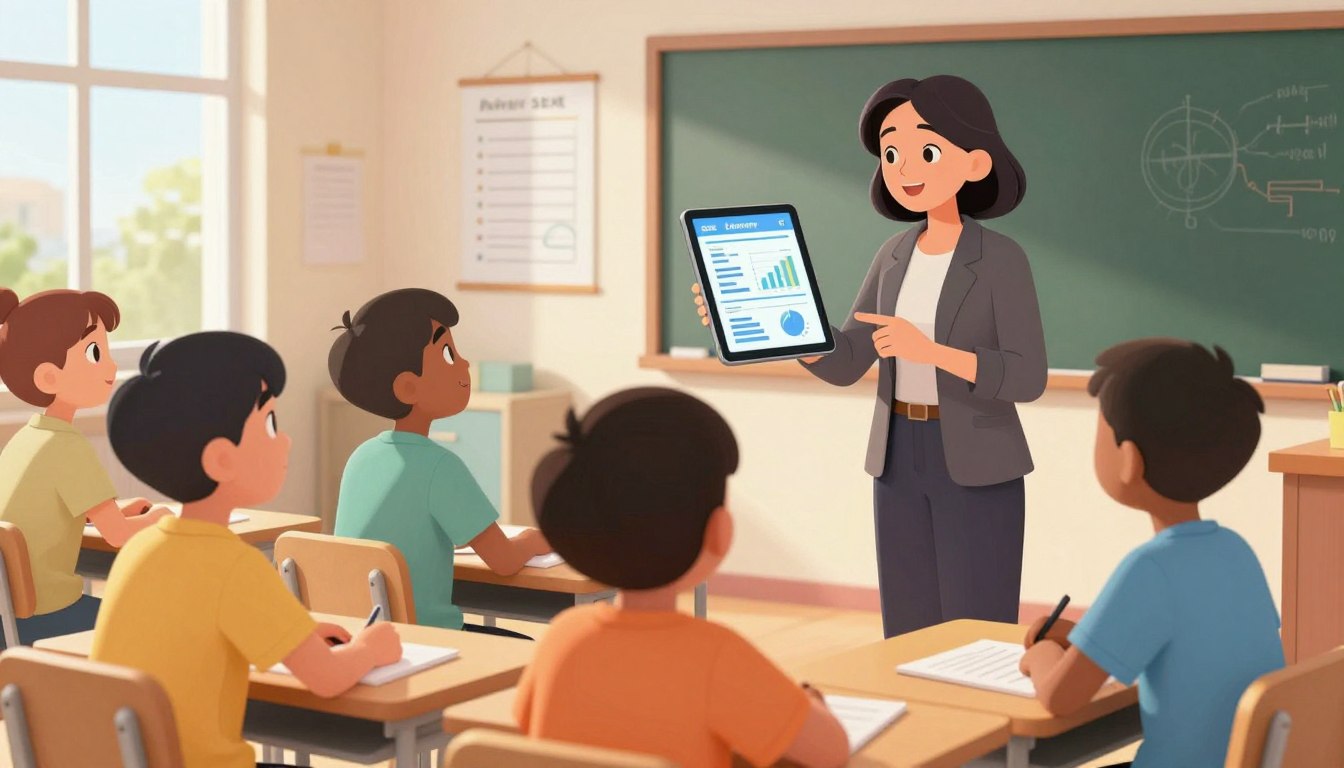
There are moments when a parent reads a paper report and wonders if it truly captures a child’s journey. The pause, the questions, the hope—these reactions push educators to seek clearer ways to share progress.
The classroom is full of data: assignments, quizzes, notes from teachers. Turning that into useful information for families is hard. Modern analytics make that process faster and more consistent.
AI Report Cards reshape the old card into ongoing insight. They synthesize multiple data points to show where a student is growing and what steps come next. That clarity helps parents and teachers act together.
This introduction sets a practical tone: schools can try the service with no credit card required, test value, and decide at their pace. The aim is simple—give every learner feedback that feels personal and useful, while protecting privacy and easing administrative load.
Key Takeaways
- Modern analytics turn static grades into actionable insight for students and parents.
- Faster, consistent feedback helps families support learning between report periods.
- Schools can pilot the system with no credit card and evaluate real classroom value.
- Data-informed narratives align with instruction and foster goal-setting.
- Responsible analytics reduce workload while prioritizing student privacy.
From Traditional Report Cards to AI-Powered Analytics: What’s Changing Today
A numeric score can close a chapter — but it rarely opens a path forward. Letter grades and brief comments often miss the context teachers know: effort trends, specific misconceptions, and moments of growth. That gap leaves families with a snapshot, not a story.
Drafting personalized report card comments for every student in each class can be exhausting. Teachers juggle many students and repeat phrases that lose meaning. The result: valuable instruction time shifts toward paperwork.
Why static grades and generic comments fall short
Grades summarize performance but omit next steps. Generic comments fail to capture strengths and areas for improvement that matter most to student learning.
How analytics surface insights in seconds
Data-driven tools analyze assessment items, class work, and portfolios to highlight strengths and targetable areas in seconds. Teachers review and refine suggested report card comments, keeping professional judgment central.
- Time saved: Faster draft comments free teachers for instruction and conferences.
- Consistency: Aligned language across a class reduces variability and builds trust.
- Human review: Educators finalize every comment to ensure accuracy and tone.
| Traditional card | Dynamic analytics | Teacher role |
|---|---|---|
| Single grade per term | Ongoing, evidence-based insights | Interprets data and personalizes feedback |
| Generic comments | Tailored report card comments aligned to standards | Edits and approves final narrative |
| Manual drafting, time-consuming | Drafts produced in seconds for review | Focuses on conferences and instruction |
For schools exploring these tools, a practical demo helps illustrate impact. Learn more from a case study and implementation guide at transformative assessment dashboards.
AI Report Cards: Core Capabilities That Elevate Student Performance Reviews
When learning is shown, not just tallied, families understand growth faster. Modern progress systems assemble evidence into clear narratives that highlight strengths and next steps. Schools get customizable layouts that match local reporting style while keeping teacher voice central.
AI-generated comments tailored to performance and standards
Auto-generated comments reflect student performance against standards and rubrics. Drafts turn assessment items into specific, actionable language so teachers spend minutes editing rather than composing.
Media-rich, holistic progress reports
Embed photos, videos, and audio so families can see learning in action. Media adds context to scores and helps students celebrate real milestones across terms.

Connected data flows
Grades, portfolios, and attendance feed into each report automatically. This connected data reduces errors and eliminates manual copy-paste across systems.
Teacher-friendly tools for planning and feedback
Teachers retain full control: edit any comment, add local context, and use insights to shape lesson plans. Smart tools convert evidence into timely classroom feedback loops.
“A progress report that includes samples and clear next steps makes conferences more productive.”
| Capability | What it does | Teacher benefit |
|---|---|---|
| Comments | Auto-draft aligned to standards and rubrics | Saves time; ensures consistency |
| Media | Embed photos, video, audio | Makes learning visible to families |
| Data flows | Syncs grades, portfolios, attendance | Reduces errors; speeds finalization |
Explore a demo with an educator to see how these tools streamline workflows from capture to final report card and help students, parents, and school stakeholders stay aligned.
Benefits for Teachers, Students, and Parents in the United States
When feedback is timely and specific, classroom momentum shifts toward growth. This section summarizes concrete gains for educators, learners, and families as schools adopt modern progress tools.
Teachers: save time and improve consistency
Teachers draft professional report card comments in seconds, with language aligned to standards. Faster drafting frees a teacher to refine a lesson, run small-group instruction, or coach a student.
Students: clear goals that sustain progress
Students receive strengths-based student feedback paired with specific, achievable goals. That clarity helps learning continue between terms and keeps momentum steady.
Parents: professional, personalized information builds trust
Parents get concise, tailored updates that explain performance and next steps. Clear communication strengthens home-school partnerships and prompts earlier intervention when needed.
- Equity and consistency: similar evidence yields similarly calibrated narratives across classes.
- Teacher control: suggestions are a starting point; educators edit tone and nuance per child.
- Support: 24/7 help on paid plans reduces friction during grading windows.
“Clear, timely feedback helps families and teachers act on agreed goals.”
Plans and Pricing: From Free Forever to Pro Individual and Enterprise
Choosing the right plan shapes how quickly a school sees administrative gains. Plans scale from a low-risk pilot to institution-wide deployment. Each tier focuses on saving teachers time and producing consistent report narratives.
Free Forever
Ideal for a pilot: up to 3 subjects, 4 classes, and 3 report cards per class. You get 50 feedback generations and no credit card is required. It’s a risk-free way to test workflow fit.
Pro Individual — $9.97/month
Designed for active educators: AI-generated comments, unlimited subjects, criteria, classes, and students. Includes 24/7 support and a 7-day free trial to explore premium tools and scale with confidence.
Pro Enterprise
For districts and schools: a tailored implementation with unlimited features, institution-wide administration, and dedicated onboarding. This tier supports volume, compliance, and central management needs.
All plans deliver professional report card comments and reduce time spent on card comments and formatting. Choose a tier that matches current reporting cycles, staffing, and class counts for predictable budgeting. Learn more on our plans & pricing page.
Real-World Use Cases and Sample Outputs
Real classroom examples show how targeted feedback turns numbers into next steps. Below are practical samples and a short guide to how the generator produces meaningful report narratives.
Comment generator example
Sample output: Sarah Johnson – Mathematics (5th Grade): strength in problem-solving and logical thinking; growth in calculation speed and accuracy with multi-step word problems; steady progress; excellent engagement; active participation and peer support.
- The engine assembles card comments in seconds by mapping assessment evidence to standards, producing a professional comment teachers can edit and approve.
- Comments balance candor and encouragement—naming strengths and clear areas improvement with actionable next steps to raise student performance.
- Whole-child reporting combines standards-aligned data with media artifacts so the final report shows growth and context.
- Each report card comment is unique to the student’s pattern of results; repetition is avoided to preserve authenticity.
- Teachers remain final reviewers, refining tone and accuracy so families receive clear, constructive information about progress.
Tip: Pilot on one subject to validate consistency and depth before scaling card comments across grades. For classroom-level automation and support, see this practical guide to chatbots in education: education chatbot uses.
“The generator creates tailored, constructive comments in seconds to enhance communication.”
Implementation Made Easy: Getting Started with AI Report Cards
Simple onboarding gets teachers generating meaningful feedback in a single grading window.
Start with a low-friction pilot: sign up with no credit card required, generate initial report card comments, and test the process during a real grading cycle. Upgrade later and try premium features with a 7-day free trial to compare results.
Rollout options and support
Begin with one class or one subject. Expand by grade or school after workflows settle. This incremental approach shortens the implementation process and eases staff planning.
Practical steps to launch
- Connect assessment data sources and configure standards and templates.
- Generate sample card comments, review with teachers, and publish selected reports.
- Embed AI review into weekly planning so lesson changes reflect the latest mastery insights.
| Phase | Action | Owner |
|---|---|---|
| Pilot | Sign up, produce sample report card comments | Teachers & admin |
| Scale | Expand by grade; adopt shared style guide | Leaders |
| Refine | Adjust templates and prompts to increase time savings | Instructional coaches |
Roles and support: teachers validate and finalize narratives; leaders monitor pacing; 24/7 support answers technical questions. For safe grading workflows and comment practices, see guidance on how teachers can use automated grading tools: grading and comments guidance.
“Predictable time savings appear after the first cycle as teams refine prompts, templates, and the publishing process.”
For administrators planning training or course design that pairs with this rollout, use a practical course creation guide: course creation resources. Over a few cycles, the process reduces paperwork and gives students clearer next steps — saving time and sharpening lesson planning.
Conclusion
A better end-of-term summary turns raw marks into a clear map for growth. That shift moves the report from a static file to a living guide that highlights learning, progress, and next steps for each student.
Teachers remain in control: automated drafts align to rubrics and grade standards, then educators add classroom context and voice. That balance preserves professionalism while saving planning time.
Students and parents get concise feedback that names performance, pinpoints improvement areas, and suggests action. Clear information builds trust and helps families support learning at home.
Practical next steps: start free with no credit card, try Pro Individual for $9.97/month with a 7‑day trial, or book an Enterprise demo to fit school policies. Test on a small cohort, compare card comments, and measure time saved.
With the right tools and planning, schools can modernize reporting: consistent report card quality reduces confusion, speeds remediation, and celebrates growth—so teaching focuses on what matters most.
FAQ
Can AI-powered analytics replace traditional report cards?
Advanced analytics can augment traditional report cards by delivering timely, personalized feedback and linking performance to standards. They do not eliminate the need for teacher judgment; instead, they make comments more consistent, actionable, and aligned with learning goals.
Why do static grades and generic comments fall short for student learning?
Static grades and one-size-fits-all comments lack context. They hide progress patterns and give families little guidance on next steps. Dynamic feedback that highlights strengths, gaps, and suggested actions drives clearer student growth and more focused teaching decisions.
How quickly can the system surface strengths, areas for improvement, and progress?
The platform analyzes combined data—grades, rubrics, attendance, and portfolios—and generates targeted feedback in seconds. This speed lets teachers spend less time writing comments and more time planning instruction and interventions.
What core capabilities elevate student performance reviews?
Key features include tailored comment generation tied to standards, media-rich progress summaries with photos and audio, connected data flows across gradebooks and portfolios, and teacher tools that streamline lesson planning and formative feedback.
Can generated comments be customized to district or state standards?
Yes. Comments map to local standards and rubrics, so feedback aligns with district expectations. Teachers can edit suggested text to reflect classroom tone and specific student context.
How does media-rich reporting benefit learning and communication?
Embedding photos, videos, and audio provides concrete evidence of progress. Families and students see examples, which increases clarity and trust. Teachers gain a richer narrative for conferences and individualized planning.
How are grades, portfolios, and attendance connected within the tool?
The system aggregates those data streams into a single view, enabling correlations between participation, evidence of learning, and outcomes. That connected approach supports more accurate feedback and targeted interventions.
What tools help teachers with lesson planning and classroom feedback?
The platform offers comment templates, standards-aligned phrasing, and actionable next steps that plug into lesson plans. It reduces repetitive writing and helps maintain consistency across classes and grades.
How do teachers save time using this solution?
Time savings come from automated comment generation, reusable templates, and bulk editing features. Teachers spend less time on paperwork and more on instruction, assessment design, and student support.
How does this approach support student growth?
Students receive clear goals, strengths, and targeted areas for improvement. Actionable feedback and evidence-based summaries help students set realistic targets and track progress over time.
What information do parents receive and how does it build trust?
Parents get professional, personalized summaries that include standards alignment and examples of student work. Transparent language and concrete evidence foster constructive conversations and stronger home–school partnerships.
What are the available plans and who are they for?
Plans range from a Free Forever tier—limited subjects, classes, and feedback generations—to Pro Individual with unlimited subjects and 24/7 support, and Pro Enterprise for district-wide, tailored deployments with comprehensive features.
What does the Free Forever plan include?
The free tier typically covers three subjects, four classes, a small number of reports per class, and a set number of feedback generations—sufficient for trialing workflows and demonstrating impact before upgrading.
What does Pro Individual offer over the free tier?
Pro Individual removes usage caps, adds priority support, and unlocks advanced customization for comments and standards mapping—designed for independent teachers or small teams seeking scale and flexibility.
How does Pro Enterprise support entire schools or districts?
Pro Enterprise delivers tailored onboarding, single sign-on, district-level analytics, and unlimited features. It supports rolling deployment, data integrations, and policy-driven customization to meet institutional needs.
Are there real-world examples of use and sample outputs?
Yes. Common use cases include automated comment generation with clear statements of performance, strengths, and next steps, and whole-child summaries that combine assessment data, standards alignment, and media artifacts for richer insight.
Can the platform generate a sample comment for a student’s math performance?
The tool can produce a concise, standards-aligned comment that highlights proficiency level, a key strength, and one or two targeted strategies for improvement—ready for teacher review and quick customization.
How easy is implementation and initial setup?
Implementation is designed to be simple: try it with no credit card, access a short free trial for upgrades, and roll out at classroom, grade, or school level with dedicated support available around the clock.
Is training and ongoing support available during rollout?
Yes. The vendor provides onboarding resources, tutorials, and 24/7 support to ensure educators can adopt workflows, map standards, and integrate data without disrupting instruction.