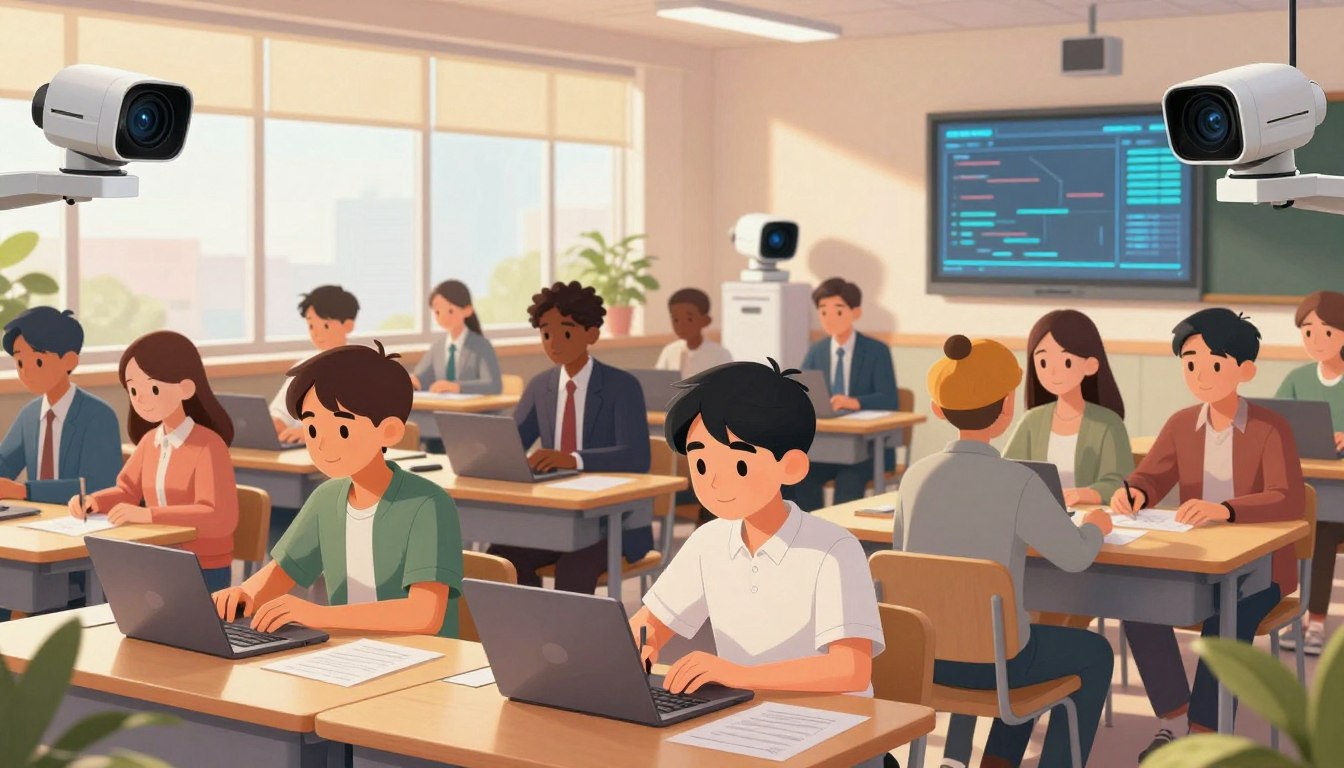
There is a quiet tension in many schools today. Teachers and parents want better insight into student progress. They also worry about how much data is collected and who can see it.
The technology promise is clear: fewer hours on paperwork, more time for mentoring and planning. A 2025 survey showed teachers who use such tools weekly reclaim significant time, letting them focus on instruction and relationships that matter.
Yet the trade-offs are real. Platforms can consolidate attendance, assessment, and engagement signals to surface useful patterns. But unchecked collection risks student dignity, consent, and trust.
This article examines where these tools add value and where they cross lines. We tie practical examples to policy needs, and point readers to clear steps for secure adoption—starting with privacy-first contracts and teacher training. For legal and investigative context, see the privacy takeaways, and for classroom-facing product ideas explore teacher tools.
Key Takeaways
- Tools can reclaim teacher time and improve student support when used thoughtfully.
- Consolidated data helps spot progress patterns—but must be limited to necessary fields.
- Strong contracts, audits, and training protect student privacy and district compliance.
- Human oversight should guide interventions; technology must not replace judgment.
- Start with pilots that map data flows, privacy controls, and measurable outcomes.
What AI Classroom Monitoring Looks Like Today in U.S. Classrooms
In many U.S. schools today, dashboards and sensors quietly shape daily teaching choices. Teachers often start the day with a single view that pulls attendance, assignment status, and behavior notes into one place.
From behavior tracking to engagement dashboards
Real-time engagement indicators — like broad attention signals and ambient noise trends — let teachers adjust instruction on the fly. These signals show general patterns, not constant surveillance, and prompt quick changes such as movement breaks or pair work.
AI-assisted behavior tracking can flag concerning trends weeks before traditional methods. That early warning comes from blending attendance, assignment completion, and teacher notes into weekly summaries.
Where data comes from
Core systems feed these platforms: student information systems for attendance, gradebooks for assessment artifacts, and teacher-entered notes about learning behaviors. The result: fewer separate logins and less duplicate entry.
- Dashboards help teachers prioritize students for early support.
- Auto-drafted family messages save hours each week and are reviewed by teachers before sending.
- Pattern summaries guide small-group instruction and timely outreach.
“Tools organize information and surface options; educators remain the ones who decide what to do for each student.”
Example: a team spots Monday attention dips tied to weekend routines and schedules quick check-ins. Platforms like SchoolAI and Panorama Student Success with Solara are already surfacing shifts in assignment performance and attendance to support that kind of early intervention.
Benefits Schools Cite: Time Savings, Early Intervention, and Better Communication
Many districts report that new platforms turn hours of routine work into time for teaching and mentorship.
Schools highlight reclaimed time as the primary benefit. Teachers using these tools weekly report gaining about 5.9 hours back each week. That shift moves work from paperwork to instruction, feedback, and planning.
Nearly 49% of teachers name administrative tasks as a top stressor. By surfacing the most relevant signals from assessments, attendance, and notes, platforms let educators focus energy where it matters.
Early pattern detection helps every student. Systems like Panorama Solara flag assignment dips, attendance shifts, and engagement trends days or weeks earlier than traditional cycles. That gives teachers concrete data to guide outreach.
- Regained hours fuel mentoring, small-group instruction, and better lesson planning.
- Clear visuals reduce paperwork and lower cognitive load for teachers.
- Targeted communication improves family conversations with specific progress indicators.
“Targeted outreach often prevents small issues from compounding; teachers can connect students to interventions before setbacks escalate.”
Teachers remain in charge: tools propose options, but professional judgment decides pacing, grouping, and supports. Over time, data-informed communication builds trust and a shared language for growth across the classroom community.
Privacy Risks to Watch: Data Overreach, Continuous Surveillance, and Misuse
Consolidating attendance, notes, and engagement into one feed can help teachers — and it can multiply exposure if left unchecked.
When systems centralize records, two outcomes appear: fewer logins and faster insight, or duplicated entries that widen the attack surface. Classroom tools can reduce duplicate entry with careful setup; poor configurations spread records across platforms and complicate deletion.
Normalization and the chilling effect
Always-on features can make monitoring feel normal. That shift may push students to limit questions, avoid risk-taking, or mute their voice during a lesson.
Data sprawl and governance gaps
Duplicate records across systems increase exposure. Without clear retention rules and deletion propagation, sensitive notes and flags can persist long after they are needed.
Algorithmic flags and misread patterns
Automated alerts can spot trends weeks early, but they lack context. Patterns may reflect life events or cultural differences; human review prevents biased or punitive responses.
- Limit collection: capture only fields needed for instruction and support.
- Scope tools: measure engagement trends, not individual keystrokes.
- Human-in-the-loop: require teacher validation before action.
- Short retention: minimize windows and ensure deletions propagate across systems.
“Transparent rules about what is monitored, why, and who can see it build trust with students and families.”
Compliance Grounding: FERPA, COPPA, and District Policy Alignment
Compliance offers a practical framework to balance instructional benefits with student protections.
Start with clear rules: FERPA and COPPA set the legal floor; districts should adopt tighter controls that reflect community expectations. Effective rollouts connect the student information system (SIS), gradebook, attendance platform, and learning management system through secure pathways that meet FERPA and local policy.
Clean data before integration to improve insights and reduce errors. Automated reporting can generate required forms from single entries, cutting manual work while keeping compliance intact.
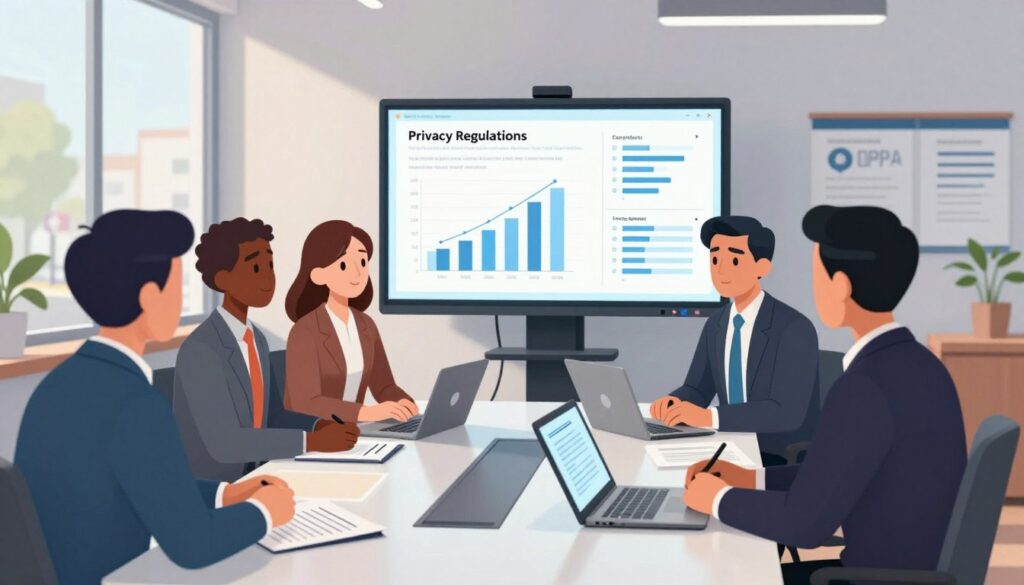
Vendors must commit in writing: no selling student records, no ad profiles, and no model training on raw student data. Teachers need concrete guidance on what to share in family communication and reports. Platforms should require human review for sensitive outputs and log all access for accountability.
| System | Benefit | Security Controls | District Action |
|---|---|---|---|
| SIS | Single source of truth | Encryption, role-based access | Audit sync and retention rules |
| LMS / Gradebook | Instructional continuity | Scoped APIs, least privilege | Data minimization and cleanup |
| Attendance | Accurate reports | Secure transfers, logs | Standardize incident and progress reports |
| Reporting Tools | Reduce duplicate work | Immutable logs, review-in-loop | Train teachers; family request process |
- Define retention and deletion schedules that propagate across systems.
- Limit collection to fields needed for instruction and support.
- Align analytics so lesson and classroom adjustments use aggregated trends, not invasive monitoring.
“Transparent rules about what is monitored, why, and who can see it build trust with families and teachers.”
AI Classroom Monitoring: Practical Use Cases That Also Respect Privacy
When used with care, pattern detection tools help teachers catch small struggles early and respond with empathy. These use cases focus on support and learning, not punishment.
Behavior pattern recognition that informs support, not punishment
Behavior analytics can combine attendance, assignment completion, and teacher notes to flag early concerns. Teachers then offer targeted check-ins, temporary roles, or resources that scaffold success.
Platforms like SchoolAI and Panorama Student Success with Solara surface trends so adults intervene with care and context. The goal: scaffold, not sanction.
Automated, multilingual family communication with teacher review-in-the-loop
Automated drafts can save teachers 2–3 hours per week by preparing multilingual messages for families.
Keep a teacher review step to ensure tone, accuracy, and cultural fit before sending. This protects privacy while improving communication and family engagement.
Engagement monitoring to adjust instruction without constant device surveillance
Aggregate engagement indicators—classwide attention and participation trends—help teachers adapt pacing or add a movement break mid-lesson.
Limit data to high-confidence signals and document only what supports learning. Tie alerts to clear instructional actions and avoid tracking individual keystrokes.
- Use patterns to trigger supportive routines—check-ins, roles, or resources.
- Automate multilingual drafts, then require teacher review before sending to families.
- Monitor engagement at aggregate levels to adjust instruction while protecting student privacy.
- Prioritize fewer, higher-confidence alerts so teachers avoid fatigue.
“Share concrete wins with families—small improvements in focus or participation reinforce collaboration and build confidence.”
For a broader view of video approaches to school safety and privacy, see video surveillance for schools.
Responsible Rollout: Pilot, Train, and Connect Systems Securely
A deliberate, small-scale rollout reveals integration gaps early and builds front-line champions. Start with pilot classrooms across grades or subjects to surface technical snags and workflow issues before district-wide planning. Small pilots keep prep manageable and let teachers experience time savings in real settings.
Start small and build champions
Launch with a focused pilot to refine training and gather evidence of impact. Early adopters mentor peers and help translate platforms into classroom routines that save hours of work each week.
Train teachers to interpret insights and protect student data
Provide scenario-based training where teachers read anonymized reports, practice grouping decisions, and draft family messages. Emphasize privacy: what to collect, retention limits, and handling sensitive reports.
Clean data and establish secure pipelines
Conduct data hygiene before go-live: standardize fields, remove duplicates, and map sources so reports are accurate across systems. Connect SIS, gradebook, attendance, and LMS via FERPA-compliant pathways so single entries generate required reports and reduce repetitive tasks.
- Set success metrics—hours saved, faster interventions, and improved response rates—to build teacher confidence.
- Form a cross-functional team of teachers, IT, and leaders to align policy and integration plans.
- Iterate quickly: collect feedback, adjust alert thresholds, and simplify views to keep cognitive load low.
| Action | Benefit | Responsible |
|---|---|---|
| Pilot classrooms across grades | Early evidence of impact; local champions | Teachers + Instructional Leads |
| Scenario-based teacher training | Faster, confident use of reports | PD Team + Vendor Trainers |
| Data hygiene and mapping | Accurate insights; fewer duplicate reports | IT + SIS Admin |
| Secure system integrations | Single-entry reports; lower risk | IT + Vendor |
“Start small, measure what matters, and use teacher feedback to make tools useful—not intrusive.”
For practical rollout guides and coordinator checklists, see the tech coordinator primer and resources at tech coordinator guide and education resources and courses.
Evaluating Vendors and Tools: Security, Transparency, and Instructional Value
A careful vendor review separates products that save time from those that create hidden risk.
Start with data stewardship. Ask where student data is stored, who can access it, and whether records are used to train models. Require written prohibitions or clear opt-outs if vendors intend any reuse.
Questions to ask about storage, access, and training
Demand documentation: retention schedules, deletion propagation, role-based access, and audit logs. Verify independent attestations such as SOC 2 and FERPA-aligned practices.
Choosing platforms built for K-12 with reporting and controls
Prioritize platforms like Panorama Solara and SchoolAI that integrate with SIS and LMS, auto-generate reports, and support teacher-approved multilingual communication.
- Transparency: How are engagement and behavior patterns derived? Ask for thresholds and validation methods.
- Controls: Configurable classroom management settings to avoid over-monitoring and promote aggregated insights.
- Instructional value: Can the tool shorten assessment and reporting time and improve teaching and communication measurably?
| Criterion | What to verify | Why it matters |
|---|---|---|
| Data storage | Location, encryption, retention | Protects student privacy and meets district rules |
| Access controls | Role-based permissions, audit logs | Limits exposure and enables accountability |
| Pattern transparency | Feature list, thresholds, validation | Lets educators trust and tune alerts |
| Instructional impact | Metrics: time saved, faster assessments, engagement gains | Ensures the platform supports teaching goals |
“Vendors must show both secure practices and clear instructional benefit before districts invest.”
Conclusion
When systems put human review first, platforms amplify teacher expertise instead of replacing it.
Practical use means choosing tools that free time—teachers who use AI weekly can reclaim about 5.9 hours—so educators spend energy on planning, mentoring, and focused instruction for every student.
Well-integrated platforms like Panorama Solara and SchoolAI surface attendance, assessment, and engagement patterns, draft multilingual family messages for teacher review, and generate compliance reports from single entries when connected securely to SIS, LMS, and gradebooks under FERPA-aligned policies.
The path forward is pragmatic: pilot thoughtfully, train staff, limit collection to needed fields, and keep alerts aggregated and teacher-reviewed. Measure impact by faster interventions, clearer reports, and improved support—never by overreach.
For guidance on collaborative approaches that pair tools with pedagogy, see this practical piece on working with tools in instruction: teaching students to work with, not against, AI.
FAQ
Are AI cameras and tools infringing on student privacy?
Concerns are valid: continuous video or audio collection, expansive data retention, and sharing across platforms can expose sensitive student information. Districts must apply clear policies that limit what is captured, define retention periods, and require parental notification and consent where law or policy dictates. Vendors should support encryption, role-based access, and audit trails so educators can use technology without compromising student trust.
What does current classroom monitoring look like in U.S. schools?
Today’s systems range from behavior tracking and engagement dashboards to automated attendance and assessment integrations. Many tools pull data from student information systems, learning management systems, gradebooks, and teacher notes to create a unified view. That integration helps teachers spot trends but also increases the need for careful data governance and transparency with families.
Where does the data for these systems come from?
Common sources include SIS records, LMS logs, attendance systems, formative assessments, and teacher-entered observations. Additional inputs may come from classroom devices and third-party platforms. Each source adds value for instruction but also multiplies potential exposure, so minimizing duplicate entries and securing pipelines is essential.
What benefits do schools report from using these systems?
Schools cite time savings on paperwork and reporting, earlier identification of students who need support, and improved communication with families. When implemented well, platforms free teachers to focus more on instruction and planning, allow faster interventions, and produce clearer progress data for individualized learning plans.
How do these tools help spot issues early?
By aggregating attendance, assessment trends, and behavior indicators, systems can highlight patterns—rising absences, drops in engagement, or declining scores—so counselors and teachers can intervene before problems escalate. The goal is to inform supportive actions, not to punish students for flagged behavior.
What privacy risks should districts watch for?
Key risks include normalization of surveillance that chills student participation, data sprawl as records duplicate across systems, and misuse of sensitive information. Over-reliance on automated flags can also lead to misinterpretation or biased decisions if human review is absent. Districts need strong policies and oversight to mitigate these risks.
How does data sprawl create exposure?
When student data is copied into multiple platforms—SIS, LMS, analytics tools, and gradebooks—each copy becomes another potential breach point. Duplicate entries also increase errors and administrative workload. Cleaning data, reducing redundancy, and establishing secure, limited pipelines reduces risk and improves data quality.
What about bias and misinterpretation from algorithmic flags?
Algorithms reflect their training data. If models are trained on biased or incomplete records, they can mislabel students or misprioritize interventions. Educators must treat algorithmic outputs as one input among many and provide training so staff can interpret insights critically and equitably.
Which laws and policies govern student data protection?
In the U.S., FERPA governs education records and sets access and disclosure rules. COPPA applies when services collect data from children under 13. Local district policies, contract terms with vendors, and state laws add layers of compliance. Districts should audit vendor practices, require contractual security controls, and align procedures with legal requirements.
How can schools secure SIS, LMS, gradebooks, and attendance systems?
Best practices include end-to-end encryption, multi-factor authentication, regular access reviews, and strict role-based permissions. Vendors should provide clear documentation of where data is stored and how it is protected. Routine security audits and incident response plans complete the protection strategy.
What are practical use cases that respect privacy?
Privacy-respecting use cases include behavior pattern recognition used to trigger counselor outreach rather than punitive measures, automated family messaging drafted in multiple languages but reviewed by teachers before sending, and brief engagement signals that inform instructional pacing without full-time device surveillance.
How can automated family communication remain appropriate and secure?
Systems should generate suggested messages that teachers review and approve. Communications must be multilingual, consent-aware, and routed through secure channels. Keeping families informed while preserving teacher judgment prevents errors and maintains trust.
What does a responsible rollout look like?
Start with pilot classrooms, build teacher champions, and scale with clear protocols. Provide training on interpreting insights, safeguarding data, and communicating with families. Establish data hygiene practices—cleaning records, reducing duplication, and creating secure data pipelines—before broad deployment.
What training should teachers receive?
Training should cover interpreting analytics outputs, recognizing algorithmic limitations, privacy best practices, and district policies on data use. Hands-on workshops and ongoing coaching help educators use tools confidently and responsibly.
What should districts ask vendors when evaluating tools?
Key questions include: Where is data stored and for how long? Who can access it and under what controls? How are models trained and can training data be audited? Does the platform integrate with existing SIS and LMS securely? Can retention and deletion rules be configured? Answers reveal security posture and instructional fit.
How should districts choose platforms for K–12?
Prioritize vendors that specialize in K–12, offer granular reporting and access controls, and demonstrate compliance with FERPA and COPPA. Look for transparent practices around data handling, strong security certifications, and features that add instructional value—like teacher-reviewed messaging and flexible reporting.
How can districts minimize data collection and set retention rules?
Follow data minimization: collect only what supports instruction and safety. Define retention schedules tied to educational needs and legal requirements. Implement automatic deletion for outdated records and document retention policies in vendor contracts to ensure enforceability.
What governance structures support safe use of these tools?
Effective governance includes a cross-functional privacy committee, clear vendor vetting procedures, annual audits, and transparent communication channels with families. Policies should define acceptable uses, review cycles, and escalation paths for incidents.
How can schools measure instructional value versus administrative burden?
Track metrics like time saved on reporting, teacher satisfaction, intervention response times, and student progress. Compare those gains against additional workload for data entry or oversight. Choose systems that demonstrably reduce paperwork and enhance instruction rather than add tasks.