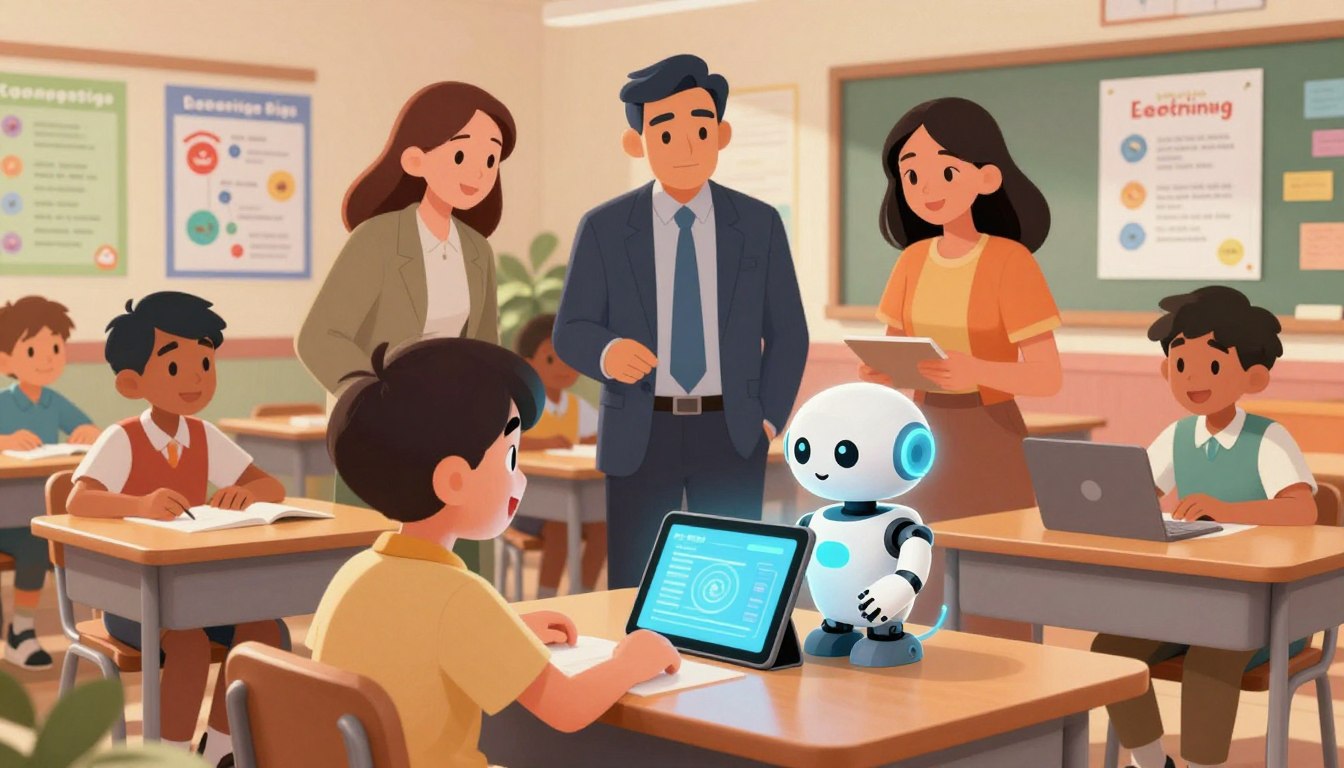
There are mornings when a teacher stays past noon, sorting forms while a student waits for clearer access to the same lesson. That quiet strain fuels this guide: a search for tools that return minutes to classrooms and hope to learners.
This article will clarify how artificial intelligence can responsibly enhance education for students with learning needs. It maps research-backed practices, real school examples, practical tools, and guardrails that schools can use now.
Districts report limited pilots—only 16% have tried these solutions—yet Park Hill uses tools for IEP drafting while Landmark School runs targeted experiments for older learners with dyslexia. Generative tools like ChatGPT, Magic School, and Goblin can cut paperwork and help level texts.
Throughout, the focus is clear: keep a human in the loop, protect privacy, de-identify records, and use district-approved systems. Readers will gain workflows, prompt strategies, and quality checks to adopt technology with confidence and care—balancing optimism with critical oversight.
Key Takeaways
- Practical ways to save teacher time: IEP drafts, text leveling, visuals, and family communication.
- Case studies (Park Hill, Landmark School) show cautious, equity-focused trials.
- Human judgment remains central—tools augment, not replace, educators.
- Privacy rules matter: de-identify data and avoid entering health details.
- The article delivers actionable workflows, prompt tips, and verification steps.
Understanding the Present Landscape of AI in Special Education
Current practice reads as cautious: limited pilots, targeted use, careful oversight.
National data show cautious uptake. An EdWeek Research Center survey found only 16% of principals and district leaders piloting tools with special education students. That figure signals early interest, not broad diffusion.
Where traction exists, it is practical: drafting IEP text, leveling readings, and simple visual supports that improve access. Park Hill (MO) stands out for using tools to reduce paperwork and speed accessibility work.
“Tools work best when professionals with deep understanding review outputs and adapt them to each learner.”
Constraints shape rollout. Privacy rules, age limits, and data-governance requirements slow adoption. School approval processes and the need to align every output to individualized goals add layers of caution.
| Area | Current Use | Key Constraint | Near-term Potential |
|---|---|---|---|
| Administrative | IEP drafts, progress notes | Privacy & approval | Reduce paperwork, faster family communication |
| Content Adaptation | Leveled text, visuals | Accuracy for goals | Broader access to materials |
| Classroom Use | Pilot tools for older students | Age restrictions | More time for direct instruction |
Piloting discipline matters: small trials with clear success criteria and stakeholder feedback beat wholesale rollouts. For practical guidance on staged trials, see combining AI with special education.
AI and Special Education: What Educators Need to Know Right Now
Practical literacy for school staff means knowing what tools do well, where they fail, and how to verify outputs.
Why AI literacy matters for special education teachers and school leaders
Teachers need a working grasp of strengths, limits, and verification steps. This literacy includes prompt techniques that reduce bias and produce student-centered suggestions.
Start small: pair novice education teachers with a coach and begin with tasks that save time—drafting goals or refining email tone—so teams build confidence while protecting learners.
How U.S. schools are piloting tools today and what the data suggests
Only 16% of districts report pilots for special education students. Park Hill (MO) uses Magic School to draft measurable IEP goals and Goblin to shape professional emails.
“Tools work best when professionals with deep understanding review outputs and adapt them to each learner.”
Balancing promise and caution: aligning tools with individualized needs
Operational rules matter: remove names, ages, and diagnoses before processing. Treat suggestions as drafts—not finished plans—and verify with classroom data and family input.
| Focus | Common Use | Practical Guardrail |
|---|---|---|
| IEP goals | Draft measurable objectives | De-identify records; educator review |
| Communication | Tone and clarity for families | Coach review; preserve intent |
| Progress notes | Objective behavior summaries | Cross-check with classroom data |
Making Learning Accessible: Assistive Technology, Language, and Content Adaptations
Small changes to wording, media, and scaffolds create large gains in access for diverse learners.
Leveling text helps students reach grade-level ideas without losing core content. Landmark School’s work shows tools can shorten complex passages while keeping key concepts intact. Park Hill uses Canva so learners can produce work equal to peers—an important example of equity in practice.
Leveling text and simplifying language
Translate complex readings into clear versions. Keep the main idea, simplify syntax, and choose kinder vocabulary so readers stay engaged.
Preserve content integrity: confirm that assessment criteria and disciplinary thinking remain after edits.
Visual, auditory, and multimodal supports
Pair leveled text with images, audio narration, and headings. Multimodal scaffolds reduce cognitive load and sustain focus.
Speech and language supports
Targeted speech feedback and fluency practice let students rehearse communication in a low-risk setting. Teachers should supervise practice and de-identify any prompts.
When not to use automated tools with learners
Follow platform age rules: some services restrict users under 13; those under 18 may need parental consent. For younger or less ready students, route tool use through teacher-mediated workflows.
“Tools help most when an expert reviews outputs and adapts them to a learner’s goals.”
- Pair simplified text with glossaries and sentence frames to help students special express ideas clearly.
- Use creation platforms so learners with motor limits can make comparable artifacts.
- Teach privacy habits: never include names, exact ages, or diagnoses in prompts.
| Adaptation | Purpose | Classroom example |
|---|---|---|
| Leveled text | Maintain core ideas; simplify form | Shortened passages with retained standards |
| Multimodal scaffold | Reduce cognitive load | Text + image + audio narration |
| Speech feedback | Fluency and articulation practice | Teacher-reviewed practice sessions |
For guidance on responsible tool use and classroom workflows, explore tools for classrooms that help teachers implement safe, effective practices.
Teacher Workflows That Save Time Without Losing the “Individualized” in IEPs
Practical workflows can reclaim time for instruction without diluting individualized supports.
Teachers can use targeted workflows to cut routine writing while keeping each plan personal. Magic School can draft measurable goal shells that teachers then tailor. Goblin can reframe charged messages into calm, professional notes for families.
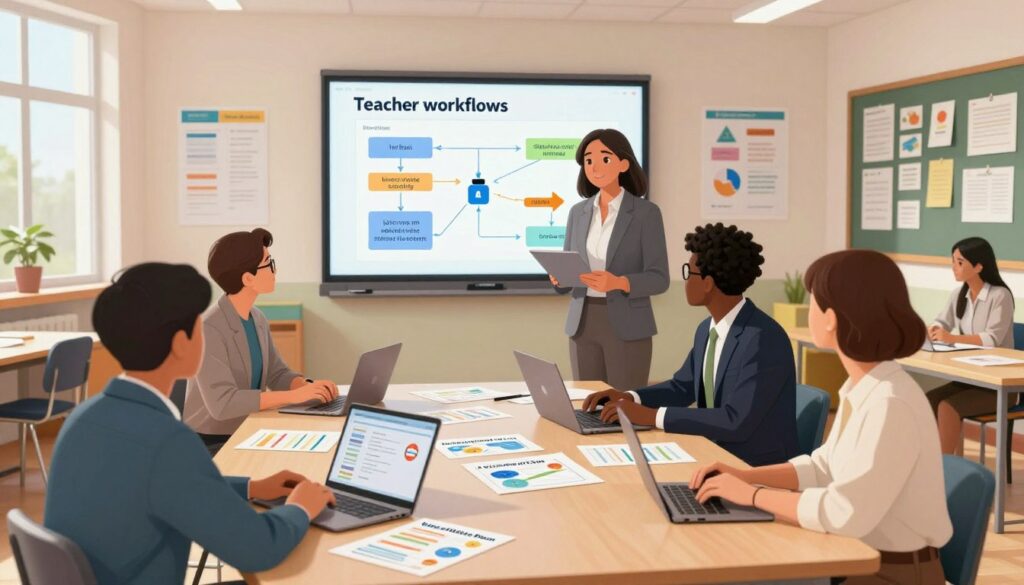
Reducing paperwork: drafting IEP goals, progress notes, and family communication
Streamline routine writing by generating draft goal frameworks, objective behavior summaries, and family letters, then personalize them with student strengths and data. De-identify records, use district-approved tools, and disable model training when possible.
Inclusive prompting: anti-bias strategies and using handouts to guide LLMs
Design reusable handouts that contain UDL, SEL, and accessibility guidelines. Upload these so tools align outputs to program standards.
“Tools save time when teachers review drafts, align goals to evidence, and keep a human in the loop.”
- Break plans into step-based checklists to make tasks manageable.
- Ask for multiple perspectives and inclusive language to reduce bias.
- Track time saved, clarity of writing, and family understanding to refine the process.
Privacy, Ethics, and Quality: Using AI Responsibly with Students with Disabilities
Privacy, ethics, and quality controls form the guardrails that let technology serve students without replacing human judgment.
Protecting PII and health data
Establish privacy defaults: de-identify prompts; never include names, exact ages, or unique diagnoses when entering information. Select district-approved platforms and disable model training on user data where possible.
Avoiding over-reliance
Treat outputs as drafts. Professionals must verify recommendations against IEP goals, progress data, and family input.
“Tools should augment professional judgment, not replace it.”
Designing for accessibility and quality
Ask tools for WCAG 2.1 AA suggestions: semantic structure, descriptive links, and alt-text templates. Then review for fidelity.
- Require transparent reasoning and traceable sources for recommendations.
- Document what was entered, how outputs were edited, and why final decisions were made.
- Provide short, recurring PD on prompt safety and reviewing outputs.
| Risk Area | Safeguard | Outcome |
|---|---|---|
| Identifying data | De-identification; approved platforms | Reduced privacy risk |
| Over-reliance | Professional verification; draft-only rule | Maintains individualized services |
| Accessibility gaps | WCAG checks; UDL-aligned materials | Improved access and experience |
From Classroom to Therapy: Real-World Tools, Use Cases, and Results
Practical examples from schools show tools turning therapy routines into classroom moments.
Park Hill used Canva so a student with cerebral palsy could produce art that matched peers. Teachers provided templates, step-based prompts, and visuals to scaffold precise descriptions like “white bear on ice.”
Speech practice expands when pronunciation and fluency feedback run in teacher-guided sessions. Real-time feedback helps students rehearse sounds while a teacher holds review and privacy safeguards.
Predictive models flag behavior patterns so teams can design proactive supports. Motion-tracking tools personalize therapy routines and make exercises game-like to boost engagement.
“Tools must be curated by a teacher who prioritizes therapeutic goals over novelty.”
Classroom and therapeutic outcomes
- Equalize creation: accessible templates let students produce comparable artifacts.
- Refine communication: visuals prompt precise language and academic vocabulary.
- Measure gains: track expressive language, participation, and quality of learning experiences.
| Use case | Instance | Result |
|---|---|---|
| Classroom creation | Canva templates and step prompts | Comparable student artifacts; higher participation |
| Speech practice | Real-time pronunciation feedback | Faster gains in fluency with teacher review |
| Therapy personalization | Motion feedback; adaptive routines | Better adherence; increased motivation |
For guidance on piloting these tools and teaching skills workshops, see a balanced review at pros and cons overview and practical training at teaching skills workshops.
The Road Ahead: Trends, Equity, and the Human Role in AI-Supported Learning
The next phase will pair responsive tutoring with careful human oversight to scale gains.
Intelligent tutoring systems and predictive analytics in special education
Intelligent tutoring systems can adjust difficulty in real time and give instant feedback. This technology extends teachers’ reach by personalizing practice while preserving educator agency.
Predictive analytics can flag emerging problems early. Teams should combine those signals with classroom knowledge and family input to avoid labeling or lowered expectations.
“Use data as a prompt for human-led intervention, not as a final judgment.”
Addressing bias and the digital divide while keeping the human touch
Closing access gaps is essential: supply devices, reliable connectivity, and accessible content so all students benefit regardless of zip code.
- Confront bias: review outputs for stereotyping and diversify examples across subjects.
- Preserve the human layer: teachers build trust, coach skills, and contextualize suggestions.
- Invest in skills: train educators to read model output, refine prompts, and turn insights into concrete teaching moves.
| Area | Action | Outcome |
|---|---|---|
| Content pipelines | Bake in semantic structure, alt text, clear text levels | Accessible content ready for classrooms |
| Knowledge sharing | Share tested solutions across districts | Faster, fairer rollout of useful tools |
| Ethics | Document data use; combine signals with human judgment | Responsible support for students |
Way forward: treat technology as a support, not a substitute. When educators, families, and districts collaborate, solutions become ethical, equitable, and effective.
Conclusion
Practical next steps make promise into practice.
strong, When districts run small pilots with clear goals, teachers recover time while keeping plans individualized. This approach helps students access grade‑level content and boosts writing, speech, and classroom participation.
Follow quality steps: de‑identify inputs, use district‑approved tools, document each process, and verify results with families. Prioritize equity—ensure teachers have guidance and every student can reach tools without new barriers.
Start small, collect evidence, then scale what works. For curated courses, prompts, and practical resources see education resources. With clear guardrails, educators can use artificial intelligence to support learning while the human touch drives outcomes.
FAQ
How is artificial intelligence supporting students with learning disabilities today?
Advanced tools provide personalized practice, adaptive reading levels, and multimodal supports—such as text-to-speech, predictive prompts, and visual organizers—that match instruction to each student’s needs. These tools can free teachers to focus on strategy and human connection while students access scaffolded content, targeted feedback, and repeated practice tailored to their learning profiles.
What should educators understand about the current landscape of intelligent tools in classrooms?
Educators must know which platforms are evidence-based, how data is stored, and how tools align with individualized goals. Many districts run pilots; results vary by implementation quality. Successful pilots pair clear objectives, staff training, and ongoing measurement of student progress rather than adopting technology for its own sake.
Why does literacy about these technologies matter for special education teachers and school leaders?
Literacy enables educators to evaluate tool claims, design ethical workflows, and adapt interfaces for learners. Staff who understand capabilities and limits make better decisions about accommodations, reduce bias in prompts, and ensure tools support rather than replace individualized instruction.
How are U.S. schools piloting tools now, and what does the data suggest?
Schools commonly pilot reading supports, speech practice apps, and workflow assistants for IEP documentation. Early data shows gains when pilots include coaching, fidelity checks, and family engagement. Without those supports, outcomes are inconsistent and often limited to short-term skill gains.
How should schools balance promise and caution when aligning tools with individualized needs?
Start with clear student goals and privacy-safe vendors. Use small trials, collect progress data, and consult multidisciplinary teams. Prioritize tools that allow human oversight and customization to ensure interventions remain individualized and equitable.
Can these tools simplify text without losing essential content?
Yes—when used carefully. Leveling tools can reduce sentence complexity and highlight key ideas while preserving concepts. Effective practice pairs simplified text with teacher-led discussion to maintain depth and comprehension.
What visual, auditory, and multimodal supports reliably improve accessibility?
High-contrast visuals, captioned audio, synchronized text-to-speech, interactive graphics, and manipulatives all help diverse learners. Multimodal lessons let students engage through preferred channels, increasing comprehension and retention.
How can intelligent systems assist with speech and language development?
Speech-focused apps offer fluency practice, pronunciation feedback, and structured prompts that reinforce therapy goals. When integrated with clinician plans, these tools provide extra practice and objective progress data to guide sessions.
When should schools avoid using these tools with students?
Avoid tools that collect sensitive data without safeguards, that lack age-appropriate controls, or that replace professional judgment. Students with severe needs may require human-led interventions rather than automated supports; readiness and consent are essential.
How can these tools reduce paperwork while keeping IEPs individualized?
Workflow assistants can draft goals, summarize progress, and produce family-friendly updates—saving time on formatting and routine notes. Educators should review and personalize generated content to preserve student-specific detail and fidelity.
What strategies prevent bias when prompting large language models or similar tools?
Use structured prompts, provide concrete examples, and include diverse representations in training inputs. Pair prompts with human review to catch cultural or contextual errors and ensure recommendations fit each student’s profile.
How should schools protect personally identifiable and health-related student data?
Choose vendors that comply with FERPA and HIPAA, require data de-identification when possible, and limit data access to authorized staff. Maintain written agreements, perform regular audits, and train personnel on secure practices.
How do educators avoid over-reliance on automated tools?
Treat tools as supplements to expert instruction. Keep multidisciplinary teams central to decision-making, regularly validate tool outputs against observed outcomes, and retain human-led progress reviews and adjustments.
What design standards support accessibility and universal design for learning?
Follow WCAG 2.1 principles, offer multiple means of representation and expression, and design content that adjusts to sensory and cognitive needs. Tools should permit text scaling, alternate formats, and keyboard navigation to meet diverse needs.
What real-world classroom tools show promise for expressive communication?
Platforms like Canva enable multimodal creation—combining images, symbols, and text—to support expressive tasks. When teachers scaffold projects, students can demonstrate knowledge using accessible formats beyond essays and tests.
How are therapeutic applications being used for speech and behavioral goals?
Clinicians use practice apps for articulation drills, data-tracking tools for behavior trends, and adaptive programs for motor planning. These tools extend therapy outside sessions and provide objective data that inform treatment adjustments.
What trends should schools anticipate in tutoring systems and predictive analytics?
Expect more adaptive tutoring that personalizes pacing and feedback, plus analytics that flag at-risk learners early. Success depends on transparent algorithms, regular validation, and educator control over interventions.
How can schools address bias and the digital divide while maintaining human connection?
Invest in equitable access to devices and connectivity, choose inclusive training data, and monitor outcomes for disparate impact. Preserve teacher-student relationships through blended models where technology augments, not replaces, instruction.