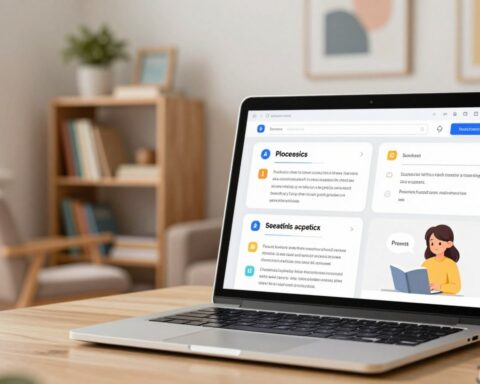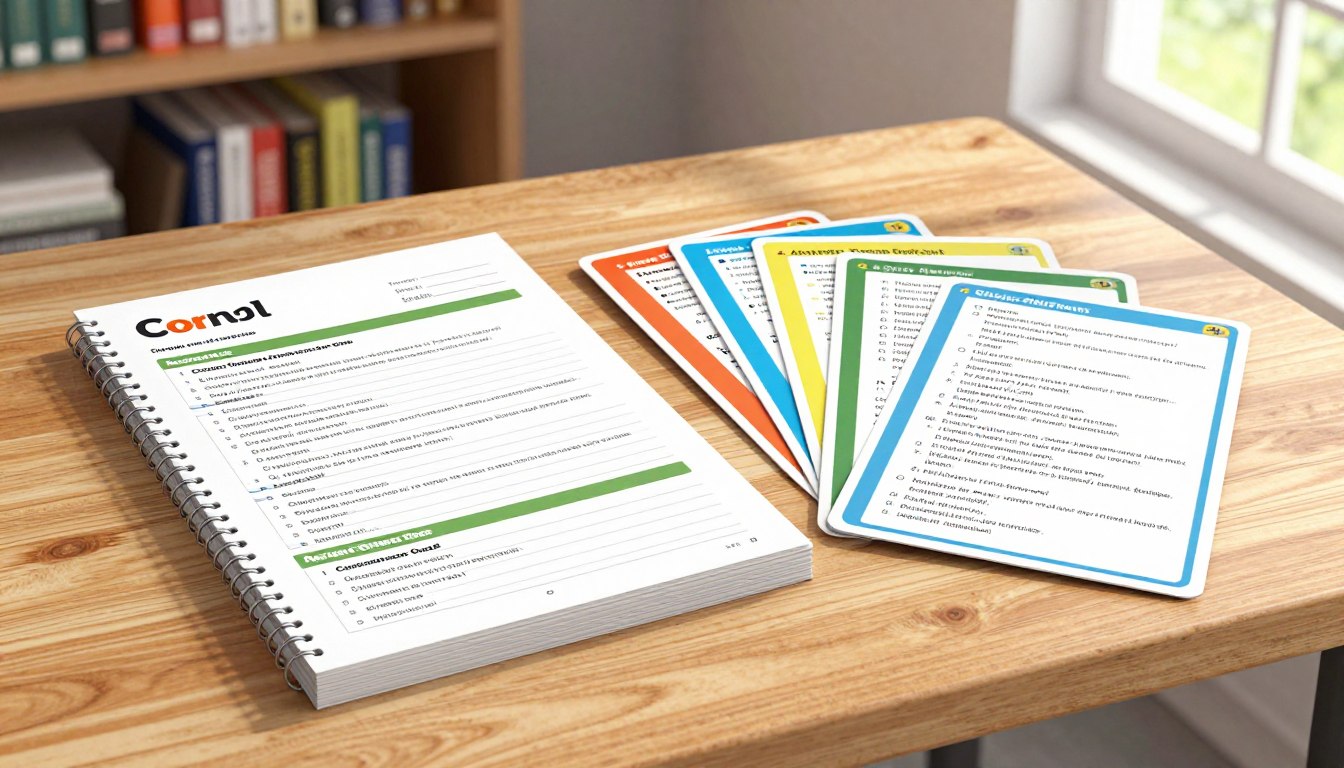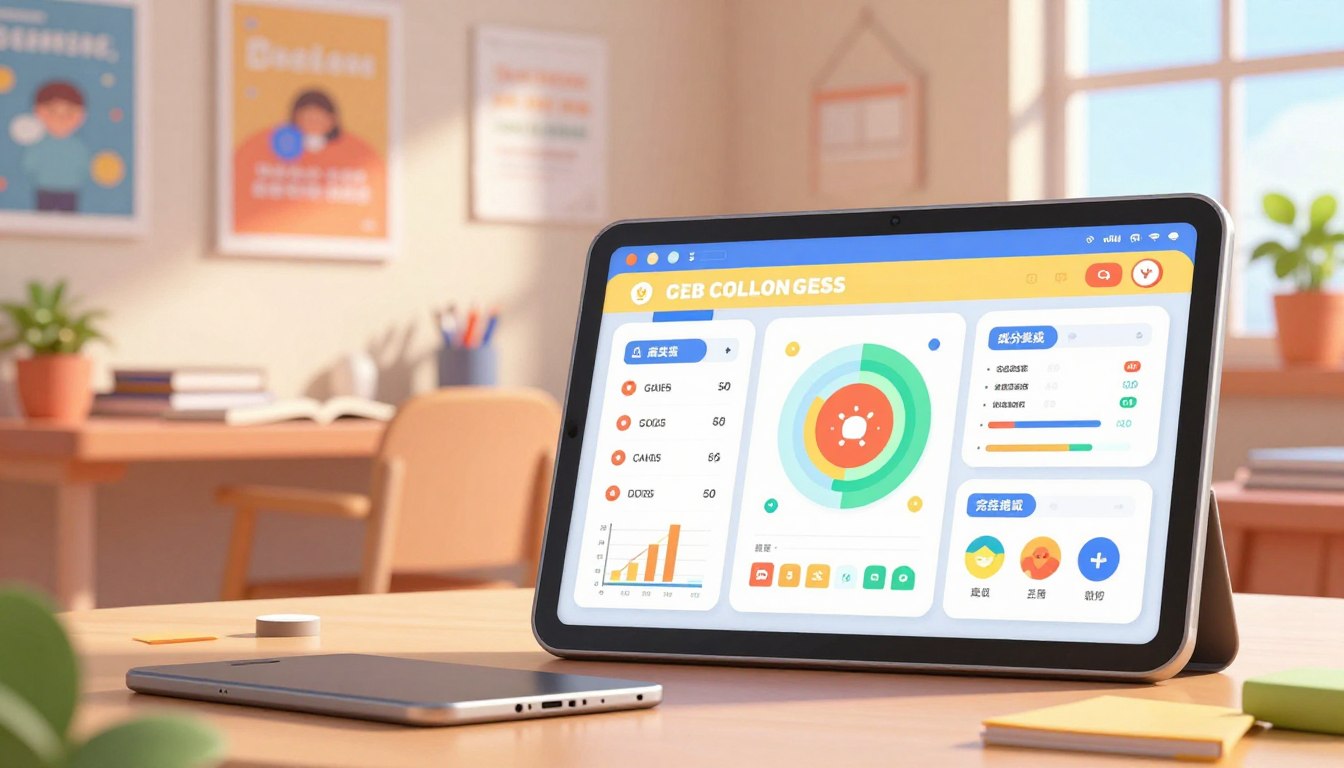
“Education is the kindling of a flame, not the filling of a vessel.” — Socrates. This idea frames the need for clear, actionable views of learning that spark confidence and next steps.
Only 23% of educational apps track progress in ways that truly improve outcomes. A motivating progress dashboard is not mere polish: it clarifies what to do next and why it matters. Well-designed dashboards measurably boost learning by turning data into simple guidance.
Readers will learn a practical playbook: define progress, pick an audience, set milestones, collect clean events, design feedback loops, add motivation mechanics, and personalize with AI insights—without turning tracking into surveillance.
FlowScholar’s Education AI Tool is the recommended implementation pathway to accelerate mastery tracking and next-step recommendations; explore FlowScholar as you plan your build. For examples of self-monitoring benefits and dashboard patterns, see tips from existing tools at student progress tracking.
Key Takeaways
- A motivating dashboard guides students with clear next steps and reasons why they matter.
- Only a small share of apps drive better learning—this article is a playbook to join that top tier.
- FlowScholar helps teams ship mastery tracking, progress reporting, and AI recommendations faster.
- Teams should instrument clean events, avoid noisy signals, and iterate with real user feedback.
- Students, teachers, and parents gain readable, actionable insights that reduce anxiety and boost practice.
Why a progress dashboard matters for learning outcomes in today’s education apps
Today, many products log clicks and time but fail to reveal whether students are actually improving. That gap matters: learners need visible signs of growth to stay persistent in self-paced study.
Only 23% of educational apps track student progress in a way that helps learning outcomes. This leaves most products effectively blind—an issue that shows up as lower retention, weaker completion rates, and unclear impact.
Most apps still don’t track progress in a way that improves outcomes
Tracking should be evidence of skill gains, not just logs of activity. Activity-only views create distraction and give false confidence.
Progress tracking vs. “activity tracking” that distracts learners
- Progress tracking: signals learning growth and recommends next steps.
- Activity tracking: records clicks, time, and pages—often unrelated to mastery.
Good dashboards drive better results: clear signals raise motivation, boost engagement, and make completion more predictable. They also act as a product feedback loop—teams see where content stalls, where support is needed, and which features deserve redesign.
The goal is not more raw data but decision-grade insight that guides learners and informs smarter product iteration.
Define what “student progress” really means in your learning journey
Meaningful measurement follows change, not single answers. Define student progress as a composite of mastery growth, engagement trajectory, and time-based consistency. This view reframes the learning journey from snapshots to trends.
Skill mastery over time, not just right vs. wrong
Track how a learner moves from struggle to competence to confident transfer. Record attempts, support used, and successful application across contexts.
Skill mastery should appear as a curve, not a single score.
Engagement signals that predict completion and retention
Monitor return frequency, drop-off points, repeated retries, and avoidance of topics. These engagement signals help predict course completion and future retention.
Time, pace, and consistency as part of the progress story
Time-on-task can mean productive struggle or confusion. Pace shows fluency or rushing. Regular routines—consistency—correlate with higher retention.
| Indicator | What it shows | Predicts |
|---|---|---|
| Mastery trajectory | Errors → partial success → transfer | Long-term skill gain |
| Engagement patterns | Returns, retries, avoidance | Completion likelihood, retention |
| Time & consistency | Session length, routine pace | Productive practice vs. confusion |
Pick the dashboard’s audience and the actions you want them to take
Effective interfaces start by naming the person using them and the action you expect them to take. Design should answer: who will act and what decision must follow.
Students: motivation, confidence, and next-step clarity
Students need clear, short prompts that guide daily practice and celebrate small wins. Clarity reduces friction and boosts routine.
- Simple calls-to-action: practice today, revisit weak skill, or claim a milestone.
- One-minute guidance: show the next lesson and why it helps.
Teachers: targeted support and early gap detection
Teachers require actionable breakdowns so they can triage class needs fast. The interface should highlight where to intervene.
- Group students by need and assign targeted practice.
- Spot stalled learners quickly; export concise progress reports for meetings.
Parents: simple, readable insights without overwhelm
Parents value reassurance and clear steps to help at home. Avoid dense charts; use plain language and one recommendation per screen.
- Say what’s going well, what needs attention, and how to help students at home.
- Offer role-based modes—separate views with shared metrics—so each audience sees the right level of detail.
Actionable insight is the benchmark: if a view does not change practice, support, or planning, it is decoration—not strategy.
Set goals and milestones that motivate instead of pressure
Break long courses into short checkpoints to make steady gains feel achievable. Short, clear targets reduce anxiety and make the path forward measurable.
Turning long courses into achievable checkpoints
Convert modules into bite-sized goals: lessons, skill drills, and mini-assessments that yield frequent wins. Each milestone should be observable, meaningful, and reachable within a week.
Reducing anxiety with clear “where I stand” indicators
Visible cues—progress bars, module checklists, and completion percentages—help students see how far they are and what remains. Estimated time per milestone sets realistic expectations and cuts guesswork.
- Design milestones tied to mastery, not just task completion.
- Celebrate consistency and improvement while flagging skills that need extra practice.
- Align milestones to content architecture: lessons → skills → assessments for coherence.
Predictable checkpoints drive retention: steady, day-by-day signals reduce cramming and keep learners returning. For teams, clear milestones make it easier to help students and to measure which steps improve completion.
Choose the right data to collect for progress tracking (and what to skip)
Smart measurement means gathering only metrics that trigger support, practice, or product fixes. Collect purposeful inputs and ignore telemetry that cannot change instruction.
Core metrics to capture
- Completion: did the learner finish a lesson or assessment? Use completion to time interventions and celebrate wins.
- Accuracy: correct responses show mastery; error types reveal deeper misunderstandings.
- Time-on-task: session length and time by topic help link effort to outcomes.
Mistake patterns and help signals
Track error categories—conceptual versus careless slips—so feedback is precise. Log hints, retries, and resource use as signs of productive practice rather than failure.
What to skip and a simple test
Avoid tap-by-tap telemetry, vanity engagement counts, and any metric that cannot prompt a nudge, teacher action, or product change. If a number fails the “metric-to-action” test, drop it.
Tip: an Education AI tool turns clean inputs into mastery estimates and next-step recommendations. For practical guidance on how to track student progress effectively, follow this implementation path.
Design the tracking system: events, consistency, and clean learning data
Instrument the student journey with explicit events to turn actions into usable insights. Planning events before development makes the analytics reliable and the product faster to iterate.
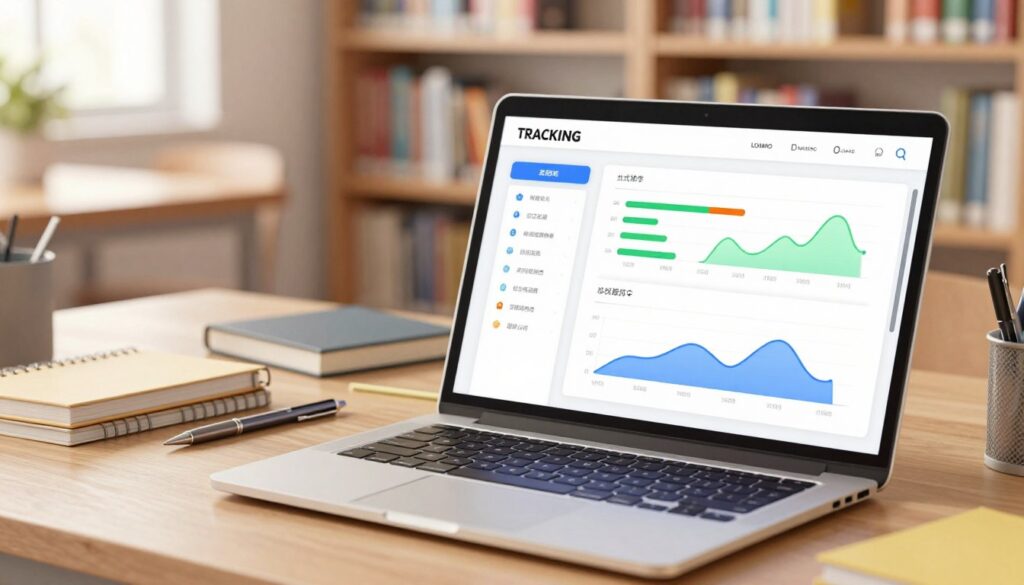
Map key actions into clear tracking events
Define the event taxonomy: login/session start, lesson start, lesson completion, question attempt (correct/incorrect), hint request, retry, resource open, and assessment completion. These entries let teams link behavior to learning results.
Real-time vs. daily and weekly summaries
Real-time updates matter for live quizzes and immediate feedback loops. Most teacher and parent workflows prefer daily or weekly summaries to reduce noise and respect attention.
Build alerts for meaningful changes
Alert only on meaningful deltas: stalling, sudden accuracy drops, long inactivity, or repeated errors on the same skill. Smart alerts drive timely intervention without alarm fatigue.
“Clean, consistent events turn raw interactions into decision-grade signals.”
| Area | When to use | Benefit |
|---|---|---|
| Real-time events | Live practice, adaptive feedback | Immediate correction; boosts engagement |
| Daily summaries | Teacher reviews, parent updates | Digestible trends; less noise |
| Alerts | Significant drops or stalls | Faster remediation; better results |
A Student-Friendly “Progress Dashboard” That Motivates
Clear, glanceable UI elements turn uncertainty into a short list of doable steps. The goal is an uncluttered student view that points to one next action.
Progress bars, checklists, and visual cues students understand instantly
Use progress bars per module, checklists per lesson, and obvious completion states. These elements reduce cognitive load and let students scan their learning experience at once.
- Work-at-a-glance: one bar per module, simple checks for tasks.
- Limit metrics: show only primary measures; hide deeper analytics behind expandable details.
Mastery maps that show strengths, gaps, and what to practice next
Mastery maps visualize skills and areas: strengths in green, gaps in amber, next practice target highlighted. This helps students self-direct rather than guess what to do next.
Confidence-boosting language that keeps learners engaged
Replace judgmental words with coaching phrases: “next step,” “almost there,” or “review to strengthen.” Small wins and kind prompts increase engagement and help students learn better.
“Clarity plus supportive language turns tracking into fuel for practice.”
Add feedback loops that improve mastery and keep students engaged
Feedback loops turn each session into a clear step toward skill growth. When the interface not only reports progress but shapes the next session, learners move from passive review to targeted practice.
Instant responses that guide practice without feeling like surveillance
Deliver quick, supportive feedback: explain why an answer missed the mark, show a short worked example, then offer a focused retry. Keep language coaching rather than corrective to protect engagement.
Reflection prompts that help students learn better and boost retention
At lesson end, ask three simple prompts: what felt easy, what felt hard, and what to review next. These reflections make forgetting less likely and improve long-term retention.
Weekly summaries that nudge consistency and cut cramming
Weekly summaries should show completed items, accuracy trends, and one suggested focus for the coming week. Short daily recommendations—”five minutes today”—spread effort and reduce last-minute work.
Define feedback loops as the engine of improvement: the system should change what learners do next, not just record what they did.
| Loop | When | Primary effect |
|---|---|---|
| Instant feedback | After each attempt | Targeted retry; faster error correction |
| Reflection prompts | End of lesson/module | Better retention; clearer study plans |
| Weekly summaries | Once per week | Consistency; reduced cramming |
Use motivation mechanics that feel like a game, not a gradebook
Well-designed game elements nudge learners toward meaningful practice and steady gains. They should reinforce study habits—practice, review, and persistence—rather than reward mere time on task.
Badges, points, and milestone celebrations that build momentum
Tie rewards to learning outcomes: award badges for mastery gains, points for completing review sessions, and milestones for overcoming hard units. This links recognition to real results.
Use supportive language in celebrations: “You strengthened fractions”, “New personal best”, or “Consistency streak”. Praise growth, not rank.
Streaks and routines that support day-to-day learning
Design streaks to reward “learning days” with flexible rules. Allow grace days and require a minimum effective practice time so streaks boost confidence, not burnout.
Rule of thumb: reward behaviors that predict long-term completion and skill gain, not superficial engagement.
- Define the objective: reinforce meaningful behaviors—practice, persistence, review.
- Badge & points: link to mastery improvements and tough reviews, not clicks.
- Streaks: use grace rules and minimum practice thresholds to protect momentum.
- Avoid leaderboard focus for young users; favor private progress and self-competition.
Well-crafted game features increase engagement and completion while keeping the experience positive. Designers should test features against real learning results and iterate.
| Feature | Design principle | Primary benefit |
|---|---|---|
| Badges tied to mastery | Earn for skill improvement | Signals real achievement |
| Points for review | Reward deliberate practice | More focused practice sessions |
| Flexible streaks | Grace days & min practice | Sustained routines; less burnout |
| Private milestones | Celebrate personal bests | Positive motivation; reduced comparison |
Personalize the experience with AI-driven insights (without overwhelming users)
AI can turn sparse learning signals into clear, action-ready recommendations for each session. The goal is simple: surface one useful insight that drives the next practice decision.

Adaptive practice: the right question at the right time
The system uses models like BKT and DKT to pick which questions will most likely boost mastery. It selects items that target weak skills while avoiding frustration.
Practically: select the next question, offer the right hint, then allow a focused retry—fast feedback that builds skill without overload.
Spot gaps early and adjust difficulty to match pace
When the system detects repeating misconception patterns, it recommends a short review before errors compound. This early detection prevents wasted practice.
AI also scales difficulty to match learning speed: slower pace means more spaced practice; faster gains get harder questions to keep growth steady.
Show “next best step” recommendations to guide the learning path
Present one clear recommendation at a time with an option to explore alternatives. Keep language coaching and tie suggestions back to mastery labels so teachers and parents can interpret results.
“Personalization should simplify choices—give learners and adults one clear action that moves the learning journey forward.”
| Approach | How it guides practice | Primary benefit |
|---|---|---|
| BKT (Bayesian) | Estimates mastery probability per skill | Transparent mastery tracking for teachers |
| DKT (Deep) | Learns complex item patterns to pick questions | Highly adaptive sequencing; nuanced difficulty |
| Rule-based | Simple heuristics: retries, hints, spacing | Easy to explain; fast to implement |
Implementation tip: map AI outputs back to skill-level mastery and show one next step. For teams building this system, practical guides on resource optimization and adaptive platforms are available at AI resource optimization and an adaptive learning use case at adaptive learning platforms.
Make progress reports actionable for teachers and parent-friendly for families
Clear, brief reports let teachers act within minutes instead of hunting through logs. Reports should present one short summary, one suggested next step, and one quick way to help a student the next day.
Translate analytics into plain English and clear takeaways
Replace rates with concrete statements: “finished 7 of 10 activities; errors cluster on fraction comparison”. That phrasing gives immediate insights and saves time.
Highlight areas to focus on, not just scores
Show skills to review—such as “fraction comparison needs review”—instead of only a percentage. This directs teacher action and helps parents know one thing to practice at home.
Actionable reports tell which skills are weak, which students are stalled, and what to assign next.
- Summary first, details second, raw data last.
- Weekly alerts for meaningful changes and suggested interventions.
- One-minute parent view: progress, focus areas, and two ways to give support.
| Who | Actionable item | Suggested support |
|---|---|---|
| Teachers | Weak skills & stalled students | Assign targeted mini-lessons |
| Parents | Current focus area | Short home practice (5–10 min) |
| Admin | Class-level trends | Adjust pacing or resources |
When reports translate metrics into plain language, they improve student progress, boost learning understanding, and deliver fast, usable results.
Protect student privacy and build trust in a progress dashboard system
Clear consent and minimal collection form the core of trusted design. A system that uses only necessary information earns faster adoption from schools and families. Trust grows when privacy is framed as a deliberate product feature, not an afterthought.
COPPA-aware consent and minimum-data collection for children
Follow COPPA rules in the U.S. and GDPR where relevant. Obtain parental or school consent before collecting personal data and use pseudonymous IDs when possible.
- Consent flows: clear prompts and parental verification.
- Minimum-data design: collect only what supports learning signals and outcomes.
Transparency: what you track, why you track it, and how it helps
Make tracking visible in plain language. Tell users what is recorded, why the system collects each item, and how those signals improve learning. Offer a concise “need know” panel so teachers and parents can see the essentials at a glance.
Secure storage and role-based access for teachers and parents
Store records with encryption in transit and at rest. Implement audit logs and strict role rules so teachers and parents access only authorized views. Regular security reviews and incident plans keep the system resilient.
Privacy as a feature increases retention—families and districts stay with platforms that protect data and communicate clearly.
| Practice | Why it matters | Primary control |
|---|---|---|
| Parental consent | Legal compliance and family trust | Explicit opt-in flows |
| Minimum-data collection | Limits exposure while preserving insight | Pseudonymous IDs; scoped fields |
| Transparent tracking | Helps users understand benefits | In-app explanations and dashboards |
| Secure access | Protects student records | Encryption, audit logs, role policies |
Build, launch, and iterate faster with FlowScholar’s Education AI Tool
Shipping a useful student view is faster when the analytics layer is pre-built and tuned for learning outcomes. FlowScholar positions teams to move from concept to delivery without rebuilding core telemetry or models.
How FlowScholar supports progress dashboards, mastery tracking, and insights
FlowScholar acts as a build accelerator: it surfaces clear progress tracking signals, mastery-oriented reporting, and one-click “next best step” recommendations. The tool turns clean events into actionable insights so teams focus on curriculum and UX, not low-level analytics.
What to implement first for the biggest impact on completion and retention
- Instrument core events (attempts, retries, hints).
- Launch a simple student view with one recommendation and visible mastery labels.
- Add teacher and parent reports, then layer adaptive practice and alerts.
CTA: Get started with FlowScholar
Measure completion, weekly active learners, mastery lift, and stall points. Ship a minimum lovable view, validate user action, and expand metrics only when they improve outcomes. Get started with FlowScholar: https://www.flowscholar.com
“Evaluate FlowScholar early in planning so instrumentation, dashboards, and insights align from day one.”
Conclusion
Meaningful measurement starts by defining skill growth, engagement, and consistent practice. Build the view around actions that help students move forward: what to practice next, where teachers should intervene, and how families can offer simple support.
Tracking should enable better learning decisions—not just prettier charts. Focus on a small set of clean metrics, protect privacy, and show one clear next step so learners see steady results and gain confidence.
Teams win by starting small: instrument core events, ship a readable student view, then iterate from real usage. To accelerate that path from raw data to mastery insights, get started with FlowScholar: https://www.flowscholar.com.
FAQ
What makes a progress dashboard effective for improving learning outcomes?
An effective dashboard highlights skill mastery over time, not just completed tasks. It combines clear milestones, engagement signals (like consistency and time-on-task), and actionable next steps so learners focus on growth. When students see strengths, gaps, and recommended practice, motivation and retention rise.
How is progress tracking different from simple activity tracking?
Activity tracking records clicks and time spent; progress tracking interprets those events into learning meaning. It measures accuracy trends, mistake patterns, help-seeking behavior, and pace. That insight guides targeted practice rather than creating noisy metrics that distract learners and teachers.
Which audience segments should a dashboard serve?
Design for three audiences: students (motivation and clear next steps), teachers (early gap detection and targeted support), and parents (concise, readable insights). Each view should present the same data with different priorities and call-to-action guidance.
What core metrics should a dashboard collect—and what should it ignore?
Track completion, accuracy, time-on-task, patterns of mistakes, retries, and hint use. Avoid logging irrelevant events that add noise—such as every idle second or superficial clicks—unless they map to a clear learning signal.
How can dashboards reduce anxiety while still motivating students?
Use achievable checkpoints, mastery maps, and confidence-boosting language. Present progress as attainable steps; emphasize improvement and next best actions rather than raw rankings or punitive scores. Short-term goals lower stress and increase persistence.
What visual elements help students understand progress instantly?
Simple progress bars, checklists, mastery maps, and clear color cues work best. Combine visuals with short, encouraging text that explains what a metric means and what to do next. Avoid clutter; prioritize clarity and immediate comprehension.
How should real-time updates balance with summaries?
Use real-time feedback for practice-level actions (correct/incorrect, hints) and daily or weekly summaries for broader trends. Real-time signals guide immediate learning; summaries nudge consistency and show progress over time without overwhelming users.
What feedback loops improve mastery without feeling like surveillance?
Offer instant, formative feedback focused on why an answer is wrong and how to improve. Add reflection prompts and brief weekly summaries that encourage self-assessment. Keep tone supportive and explain the purpose of data collection to build trust.
Which motivation mechanics help sustain engagement without gamifying learning excessively?
Badges, milestone celebrations, and streaks work when tied to meaningful learning behaviors, like completing a focused practice session or mastering a skill. Design rewards that reinforce study routines and competence—not just points for activity.
How can AI personalize the dashboard without overwhelming learners?
Use AI to surface the next best step: adaptive practice questions, difficulty adjustments, and early gap detection. Limit recommendations to a small, prioritized set so learners receive clear guidance instead of a flood of options.
How should teachers and parents use progress reports to support students?
Translate analytics into plain English and specific actions—what to focus on, suggested interventions, and resources. Provide teacher tools for grouping and targeted assignments, and parent views that highlight progress and simple ways to support learning at home.
What privacy practices are essential for a dashboard used by minors?
Follow COPPA guidelines, collect only minimum necessary data, and obtain clear consent. Be transparent about what is tracked and why, use secure storage, and implement role-based access so teachers and parents see only appropriate information.
Where should teams start when building a progress dashboard to maximize impact quickly?
Begin with the highest-impact metrics: completion, accuracy trends, and time-on-task. Add mastery maps and next-step recommendations. Pilot with a focused cohort, gather feedback, and iterate—prioritizing features that increase completion and retention first.