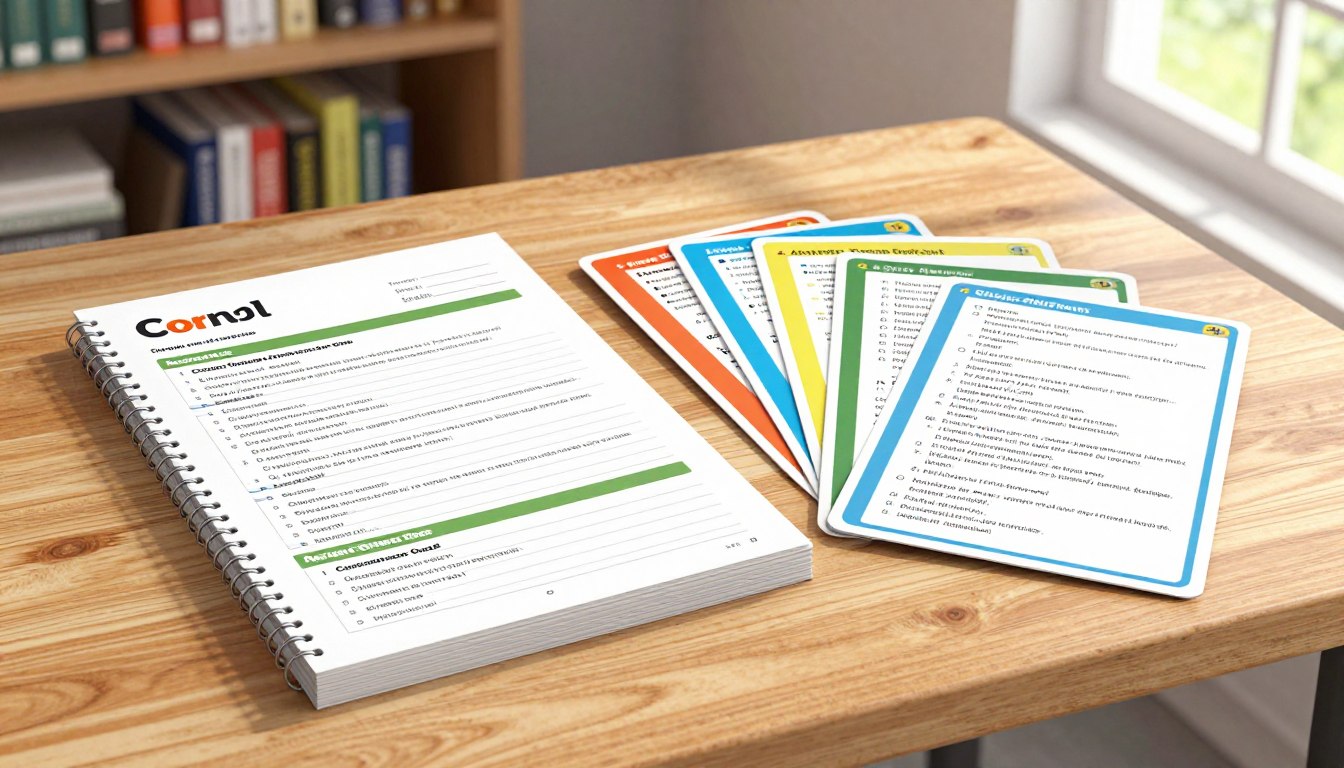
“Tell me and I forget, teach me and I may remember, involve me and I learn.” – Benjamin Franklin. Effective learning involves more than just passive note-taking; it requires an integrated approach that fosters retention and application of knowledge.
The Note-Taking Stack is a comprehensive system that combines Cornell Notes, Review Cards, and Quick Quizzes to address common challenges in learning. By leveraging cognitive science principles, this approach enhances information retention and knowledge application.
Tools like FlowScholar can further enhance this note-taking approach through AI-powered features, making it easier to implement the Note-Taking Stack. For more insights on effective note-taking, you can explore resources like HoverNotes.
Key Takeaways
- Understand the integrated Note-Taking Stack approach.
- Learn how to implement Cornell Notes, Review Cards, and Quick Quizzes.
- Discover how to enhance your note-taking with AI-powered tools.
- Improve comprehension and long-term retention.
- Implement a system for efficient study sessions.
The Science Behind Effective Note-Taking
Effective note-taking is a crucial skill for learning and retention, backed by cognitive science research. The way we take notes significantly influences how well we absorb and recall information. Let’s examine the cognitive science behind effective note-taking and how it impacts our ability to learn.
Why Traditional Note-Taking Falls Short
Traditional note-taking methods often fall short due to passive transcription, lack of organization, and minimal engagement with the material. Simply writing down information verbatim fails to promote deep learning or long-term retention of key concepts. This method doesn’t facilitate active recall, making it difficult to review notes effectively.
How the Note-Taking Stack Enhances Learning and Retention
The Note-Taking Stack addresses the shortcomings of traditional note-taking by engaging different cognitive processes through a multi-component approach. By combining structured notes (Cornell method), active recall (Review Cards), and knowledge testing (Quick Quizzes), it creates a comprehensive learning system. This system aligns with how memory formation works, enhancing retention and promoting deeper understanding.
| Component | Cognitive Benefit |
|---|---|
| Structured Notes (Cornell Method) | Improved encoding of information |
| Active Recall (Review Cards) | Enhanced retrieval practice |
| Knowledge Testing (Quick Quizzes) | Strengthened neural pathways through repeated exposure |
The Cornell Note-Taking Method: Foundation of the Stack
At the heart of the Note-Taking Stack lies the Cornell Note-Taking Method, a system developed by Walter Pauk at Cornell University in the 1940s. This method has been a cornerstone of effective learning for decades, helping students organize and retain lecture information.
History and Structure of Cornell Notes
The Cornell Note-Taking Method follows a specific page layout, dividing the page into four sections: two columns on the right and left, a space at the bottom, and a smaller space at the top. The right column, taking up about 70% of the page’s width, is used for note-taking during lectures. The left column, or cue column, is used to record keywords, prompts, and questions that aid in studying the material. For more information on setting up your Cornell Notes system, you can explore resources like this guide.

The Three Key Sections: Notes, Cues, and Summary
The distinctive three-part structure of Cornell Notes includes the notes section (right column), the cue column (left column), and the summary section at the bottom of the page. Each section serves a specific purpose: the notes section captures raw information, the cue column facilitates active recall, and the summary section promotes synthesis of key concepts. This structured approach transforms passive note-taking into an active learning process, making it the perfect foundation for the Note-Taking Stack.
By using the Cornell Note-Taking Method, learners can create a visual organization that helps the brain categorize and process information more effectively. While effective on its own, this method’s power is amplified when integrated with other components of the stack, such as review cards and quizzes.
Setting Up Your Cornell Notes System
Implementing the Cornell Notes system effectively begins with setting up the right framework. This involves creating a structured format that facilitates organized note-taking, review, and reflection.
Paper-Based Setup: Templates and Materials
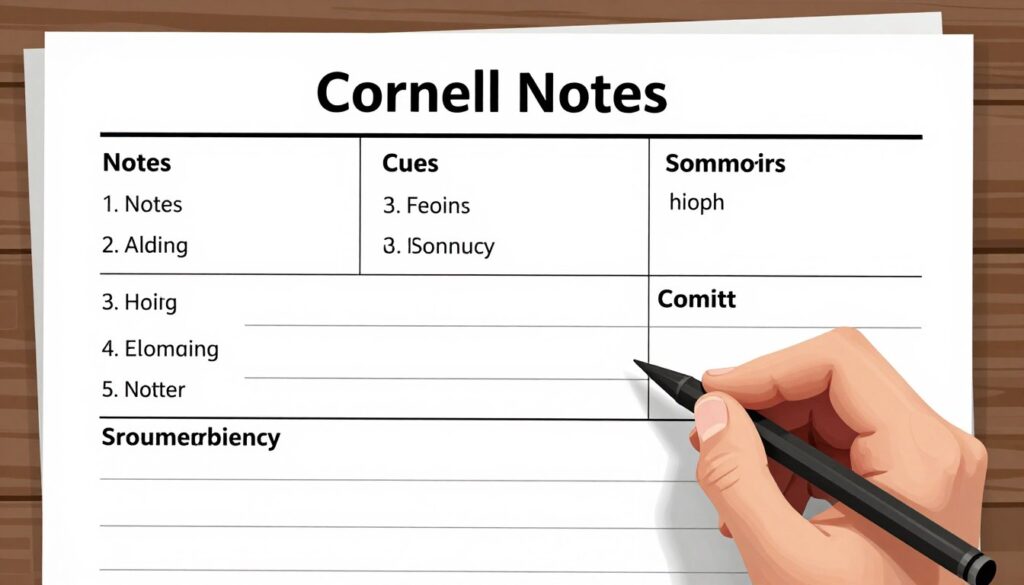
To set up a paper-based Cornell Notes system, start by dividing a standard page into three sections: notes, cues, and summary. The notes section should occupy the largest area on the right, with the cues column on the left and a summary section at the bottom. You can use a ruler to draw the lines or find pre-formatted Cornell Notes notebooks.
For optimal results, choose a notebook with high-quality paper that minimizes bleed-through and has a suitable grid or line format. Recommended notebooks include those with a dot grid or a mix of grid and lined pages.
Digital Setup: Apps and Tools
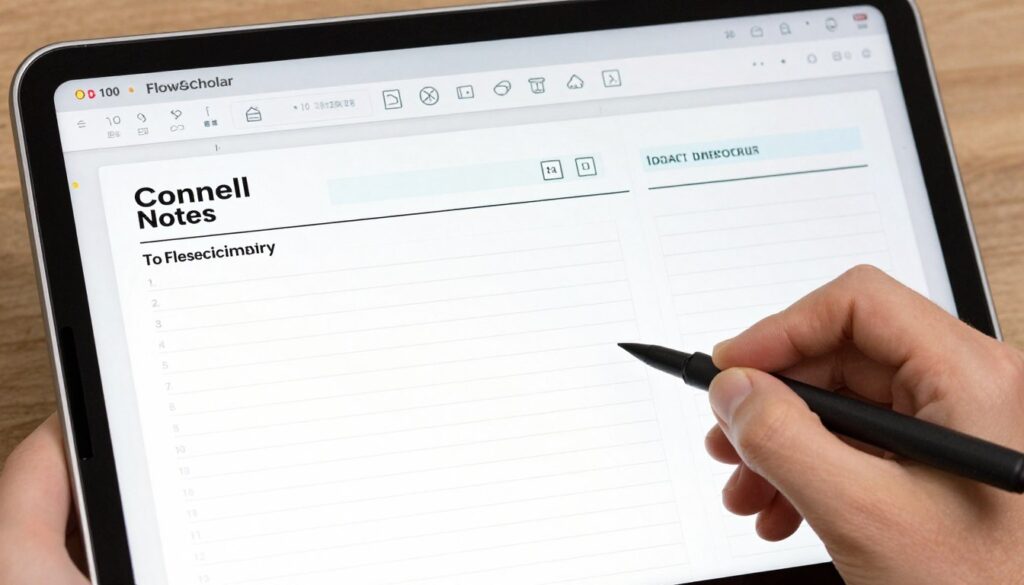
For a digital Cornell Notes setup, various apps can be adapted or are specifically designed for this method. Microsoft OneNote is a versatile tool that allows you to create digital notebooks with the Cornell format. You can type or record notes anywhere on the page and organize them according to the Cornell layout.
To enhance your digital Cornell Notes experience, consider using FlowScholar, an AI-powered tool that can automatically generate cue questions, suggest summaries, and help organize information more effectively. Other notable apps include Notability and GoodNotes, which offer flexibility in creating and managing digital notes.
When choosing a digital tool, consider your comfort level with technology and your specific learning needs. Both paper-based and digital setups have their advantages, and the best choice depends on your personal preference and study habits.
Step-by-Step Guide to Taking Cornell Notes
Implementing the Cornell note-taking method effectively requires a strategic approach to capturing information during lectures. This method involves a unique structure that facilitates active recall and better retention of material.
During Class: Capturing Information Effectively
During a lecture, focus on taking notes in the right column of your paper, which serves as your main note-taking column. Use shorthand, abbreviations, lists, and bullet points to record information efficiently. Leave spaces between sections to maintain legibility. The left column can be used to record keywords, prompts, or questions that will aid in studying the material later.
After Class: Creating Cues and Questions
After the lecture, review your notes and consolidate them into concise statements and remarks in the left column. Create cues and questions that will facilitate active recall during later review sessions. For instance, you can formulate questions based on the key concepts recorded in the right column.
- Identify key terms and concepts
- Formulate questions that test your understanding
- Use the cues to recall main ideas
For more insights on effective note-taking strategies, you can explore resources like Lemon8, which offers valuable tips and tools.
Completing the Summary Section for Better Comprehension
Using the final section at the bottom of your notes, re-read everything you’ve written and summarize the main ideas and takeaways. This summary section is crucial for consolidating your understanding and creating connections between concepts, thereby enhancing comprehension and retention.
Key Takeaways:
- Review your notes within 24 hours to maximize retention.
- Use the Cornell method to structure your notes effectively.
- Create cues and questions to facilitate active recall.
Transforming Cornell Notes into Review Cards
To maximize retention, it’s essential to transform Cornell notes into review cards that facilitate active recall. This process is a critical component of the Note-Taking Stack, building upon the foundation established by the Cornell note-taking system.

Converting Cues into Effective Flashcards
The first step in creating review cards is to convert the cues and questions from your Cornell notes into effective flashcards. This involves crafting clear, concise questions that target specific pieces of information from your notes. For instance, you can create different types of review cards, such as basic definition cards, concept explanation cards, and application/scenario cards that test deeper understanding of the material.
For example, a cue like “Define the Cornell method” can be turned into a flashcard with the question “What is the Cornell method?” on one side and the definition on the other. To explore more study tools and techniques, you can visit https://clickup.com/blog/study-tools/ for additional resources.
| Type of Review Card | Description | Example |
|---|---|---|
| Basic Definition Card | Defines a key term or concept | Q: What is the Cornell method? A: A note-taking system. |
| Concept Explanation Card | Explains a concept in detail | Q: How does the Cornell method work? A: It involves dividing paper into sections for notes, cues, and summaries. |
| Application/Scenario Card | Tests application of a concept | Q: How can you apply the Cornell method in a lecture? A: By taking notes, creating cues, and summarizing. |
Implementing Spaced Repetition for Maximum Retention
Once you have created your review cards, the next step is to implement spaced repetition to maximize retention. Spaced repetition involves reviewing material at strategically timed intervals to enhance long-term memory. You can use systems like the Leitner system or digital tools such as Anki, Quizlet, or Remnote to automate the scheduling process.
By combining the Cornell note-taking method with review cards and spaced repetition, you create a powerful learning system that progresses from initial information capture to active practice and reinforcement, significantly improving learning outcomes.
The Note-Taking Stack: Cornell Notes + Review Cards + Quick Quizzes
Effective learning is achieved through the Note-Taking Stack, a method that seamlessly blends Cornell Notes, Review Cards, and Quick Quizzes to foster deep understanding. This comprehensive system is designed to enhance learning and retention by leveraging the strengths of each component.
Creating Quick Quizzes from Your Notes
Quick Quizzes are the third component of the Note-Taking Stack, offering a more comprehensive assessment of knowledge comprehension and application than flashcards. To develop effective quizzes, transform the cue questions from your Cornell Notes into complex, scenario-based questions that test deeper understanding and application of concepts.
For instance, a cue question like “What is the definition of photosynthesis?” can be transformed into a quiz question: “Explain how photosynthesis occurs in plants and its significance in the ecosystem.” This approach encourages learners to think critically and apply their knowledge in various contexts.
Integrating All Three Components into Your Study Routine
To maximize learning efficiency, it’s crucial to integrate Cornell Notes, Review Cards, and Quick Quizzes into a cohesive study routine. Start by taking Cornell Notes during lectures, then create Review Cards from the cue questions, and finally, develop Quick Quizzes to test your understanding comprehensively.
A suggested workflow involves reviewing Cornell Notes weekly, using Review Cards for active recall, and taking Quick Quizzes to assess your knowledge application. This multi-faceted approach ensures that learners engage with the material in different ways, reinforcing their understanding and retention.
Using FlowScholar to Enhance Your Note-Taking Stack
FlowScholar is an AI-powered education tool that can significantly enhance the Note-Taking Stack by automating parts of the process and providing additional features for creating quizzes and review materials. With FlowScholar, you can generate cue questions from your notes, create flashcards, and develop quiz questions based on your learning materials.
By analyzing your notes for key concepts and suggesting connections between ideas, FlowScholar helps learners to identify important information and organize their study materials more effectively. To get started with FlowScholar, simply upload your notes, and the AI will guide you through the process of creating a comprehensive study routine.
Conclusion: Elevate Your Learning with the Complete Note-Taking Stack
The synergy between Cornell Notes, Review Cards, and Quick Quizzes creates a powerful learning engine that drives academic and professional success. By implementing the complete Note-Taking Stack, individuals can enhance their learning outcomes, improve retention, and develop a more efficient study process.
This integrated system addresses the full learning cycle, from initial capture to comprehensive understanding. By combining the structured information capture of Cornell Notes, the active recall practice of Review Cards, and the comprehensive application of Quick Quizzes, learners can achieve a deeper understanding of the material. To further enhance your note-taking experience, we invite you to explore FlowScholar, a tool designed to make implementing the complete stack more efficient and effective.
Start by applying the Note-Taking Stack to a single course or subject, and watch your learning transform. With FlowScholar, you can streamline your process and achieve your goals more effectively.
FAQ
What is the Cornell method, and how does it improve learning?
The Cornell method is a note-taking system that involves dividing paper into two columns, with the narrower column used for cues and questions, and the wider column for notes. This method enhances learning by encouraging active engagement with the material, promoting review, and facilitating recall.
How do I set up my Cornell Notes system digitally?
To set up a digital Cornell Notes system, you can use apps like Evernote or OneNote, which allow you to create templates and organize your notes. You can also use digital tools specifically designed for Cornell Notes, such as digital notebooks with customizable layouts.
What are Review Cards, and how do they aid in retention?
Review Cards are flashcards created from the cues and questions in your Cornell Notes. They aid in retention by allowing you to practice recall through spaced repetition, reinforcing your understanding of key concepts and information.
How do Quick Quizzes fit into the Note-Taking Stack?
Quick Quizzes are assessments created from your notes to test your understanding. They fit into the Note-Taking Stack by providing an additional layer of review, helping to identify areas where you need more practice or review, and reinforcing learning through active recall.
Can the Note-Taking Stack be used for different subjects or classes?
Yes, the Note-Taking Stack is versatile and can be applied to various subjects or classes. Its structure allows for adaptation to different types of material, making it a valuable tool for a wide range of academic or professional pursuits.
How does the Note-Taking Stack save time in studying?
The Note-Taking Stack saves time by streamlining the study process. By organizing notes, creating Review Cards, and taking Quick Quizzes, you can efficiently review material, identify knowledge gaps, and focus your study efforts, reducing the overall time spent studying.
What are some best practices for implementing the Cornell Note-Taking Method?
Best practices include being consistent in your note-taking, reviewing your notes regularly, using cues and questions to guide your review, and summarizing your notes to reinforce understanding. Additionally, adapting the method to fit your learning style can enhance its effectiveness.