There are moments in a quiet press box when a small-team game feels like the whole world. Ambitious creators understand that hunger: they want to turn that energy into coverage that matters.
The past few years moved AI-driven commentary from experiment to practical workflows. Tools such as Microsoft Azure Video Indexer, ElevenLabs, and Adobe Premiere now form a clear pipeline that converts match footage into synced voiceovers with timestamps and editorial controls.
This guide lays out a repeatable way to build a revenue-ready operation—one that scales coverage, serves more fans, and preserves human oversight. It shows how detection outputs become CSVs, how prompts and voice synthesis create polished narration, and why outlets like ESPN and AP validate the model.
Readers will leave with a clear goal: turn insights into analysis, minimize friction, and expand the number of games covered without inflating headcount. The payoff is practical: more content, more engagement, and new revenue streams that complement human storytelling.
Key Takeaways
- AI workflows now power practical, repeatable commentary pipelines.
- Use Azure Video Indexer, structured CSVs, GPT prompting, and ElevenLabs for sync and scale.
- Labeling and editor review keep trust while expanding coverage.
- This model serves fans and uncovers revenue in overlooked games.
- Industry adoption by ESPN and AP signals a real commercial potential.
Why GPT-based commentary is exploding in niche leagues right now
When no broadcast appears, automated recaps and voiceover can put a game back on the map for fans.
Informational intent: Creators and publishers want a fast way to turn raw footage into consistent, credible outputs. They seek repeatable workflows that produce post-match recaps, timed narration, and short highlights that resonate with audiences.
What readers want to achieve
Teams and independent creators aim to scale coverage without adding full broadcasts. The goal is simple: publish more articles and audio that explain momentum shifts, player storylines, and key plays.
Industry proof points
ESPN labels machine-assisted recaps transparently and routes them through editorial review. The Associated Press automates thousands of minor-league and college recaps, freeing reporters to write deeper pieces. IBM used Watson to narrate U.S. Open highlights, adding voice to matches without announcers and improving accessibility.
| Provider | Use case | Scale | Primary benefit |
|---|---|---|---|
| ESPN | Automated game recaps with editorial review | Underserved matches (women’s soccer, lacrosse) | Timely articles and brand-aligned tone |
| Associated Press | Mass recap and preview automation | Thousands of minor and college games | Consistent coverage; frees reporters |
| IBM Watson | Spoken voiceover for highlights | U.S. Open courts without live announcers | Accessible, narrated highlights |
More coverage means better fan engagement and stronger experiences. Creators who pair automated text and voice with human review will unlock reliable insights and build lasting trust with audiences.
The tech stack you need to generate, gpt-based, sports, commentary, for, niche, leagues
A compact, reliable tech stack turns raw match footage into timed narration and polished highlights. Start with accurate ingestion, move through controlled language outputs, then finish with precise voice and editing steps.
Ingest and index
Azure Video Indexer parses footage into timestamped players, topics, emotions, keywords, and scenes. Creators export JSON and convert to CSV to build a master relational data file that anchors every event in the timeline.
Language models and prompts
Use a stable model configuration (example: temperature ~0.3) and enforce a JSON schema with TimeStart, TimeEnd, and Text. Prompt scaffolds set voice, pacing, and analysis goals so the output matches the game flow.
Voice and video
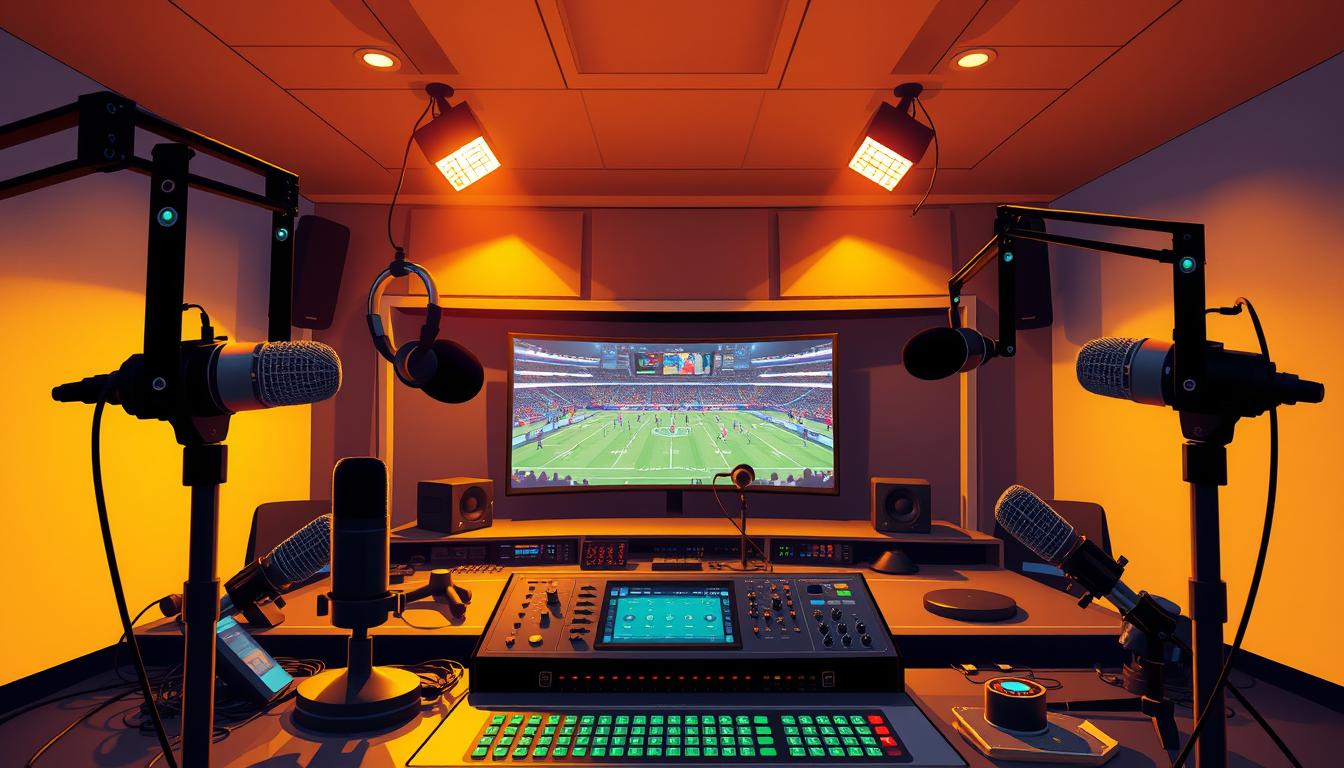
ElevenLabs produces TTS audio with controllable timbre; Adobe Premiere aligns clips to event markers and exports final MP4s. Integration points—indexer → model → TTS → NLE—must be automated to scale coverage.
“Start with clean timestamps and verified data—everything else layers on reliably.”
| Stage | Primary tool | Key output |
|---|---|---|
| Ingest | Azure Video Indexer | Timestamped JSON of players, scenes, emotions |
| Model | gpt-3.5-turbo (sample) | JSON with TimeStart, TimeEnd, Text |
| Voice & NLE | ElevenLabs + Adobe Premiere | Aligned TTS clips and MP4 deliverables |
Data pipeline: from game footage to structured sports data
A disciplined data pipeline turns raw game footage into clean, model-ready records. Start by ingesting footage into an indexer that returns JSON with detected entities, timestamps, topics, emotions, scenes, and OCR events.
Extracting players, topics, emotions, and scenes on a timeline
Normalize the indexer output into tables: events, entities, segments. Tag each row with consistent keys so players and moments join reliably across files.
Transforming JSON to CSV and creating a master relational file
Convert JSON to CSV and build a master relational file that links people, scenes, feelings, and keywords. This master is the anchor the model uses to sequence analysis and avoid hallucinations.
Ensuring accuracy with official stats providers and live feeds
Sync official stats—goals, fouls, substitutions—so commentary cites verified information. Maintain confidence thresholds, log exceptions, and flag low-confidence plays for manual review.
- Include OCR and keyword detections to catch scoreboard and banner changes.
- Time alignment is non-negotiable: accurate start/end stamps reduce postproduction rework.
- Break complex tasks into ingestion, normalization, validation; test with small validation sets before scaling.
| Stage | Primary output | Why it matters |
|---|---|---|
| Ingest | Timestamped JSON | Base layer of entities and scenes |
| Normalize | CSV tables | Clean joins and consistent keys |
| Validate | Master relational file | Verified context for analysis and faster fixes |
Prompt engineering that turns raw timelines into broadcast-ready text
A disciplined prompt strategy reshapes CSV timelines into concise calls and analysis that sync with video. The goal: outputs that drop into an editor with no manual fixes.
Design the JSON schema first. Require TimeStart, TimeEnd, and Text so every segment maps to an exact clip. Insist on strict types and ISO timestamps in the system prompt.
Keep each inference time-bounded. Chunk by scene or event to fit the model’s context window and preserve clarity.
Retrieval grounding and tone
Pass verified stats, rosters, and official scores in the prompt to reduce name errors and factual drift. Few-shot examples show phrasing, transitions, and respectful handling of injuries or reviews.
- Calibrate temperature around 0.2–0.4 for confident, concise text.
- Tune tone to the league: educational for lower tiers, higher energy for derbies.
- Include stop-words and disallowed claims to limit speculative questions.
“Anchor every call to time and verified data; that single rule cuts edits and improves fan trust.”
Maintain prompt libraries and evaluation checklists—names, scores, and timing—so editors keep fast understanding and produce reliable insights at scale.
Voiceover, timing, and postproduction: making it sound like a real broadcast
A tight audio workflow turns raw lines of text into a believable broadcast voice that fans trust.
Start by exporting each ElevenLabs MP3 segment and snapping it to the JSON TimeStart/TimeEnd markers in Adobe Premiere. Millisecond alignment preserves the live-call illusion and keeps the narrator tied to visible plays.
Mapping TTS clips to event timestamps
Snap clips to event timestamps. Use frame-accurate placement and micro-shifts (2–5 frames) on critical moments to restore sync where visuals and calls drift.
Render short and long versions from the same timeline: quick cuts for social highlights and full edits for complete games. This keeps the editorial timeline consistent across outputs.
Loudness, pacing, and crowd-bed best practices
Normalize loudness across segments and sidechain against a crowd-bed so speech remains clear during peak moments. Build NLE presets—EQ, compression, limiter—to standardize performance across games.
Vary pacing: measured delivery during buildup, faster cadence at goals. Add subtle booth reverb and room tone to reduce dry artifacts and improve reality. Test ElevenLabs voices under crowd noise; a bright midrange cuts through best.
“Maintain consistent loudness and tight timing—those two choices make machine-rendered voice feel live.”
- Export TTS per segment and snap to timestamps for millisecond accuracy.
- Duck music and replays at commentary entries so words land clearly.
- Layer authentic crowd-bed tracks aligned to notable plays to boost presence.
- Spot-check alignment on critical plays; tiny shifts restore sync.
Real-world workflows: generate GPT-based sports commentary for niche leagues
This case study traces one match from ingestion to final MP4, showing each tool and task.
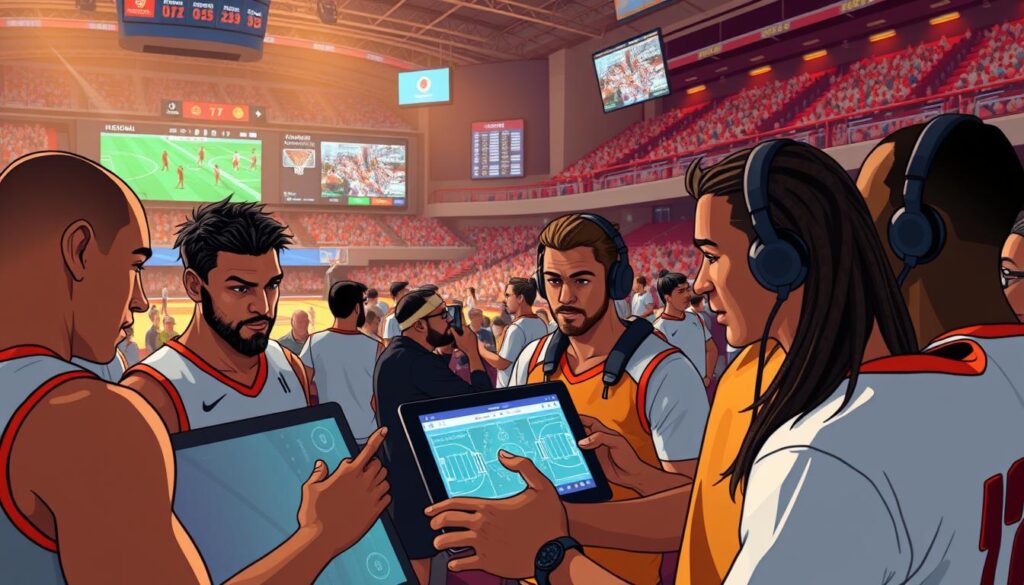
Step-by-step walkthrough: Index raw footage with Azure Video Indexer and export timestamped JSON. Normalize those records into CSV tables that unify events, players, and scenes. Build a master CSV that guides the model and reduces downstream edits.
Case study walkthrough: indexing highlights, CSV master, JSON output
Feed the master CSV to a model (example: gpt-3.5-turbo at temperature 0.3) with a strict JSON schema: TimeStart, TimeEnd, Text. Segment-level prompts keep the model on-task and limit drift across the game.
Validate outputs by spot-checking player names, scores, and timestamps. Approved JSON moves to the TTS queue. Add a pronunciation guide for lesser-known players to keep audio authentic.
Embedding audio segments in Premiere for timed export
Batch-create MP3s in ElevenLabs with file names that mirror TimeStart. In Premiere, drop voice files on a dedicated track and align using waveform views and the JSON timeline. Small frame shifts (2–5 frames) restore sync on key plays.
- Render short highlights and full-length edits from the same sequence.
- Reuse captions and lower-thirds to speed multi-platform releases.
- Track a simple checklist: ingest, normalize, generate, synthesize, align, export.
“Keep the master CSV and audio naming consistent — it saves hours during match weeks.”
| Stage | Action | Deliverable |
|---|---|---|
| Index | Azure Video Indexer → export JSON | Timestamped events and scenes |
| Normalize | JSON → CSV master | Unified data file for prompts |
| Generate & TTS | Model JSON output → ElevenLabs MP3s | Time-stamped audio files |
| Post | Adobe Premiere alignment & export | Short highlights and full MP4s |
For a tested implementation and deeper notes on the automated highlight pipeline, see this guide. These practical steps help teams and creators deliver consistent insights to fans without a full broadcast crew.
Distribution, engagement, and monetization for underserved games
Distribution starts with making the right clips discoverable where fans already gather. A clear plan maps clips, recap articles, and chat tools to platform behavior. That reduces friction and raises session depth.
Personalized feeds, chatbots, and answer engines
Personalized feeds surface relevant games and highlights to each fan. Reuse short commentary segments and chapters to populate timelines across apps and social channels.
Chatbots—like Arsenal’s Robot Pires—answer schedules, rosters, and live scores, then link to full articles or recap videos. Answer engines such as Perplexity consolidate stats and live information to boost discovery.
Rights, syndication, and platform policies
Secure permissions for footage and music, and align reuse with league agreements. Syndicate clips to partners and keep a clear audit trail of rights and approvals.
- Monetize with pre-rolls, mid-rolls, and sponsor tags inside recap clips.
- Publish consistently to Reddit, Discord, and team pages to grow audience funnels.
- Use predictions sparingly and label probability as insight, not fact.
| Channel | Monetization | Policy note |
|---|---|---|
| Social snippets | Pre-roll ads | Short-clip rights required |
| Owned site | Mid-rolls, subscriptions | Full rights and captions |
| Team pages | Sponsor tags | Cross-promo agreements |
“Track conversions from snippets to owned pages; optimize thumbnails and metadata to improve retention.”
Compliance and trust: bias, transparency, and data ethics
Transparent labeling and human oversight are the foundation of ethical machine-assisted coverage. Readers expect clarity about what was written by algorithms and what was verified by editors. Clear signals build trust with fans and with rights holders.
Label machine-written content and build editor review workflows
Label all automated outputs. Follow the model used by ESPN: mark machine-written pieces and route them to human editors before publication. Editors should confirm names, scores, and sensitive claims.
- Use checklists that verify official stats and timestamps.
- Maintain an audit log of edits and approvals to track corrections.
Mitigate bias and hallucinations with verified sources
Ground prompts with official rosters and verified feeds to reduce errors. Log every source referenced so teams can audit factual claims later.
Address bias by diversifying training examples and reviewing language that singles out players or teams. Set escalation paths for disputed calls or controversial analysis.
Privacy, consent, and athlete data safeguards
Limit personal information, honor consent, and apply retention rules—especially when minors appear. Legal, production, and editorial teams should share responsibility for compliance.
“Labeling and verification are not optional—they are the practices that let automation scale with integrity.”
Scaling the operation: automation, integrations, and the near future
Automation and smarter integrations are shifting small-team coverage into scalable operations. Automated cameras and tracking rigs now let teams record lower-tier matches reliably. That raw capture unlocks overlay layers with live predictions and key stats.
Multilingual audio is straightforward: swap prompts and TTS voices to publish alternate language tracks without re-editing timelines. This widens reach and improves the fan experience across regions.
Wearables and IoT streams feed player performance metrics into the pipeline. Real-time sports data can trigger model-driven callouts and post-match training insights that coaching staff value.
Second-screen, AR/VR, and operational design
AR overlays and virtual reality views create immersive experiences that sync with the main feed. Second-screen apps can surface tactics boards, polls, and alternate angles tied to timestamps.
- Automate ingest with camera tracking and overlay live predictions.
- Offer multi-language tracks via prompt swaps and TTS voices.
- Integrate wearables to highlight player performance and training takeaways.
- Use model-driven asset assembly to cut reels; editors shape narrative and pacing.
“Scale responsibly: publish prediction probabilities with context and keep editors in the loop.”
Standardize integrations so each team can import schedules, rosters, and branding with minimal setup. Set SLAs for quick highlights and longer deep dives. Finally, collect feedback from fans and teams to iterate—small, steady improvements compound into real competitive advantage in the near future.
Conclusion
, A focused pipeline turns raw video and data into clear, publishable match narratives that reach real fans.
Follow the path: index game footage, build a CSV master, ground prompts with verified data, synthesize voice, and align audio in an NLE. These steps cut time and reduce rework while improving outcomes.
When executed well, this workflow delivers insights that raise the profile of undercovered leagues and unlocks real potential to serve more fans. Editors remain central: they answer questions, verify names, and shape tone so commentary feels authentic.
Start small, document each task, and iterate. Over time player performance context gets richer, experiences improve, and the power to tell more stories across the sports world grows.
FAQ
What practical value does AI commentary add to niche leagues?
AI commentary expands coverage cost-effectively by automating play-by-play, highlights narration, and contextual analysis. It helps smaller leagues reach wider audiences, create personalized feeds, and enrich archives with searchable metadata — all while reducing the staffing and production overhead needed for traditional broadcasts.
Which industry examples prove this approach works?
Major outlets like ESPN and The Associated Press use automation for routine reporting; IBM deployed AI-driven voice narration at the U.S. Open. Those implementations demonstrate reliable scaling, faster content delivery, and increased engagement — a model niche competitions can adapt with tailored data and tone.
What core tech stack is required to produce synchronized AI narration?
A robust stack includes video indexing (Azure Video Indexer), official data feeds and timing metadata, a capable large language model with well-crafted prompts, TTS engines such as ElevenLabs for natural voice, and an NLE like Adobe Premiere for final assembly and export.
How do you turn raw game footage into structured inputs for models?
Start by extracting timestamps, player IDs, events, emotions, and scene descriptors from footage. Convert detection outputs to JSON, normalize into CSV or a master relational file, and enrich with official stats providers to ensure accuracy before sending chunks into the model.
What prompt structure ensures broadcast-ready text synced to video?
Use prompt templates that request JSON with TimeStart, TimeEnd, and Text fields. Provide context windows containing recent events, player bios, and league lexicon. Chunk long games strategically and ground retrieval with verified data to avoid hallucinations and maintain timing precision.
How do teams map TTS clips to event timestamps reliably?
Export model output with explicit start/end timestamps, render short TTS clips per event, and import them into the NLE aligned to the same timeline markers. Apply lead-in/lead-out padding and crossfades for smoother transitions and sync checks against original footage.
What postproduction practices improve perceived broadcast quality?
Control loudness with LUFS targets, tune pacing to match the sport’s tempo, layer crowd beds subtly, and maintain consistent voice timbre. Use human editors to spot-check intonation and correct any contextual errors before distribution.
Can you monetize AI-driven coverage for underserved games?
Yes. Strategies include subscription micro-feeds, ad-supported highlight reels, syndication to platforms, white-label commentary services for local broadcasters, and integrating chatbots or answer engines to boost fan retention and conversion.
What legal and rights issues should leagues consider?
Secure broadcast rights, clarify audio/video reuse permissions, and align contracts with platforms for syndication. Ensure athlete image and data consent are documented, and consult legal counsel to navigate platform policies and territory restrictions.
How do you prevent model bias and hallucinations in commentary?
Implement editor review workflows, label machine-written content, and ground outputs with verified data sources. Use retrieval-augmented generation, limit conjecture in prompts, and maintain audit logs to trace and correct errors.
What privacy safeguards apply to athlete and sensor data?
Apply data minimization, anonymize sensitive telemetry, obtain explicit consent for biometrics or location tracking, and store information under strict access controls. Follow regional privacy laws like GDPR or CCPA when applicable.
How can small operations scale automation without losing quality?
Automate repetitive tasks first: indexing, metadata normalization, and templated narration. Integrate APIs for feeds and TTS, then add human-in-the-loop review for edge cases. Use modular pipelines so components (camera automation, commentary, distribution) scale independently.
What future features will change how fans experience lower-tier games?
Expect real-time AR overlays, multi-language and emotion-aware commentary, predictive insights from wearables, and second-screen interactivity. These advances will create immersive second-screen experiences and open new revenue and engagement channels for smaller leagues.