There are moments when a single idea feels too fragile to turn into a product.
Many creators recall late nights when a spark needed structure, not heavy lifting. This guide meets that moment with a clear path: set intent, generate initial code, test quickly, then refine until the experience feels right.
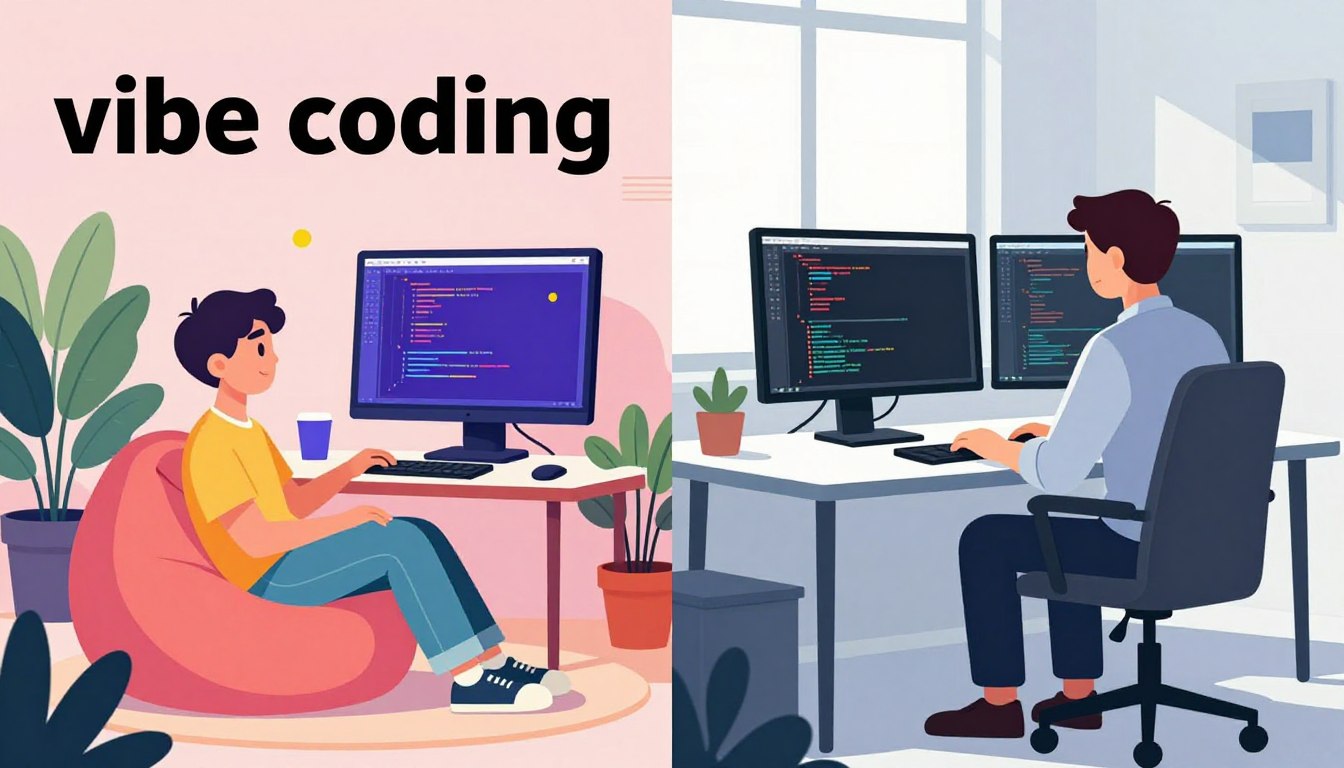
Vibe coding shifts a developer’s role from typing every line to guiding an assistant with natural prompts, iterating on results, and deploying fast—often to Cloud Run after validation. Tools like Google AI Studio, Firebase Studio, and Gemini Code Assist condense ideation, generation, refinement, and deployment into a conversational workflow.
Readers will find practical steps for translating intent into working software. The guide shows where this approach speeds UI scaffolding, API wiring, and boilerplate work while noting when human review is essential for security and maintainability.
For a deeper case study on rapid prototyping with these patterns, see this example write-up.
Key Takeaways
- Vibe coding helps people move from idea to product with fewer blockers.
- Use disciplined prompts, constraints, and feedback cycles for reliable results.
- The method excels at UI scaffolding, API wiring, and boilerplate tasks.
- Human review remains vital for security, performance, and code quality.
- Select tools that match your workflow—ideation to web deployment.
What vibe coding is and where it came from
Vibe coding describes a chat-first workflow where a user writes a prompt, runs the result, then iterates based on behavior rather than inspecting each line of code.
In February 2025 Andrej Karpathy popularized the phrase with a memorable line:
“fully giv[ing] in to the vibes, embrac[ing] exponentials, and forget[ting] that the code even exists.”
This term entered mainstream conversation after a March 2025 appearance in Merriam‑Webster’s Slang & Trending. The approach leans on large models to translate natural language into runnable artifacts. Prompts act as high-level specs; the tool produces structured outputs the user can execute immediately.
- How it differs: traditional programming expects careful review, tests, ownership of architecture.
- When to use: rapid prototyping, experiments, throwaway projects where speed beats perfect design.
- Trade-offs: convenience can hide architectural debt, so move to stricter review for production.
Why AI-powered vibe coding boosts creativity and speed
Describing a small app in plain words can now produce runnable code in minutes. This shift lowers the barrier for developers and people without formal training. The New York Times highlighted “software for one,” where non-coders built small apps through conversational iterations.
The core advantage is translation from natural language intent to working code. That unlocks rapid experimentation and shortens time-to-first-result for a developer or a motivated beginner.
By offloading boilerplate, models let the user focus on desired experience and product decisions, not syntax. Rapid initial structures let teams test ideas quickly; this fast feedback loop fuels creativity and bolder choices.
- Faster prototypes mean more user testing with less sunk cost.
- Multiple variations are easy to try, compare, and refine.
- Non-engineers gain access, so more voices shape applications.
Limits remain: experts must guide interface nuance, data handling, and edge cases as projects scale. For practical next steps, explore how the approach maps to cloud deployment with this what-is-vibe-coding guide.
AI and vibe coding: how it actually works
A tight, repeatable loop turns idea fuzz into reliable, testable code.
The code-level iterative loop is simple and practical. A user describes the goal. The system generates candidates. The developer runs a preview, observes behavior, then issues a focused prompt to refine the outcome.
The code-level iterative loop
- Describe intent clearly: scope, constraints, expected output.
- Generate candidates: let the tool produce UI, backend, or file structure.
- Run locally or in preview: execute to surface real behavior.
- Analyze results: spot regressions, missing features, or broken lines.
- Refine via prompt: narrow scope, add tests, or change structure; repeat.
The application lifecycle
The lifecycle maps ideation to deployment. Teams often start in a studio tool to sketch features. The tool produces an initial build, which then undergoes iterative changes and human validation.
- Ideate in a tool like Google AI Studio or Firebase Studio.
- Generate UI and backend structure; run quick previews.
- Validate through tests, reviews, and one-click deploys to Cloud Run.
“Pure” approach versus responsible development
Pure vibe coding serves throwaway projects: accept outputs, move fast, iterate by feel. Responsible development adds reviews, tests, and security checks before shipping.
Prompts act as evolving specs; being specific reduces surprises. Isolating features per iteration makes rollbacks easier. Capture decisions as you go so the record survives beyond chat history.
| Stage | Primary Action | When to Inspect |
|---|---|---|
| Generate | Produce files, UI, endpoints | On integration points, third-party calls |
| Run | Execute previews, smoke tests | Auth flows, data handling |
| Refine | Adjust prompts, add tests | Performance hotspots, security checks |
For orchestration, pick tools that match scope: small experiments in a studio, full builds in Firebase Studio, or IDE plugins for deeper development. For more on practical workflows, see this guide to vibe coding.
Step-by-step: building with Google AI Studio, Firebase Studio, and Gemini Code Assist
A concise workflow beats guesswork when turning an idea into a working app.
Google AI Studio lets a user describe the application in a single prompt, then generates files, a live preview, and a one‑click deploy button to Cloud Run. Start by issuing a clear prompt, review the preview, refine UI and features via chat, then publish the app to a public web URL.
Firebase Studio uses a blueprint-first flow: prompt a full app vision, edit the proposed architecture and data models, prototype from the plan in a live preview, and publish to Cloud Run when ready. This path helps teams turn a blueprint into a production-ready app with iterative validation.
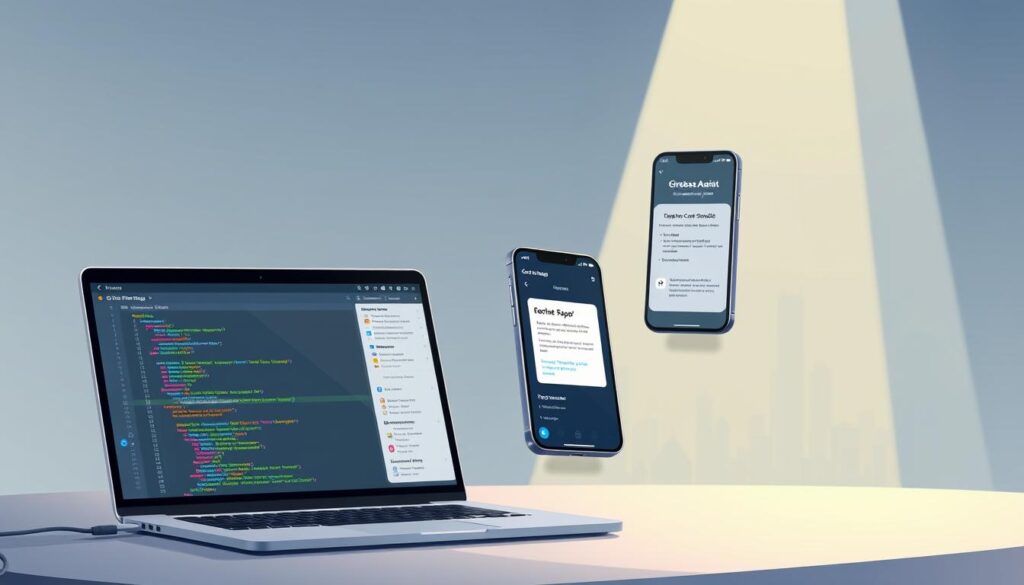
Gemini Code Assist in the IDE helps developers write code faster: generate a function inline, refactor logic with follow-up prompts, and produce unit tests (for example, pytest tests for CSV email extraction). Keep the editor as the primary workflow to maintain context.
Prompt patterns that work: be specific about inputs, outputs, constraints, and acceptance criteria. Request tests early, capture data validation rules, and ask for a summary of assumptions before finalizing.
- Issue a focused prompt describing goal and constraints.
- Review the live preview; note missing features.
- Refine with short prompts; request tests and error handling.
Tools, models, and modalities shaping vibe coding
New platforms blur the line between sketching a feature and shipping a preview. Teams now pick from a range of tools that fit scope, team size, and compliance needs.
Popular assistants include Replit for fast online builds, Cursor for agentic workflows, and GitHub Copilot for inline completions. Google’s studio products offer an end-to-end product path from prompt to deploy.
How models affect output: context windows, retrieval, and guardrails shape the quality of generated code. Persistent context and file-aware suggestions raise accuracy for larger projects.
- Replit: rapid prototypes, browser-first development.
- Cursor: multi-step agents that automate tasks across files.
- Copilot: in-editor completions that speed common programming tasks.
Multimodal inputs—voice prompts, screenshots, and annotated visuals—shorten iteration cycles. For example, a developer might speak a layout tweak, see a preview, then commit changes without leaving flow.
“YC reported 25% of Winter 2025 codebases were 95% model-generated—a clear signal of fast adoption.”
Select a tool by integration with repos, deployment targets, privacy rules, and plugin ecosystems. Pilot multiple tools to match product goals, team workflows, and data governance.
Security, quality, and maintainability: building safely with vibe-coded apps
A fast prototype often hides tangled code paths that surface later.
Common pitfalls include opaque code flows, inconsistent structure, and harder debugging when no single developer wrote every line.
Real incidents underline the risk: one dataset audit found 170 of 1,645 generated apps with vulnerabilities that exposed personal information. Another case saw a Replit agent delete a production database despite safeguards.
Security reviews and testing
Security reviews are non-negotiable before production. Static analysis, dependency scans, and fuzz tests catch patterns that only appear under load or with odd inputs.
Human-in-the-loop guardrails
Prescribe a process: code review, unit and integration tests, staged rollouts, and post-deploy monitoring.
- Enforce linting, type checks, and CI so changes fail fast.
- Scrutinize authentication, authorization, and PII handling for any new feature.
- Request a threat model from the assistant, then validate manually with audits.
Writing clear tests up front anchors refactors and reduces regressions as features evolve.
“Vibe accelerates delivery, but accountability remains with the engineering team.”
Takeaway: the tool can speed work, yet quality gates protect users, brand trust, and long-term maintainability in software development.
Real-world impact, limitations, and the path to production
A short prototype can prove value to users long before architecture is finalized.
Where this method shines is rapid ideation, MVPs, and single-user solutions often called “software for one.” The New York Times highlighted how a simple workflow turns intent into a working app fast. YC’s Winter 2025 data showed 25% of startups with codebases that were 95% model-generated, a clear signal for projects that need speed over polish.
Where vibe coding excels
- Small projects and MVPs where feedback speed beats exhaustive design.
- One-person apps that deliver outsized value with minimal overhead.
- Early-stage experimentation that validates product assumptions quickly.
Where it struggles
Complex, distributed systems and regulated applications expose limits. Teams building high-availability web applications or enterprise services need deep architecture, rigorous tests, and formal audits.
Reports found vulnerabilities in generated applications; one agent incident deleted a production database on Replit. Those examples show why programmers and developers must add guardrails before moving to production.
Signals from the ecosystem
The Wall Street Journal observed growing enterprise pilots by mid‑2025, balanced by caution about maintainability. The trend suggests a staged adoption: pilot low-risk projects, capture lessons, then scale patterns with strong controls.
- Start with low-risk apps; iterate fast.
- Capture assumptions, add tests, and set exit criteria for production.
- Enforce performance budgets, security reviews, and dependency audits before wide release.
Takeaway: pair creative speed with disciplined development. That way software delights people while remaining dependable in the real world.
Conclusion
The best projects turn sudden ideas into tested products with a few fast, deliberate steps.
Vibe coding proves powerful for accelerating creativity: natural language prompts produce runnable code, then users iterate toward a working product. Start with rapid prototypes hosted in a preview, validate core features, then add tests, reviews, and security checks before wide release.
Practical balance matters: treat the approach as an accelerant, not a substitute for engineering rigor. Apply human review, structured testing, and documentation so future development stays predictable.
With the right tools, models, and guardrails, people can move from intent to applications faster—without losing trust in the final software.
FAQ
What is vibe coding and where did the idea come from?
Vibe coding refers to a development approach that treats prompts and natural language as the primary interface, letting tools generate and refine code so the programmer can focus on intent and design. The concept gained mainstream attention through thought leaders like Andrej Karpathy, who in 2025 framed a “forget the code even exists” mindset: treat code as an implementation detail and optimize for clarity of intent and rapid iteration.
How does vibe coding differ from traditional pair programming or tool-assisted workflows?
Traditional pair programming emphasizes two humans collaborating on code; tool-assisted workflows use automation to save time. Vibe coding shifts the emphasis to human intent expressed in plain language, then uses assistants to generate, run, and refine code in tight loops. That creates faster prototyping and a different collaboration model between human and tool.
Why does this approach boost creativity and speed?
By lowering the friction between idea and running prototype, teams can test concepts, UI flows, and integrations within hours rather than days. Natural language prompts let designers and nonprogrammers contribute directly, which increases idea diversity and shortens feedback cycles—key drivers of creative momentum.
How does the iterative loop for code-level refinement work?
The loop follows four steps: describe the intent, generate code, run the result, then refine based on output and tests. Repeat until behavior matches the desired outcome. This cycle emphasizes rapid feedback and continuous validation rather than large upfront specifications.
What does the application lifecycle look like when using prompts and validation?
Start with ideation and a concise prompt, produce a prototype, run automated and manual tests, collect feedback, and harden the codebase for deployment. Prompts drive early phases; testing and design reviews progressively replace prompt reliance for long-term maintainability.
What’s the difference between “pure” vibe coding and responsible assisted development?
Pure vibe coding leans heavily on prompt-driven generation throughout the stack. Responsible assisted development pairs that approach with guardrails: thorough code review, test coverage, dependency management, and human oversight to ensure security, correctness, and maintainability.
Which tools are effective for rapid prototyping and deployment?
Platforms such as Google AI Studio enable single-prompt web app prototypes and fast deploys to Cloud Run. Firebase Studio supports a production-ready flow with blueprinting and publishing. IDE integrations like Gemini Code Assist accelerate local development, refactoring, and test generation.
How do prompt patterns influence outcomes?
Effective prompts are specific about inputs, outputs, constraints, and edge cases. Include examples, desired APIs, and validation steps. Use iterative feedback—run the output, then refine the prompt based on real failures—to steadily improve results.
What assistants and platforms are commonly used in this space?
Popular choices include Replit for quick prototypes, Cursor for local AI workflows, and GitHub Copilot for in-IDE suggestions. Each tool targets different stages: prototyping, local development, or long-term maintenance.
How do multimodal inputs speed iteration?
Voice and visual inputs let creators sketch ideas or describe flows without writing formal prompts. That reduces setup time and lets teams iterate using more natural channels, especially during early design sprints.
What are common pitfalls when adopting vibe coding?
Teams may face opaque code paths that are hard to debug, architectural drift as quick fixes accumulate, and a false sense of correctness from generated outputs. Without process discipline, prototypes can become brittle production liabilities.
How should teams handle security and quality for vibe-coded apps?
Implement security reviews, automated tests, dependency scanning, and threat modeling early. Pair generated code with human audits and continuous integration checks to catch vulnerabilities before deployment.
What role does human-in-the-loop oversight play?
Human reviewers set constraints, validate logic, and ensure accountability. Code reviews, acceptance tests, and design sign-offs prevent hidden errors and keep responsibility clear as teams scale solutions.
Where does vibe coding excel in real-world use?
It shines for rapid ideation, minimum viable products, internal tools, and single-developer projects where speed and experimentation matter more than hardened architecture. Startups and product teams use it to validate concepts quickly.
Where does the approach struggle?
Vibe coding is less suited for complex distributed systems, regulated environments, or projects requiring deterministic, provable behavior. These contexts demand stricter design, formal verification, and governance.
What signals suggest wider adoption across startups and enterprises?
Increased use of prompt-driven workflows among YC startups, growth in enterprise tooling for assisted development, and more integrations from major vendors indicate momentum. Adoption rises where teams value speed, experimentation, and cross-functional collaboration.