Some mornings, emails and calendars grow faster than we can type. Many professionals, entrepreneurs, and innovators look for better ways to work. Computer speech recognition is a smart tool that helps turn voice into action quickly.
Automatic Speech Recognition (ASR) uses AI to change spoken words into text. It’s a mix of natural language and text-to-speech tech. It helps with captions in apps and transcribing podcasts and meetings.
ASR looks at speech patterns and turns them into text. It uses deep learning for better accuracy. It needs knowledge in computer tech, signal processing, acoustics, and linguistics.
Using ASR can make note-taking faster. Voice assistants like Google Assistant and Siri let you control devices without hands. It also cuts down time spent on tasks after meetings.
This guide will help you set up and use speech recognition. It will cover training models and future trends. The aim is to make your work easier, more productive, and accessible.
Key Takeaways
- ASR is AI-driven speech-to-text conversion that enables real-time transcription and voice commands.
- Modern speech recognition relies on deep learning architectures for improved accuracy.
- Use-of-case benefits include real-time captions, auto-generated transcripts, and hands-free device control.
- Core disciplines include digital signal processing, acoustics, linguistics, and machine learning.
- Open datasets like LibriSpeech and Mozilla Common Voice help train models; proprietary data boosts domain accuracy.
Introduction to Computer Speech Recognition
Computer speech recognition turns spoken words into text and actions. It helps with tools like virtual assistants and live captions. This tech uses sound analysis and language models for clear text and command understanding.
What is Speech Recognition Technology?
Speech recognition systems write down what you say. They also understand what you mean. These systems are used for dictation, search, and note-taking.
Some systems use voice biometrics to know who is speaking. This is different from just writing down what you say.
Today’s tech uses natural language processing to understand meaning and context. Google Assistant works in over 40 languages. Apple Siri supports about 35 languages and more.
Brief History of Speech Recognition
Early systems could only handle a few words and needed pauses. Later, they used statistical models like GMMs and HMMs for better performance. Then, they moved to continuous speech recognition for natural speaking.
Deep learning changed everything. New models like DNNs, RNNs, and CNNs made things more accurate and faster. Big datasets and more computing power helped too.
Now, speech recognition is in smart devices, healthcare, and more. It helps with typing and makes things more accessible.
| Milestone | What Changed | Impact |
|---|---|---|
| Limited-Vocab Systems (1970s–1980s) | Rule- and template-based recognition | Basic command control for niche applications |
| Statistical Models (1990s–2000s) | GMMs and HMMs enabled continuous speech | Better accuracy for dictation and IVR systems |
| Deep Learning Era (2010s–present) | DNNs, RNNs, CNNs, LSTMs, Transformers | Major jump in speech-to-text conversion quality |
| Large Datasets & Compute | LibriSpeech, Common Voice, cloud GPUs | Faster model training and broader language support |
| Widespread Deployment | Integration in phones, apps, and enterprise tools | Everyday use by consumers and professionals |
How Computer Speech Recognition Works
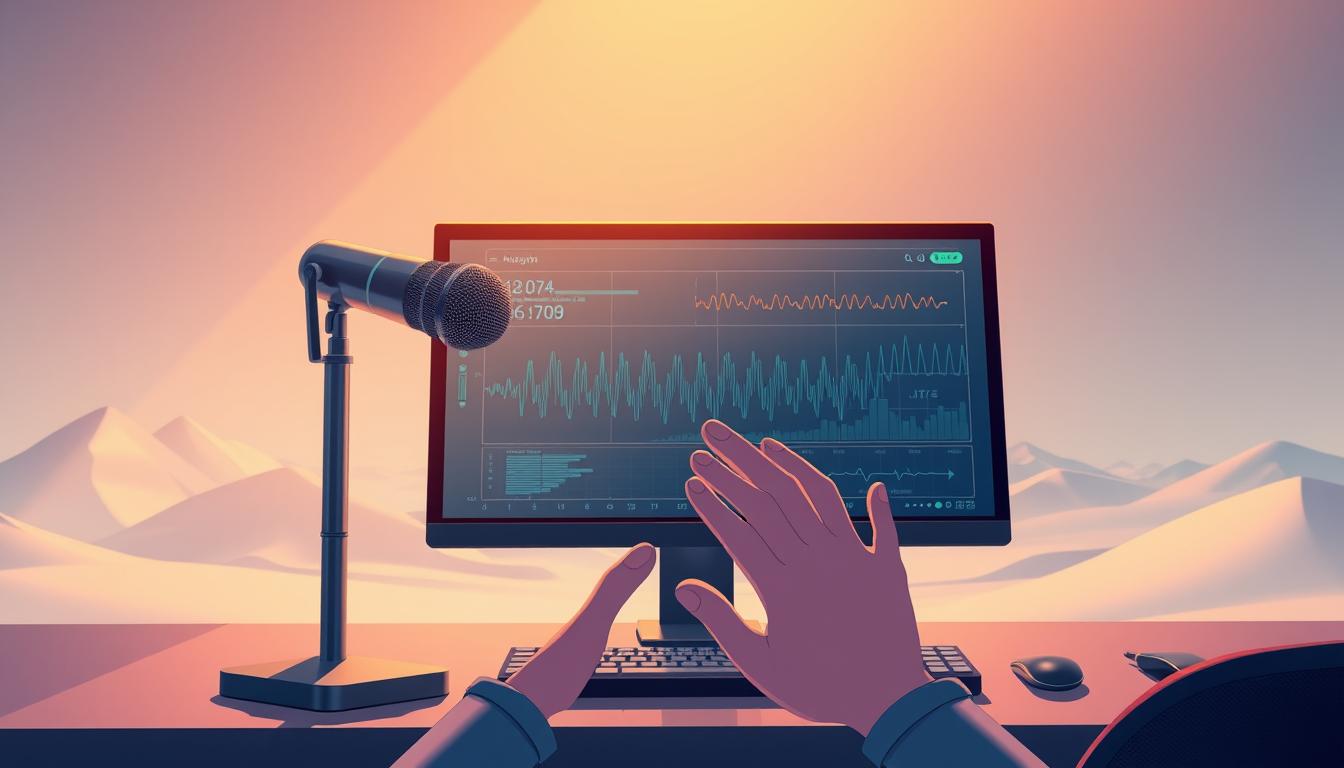
Computer speech recognition turns sound into text. It starts with audio capture from microphones or streams. Then, it goes through steps like preprocessing and feature extraction.
Next, it uses acoustic modeling and decoding with language models. The last step is post-processing. This section explains these steps and the technologies behind them.
Key Technologies Behind Speech Recognition
First, audio capture gets raw sound from devices. Then, preprocessing cleans the sound by removing noise. This makes the sound levels stable.
Feature extraction changes the sound into something computers can understand. It looks at the sound’s timbre and pitch. This is done through digital signal processing and spectrogram analysis.
Convolutional neural networks look at local patterns in the sound. Recurrent models like LSTMs handle the sound’s sequence. Transformer models add global context and improve accuracy.
The Role of Machine Learning
Acoustic modeling turns sound into text possibilities. Older systems used HMMs and GMMs. Now, neural networks learn these complex mappings.
Language modeling adds context to make the text clear. Transformers are best for this. For devices with less power, n-gram engines are used.
Training uses labeled audio-text pairs. Data augmentation makes the system more robust. Hybrid annotation mixes automated and human review to improve quality.
Decoding combines scores and priors to find the best text. Post-processing makes the text look right. Performance is checked with Word Error Rate.
LibriSpeech, Mozilla Common Voice, and others are used for training. Teams also use their own recordings for specific needs. In use, systems provide live captions and automated transcription.
Applications of Computer Speech Recognition
Speech recognition helps many areas. It makes devices work better, helps in healthcare, and aids people with disabilities. It’s used in many ways today.
Voice Assistants: A Common Use Case
Google Assistant, Apple Siri, and Amazon Alexa use speech recognition. They understand what you say and answer quickly. They can talk in many languages and understand different situations.
Companies also use this tech for customer service. It makes talking to customer service faster and easier. It helps companies handle more calls without getting too busy. Learn more about how AI voice assistants make money here.
Speech Recognition in Healthcare
Doctors use it to write down what they say. It makes writing down notes faster. It helps doctors spend more time with patients.
Telehealth uses it for appointments and checking symptoms. It helps patients get help without going to the doctor. It keeps patient information safe and private.
Enhancing Accessibility for the Disabled
It helps deaf and hard-of-hearing people by showing what’s said in real time. It lets people with mobility issues control devices with their voice. It makes life easier for many.
It helps people in school and work by turning speech into text. It makes learning and working easier for everyone. It helps people in many ways.
It’s used in many fields like shopping, finance, and education. It helps make things easier for everyone. Learn more about its history and how it works here.
Benefits of Using Computer Speech Recognition
Using computer speech recognition changes how we work. It turns our words into text we can search. This makes work easier and safer.

Increased productivity
Automated transcription saves a lot of time. Meeting notes appear quickly, and notes are easy to find. Legal teams and doctors save hours by not typing.
Customer service teams use it to help with complex cases. This frees up staff to do more important work.
Studies show big time savings. For some tasks, it cuts down documentation time by half. This lets professionals do more analysis and client work.
Convenience and hands-free operation
Hands-free operation lets us do other things while working. Drivers, field technicians, and surgeons can work better. This makes work safer and easier.
It also helps people with disabilities. They can use voice commands and dictation. This makes work easier and reduces mistakes.
It also makes customer service better. Virtual assistants answer simple questions. Voice-indexed content makes finding information faster. This makes our interactions with computers smoother and more efficient.
Challenges in Computer Speech Recognition
Speech recognition systems have made big strides. But, they face big challenges in real-world use. They don’t work well with different accents and speech styles.
Accents and Dialects
Many systems work best with North American English. But, they struggle with other accents and languages. This makes users unhappy and lowers use.
Collecting more diverse data helps. Record people of all ages, genders, and accents. Include different speaking rates and phrases.
Use special data collection and language layers. Light models can handle different speech in small spaces. This makes devices work better and saves money.
Accuracy and Context Understanding
Systems get worse with background noise and poor microphones. Word Error Rate goes up in noisy places. Homophones and colloquialisms also confuse them.
Stronger language models and post-processing help. Machine learning can improve transcription quality. But, neural networks need to learn new words and phrases.
Operational issues are as important as algorithms. Big data needs cost a lot to label. Privacy and laws add to the complexity.
Research offers solutions. Data augmentation and hybrid annotation strategies help. Custom vocabularies and language-specific models also reduce errors. See more about these challenges and solutions here: speech recognition challenges research.
| Challenge | Primary Cause | Mitigation |
|---|---|---|
| Accent and dialect gaps | Training bias toward specific accents | Diverse data collection; language ID routing |
| Noise-related accuracy loss | Background sounds and low-quality audio | Noise-robust preprocessing; data augmentation |
| Context and semantics | Limited language models and short context windows | Stronger language priors; post-processing |
| Data and cost | Large labeled datasets needed for training | Hybrid annotation; transfer learning |
| Privacy and compliance | Regulatory constraints on audio storage | On-device models; encryption and anonymization |
| Model maintenance | Vocabulary drift and domain shift | Continuous retraining; monitoring pipelines |
Choosing the Right Speech Recognition Software
Choosing a speech capture platform starts with knowing what you need. This includes privacy, how fast it works, language support, and how it fits with other systems. Professionals look at how accurate it is and how much it costs.
They often test it with real audio. They check how well it understands words and how fast it responds.
Popular Software Options
Google Cloud, Microsoft Azure, Amazon Transcribe, and IBM Watson are big names. They support many languages and are good for big projects. They work well in real-time and can handle lots of audio.
For offline use, Mozilla DeepSpeech, Kaldi, and Vosk are good. They let you control your data better. In healthcare, Nuance Dragon Medical is great for dictation. Otter.ai and Rev are good for meetings and editing audio.
Try each one with a short audio clip to see how they do. Guides and reviews, like Zapier’s dictation software review, can help you choose.
Factors to Consider When Selecting Software
How well it understands your specific needs is key. Test it with your own audio. Make sure it can learn your specific words or phrases.
Privacy and following rules are important. Some places need to keep data on their own servers. Check if the software does this.
How fast it works matters too. Streaming needs are different from just processing audio once. Choose one that works well in real-time.
Language support is also important. Make sure it works with the languages you need. It should also let you train it for your specific accent or dialect.
Cost and how it scales are important for the long run. Compare prices and what you get for them. Lighter models can save money if you don’t need all the features.
How easy it is to use and integrate is key. Look for good SDKs and APIs. This makes it easier to get started.
Start with a small test. Try it out with some real audio. This will show you how it will work in real life.
For automated transcription, look for customizable options. For strict privacy, choose something that works offline. This way, you can control your data better.
Future Trends in Computer Speech Recognition
Speech recognition tech is getting better fast. New ways to design and train models are making it more useful. Soon, we’ll have systems that are smarter, faster, and more private.
Advances in AI and Natural Language Processing
Transformer models and big pre-trained models are getting better at understanding speech. They can handle tricky phrases and long sentences better. This means less need for labeled data, making systems cheaper and faster to make.
Now, we can do speech recognition on devices like phones. This makes things faster and keeps your info safe. Soon, we’ll also be able to recognize speech better in noisy places and in languages that are harder to understand.
The Growth of Multimodal Interfaces
Multimodal interfaces use sound, pictures, and text to understand us better. They work well even when it’s loud. This means we can use our hands and eyes to talk to devices.
These interfaces will soon be in phones, smart speakers, and AR devices. They will make our homes and workplaces more interactive. Developers are making these interfaces smarter and more compact.
For product teams, this means better tools for everyone. It means we can support more languages and make apps faster. You can learn more about NLP in everyday apps at natural language processing in everyday apps.
- Improved domain adaptation through semi-supervised training.
- Edge deployment powered by model compression and optimized neural networks.
- Richer human-computer interaction driven by multimodal interfaces.
Practical Tips for Using Computer Speech Recognition
Here are some tips to help teams use speech recognition well. Focus on the right equipment, a good environment, and keep improving. This will help you get the best from computer speech recognition.
Setting hardware and environment
Use a good microphone and record in formats like WAV or FLAC. Try to use sample rates of 16 kHz or higher. Keep the mic 6–12 inches from the speaker and make sure the levels are right.
Make the room quiet or use acoustic treatment. Record in multi-channel audio if speakers talk at the same time. This makes it easier to separate voices later.
Preprocessing and audio hygiene
Reduce noise and make the levels the same before using the recognizer. Use voice activity detection to remove silences. This makes the system work better and faster.
Training the software for better accuracy
Make custom vocabularies for different fields like medicine or law. Use specific audio and labels to improve the model. This lowers the chance of mistakes.
Get a variety of training data. Include different accents, ages, and speaking styles. Start with automated transcripts and then check them by hand. Adding noise and changing the audio can make the system stronger.
Evaluation and iteration
Test with a validation set that shows how it will be used. Track how well it does and update it as needed. Use special models for different languages.
Post-processing and human oversight
Put back punctuation and make sure text is right. Have humans check important documents. Keep an eye on how well the model is doing and update it when needed.
Vendor and tool selection
Try out different services like Google Cloud Speech-to-Text. Compare how well they do on your audio. For privacy or offline use, look at tools like Kaldi and Vosk.
Extending workflows
Use speech recognition with text-to-speech for feedback loops or voice interfaces. Use server-side processing for tasks that need to be fast.
Follow these steps to make speech recognition work well. Teams that focus on training and clean audio will see better results faster.
Conclusion: The Future of Communication
Computer speech recognition has grown a lot. It’s now used for making work easier and more accessible. It helps with tasks like writing down what’s said and making things easier to understand.
It’s important to use it wisely. Start by testing it on important tasks. Make sure you have good data and follow privacy rules.
New tech will make it even better. It will understand what you say better and work faster. Soon, we’ll have systems that work well on all kinds of devices.
For those who want to use this tech, there’s a clear plan. Plan carefully, choose the right tools, and keep improving. This way, we can make talking to machines easier and more helpful.
FAQ
What is Automatic Speech Recognition (ASR) and how does it relate to natural language processing and text-to-speech technology?
ASR is a way to turn spoken words into written text. It uses AI to do this. It works with natural language processing and text-to-speech to make voice assistants and captions work.
How does speech recognition technology actually convert human speech into text?
First, it captures the audio. Then, it cleans and changes it into features. Next, it uses neural networks to turn these features into text.
It also uses language models to make sure the text makes sense. This way, it can turn speech into text in real time.
What are the key technologies and model architectures used in modern ASR?
Modern ASR uses digital signal processing and spectrogram analysis. It also uses CNNs, RNNs, and Transformers for modeling.
These technologies help make ASR more accurate. They use neural networks and deep learning to improve performance.
What is the difference between acoustic modeling and language modeling?
Acoustic modeling figures out what sound was heard. It uses neural networks for this.
Language modeling looks at the bigger picture. It uses word and phrase probabilities to make sense of what was said. Modern models are often based on Transformers.
What datasets are commonly used to train and evaluate ASR systems?
Teams use datasets like LibriSpeech and Mozilla Common Voice. These datasets have a lot of different speech samples.
For specific needs, teams collect their own data. They also use test sets to check how well the system works.
Which mainstream voice assistants use ASR and what capabilities do they offer?
Voice assistants like Google Assistant and Siri use ASR. They can understand many languages and respond quickly.
They also work with other devices and can do many things. This makes them very useful.
How is speech recognition applied in healthcare, and what compliance issues should organizations consider?
In healthcare, ASR is used for things like dictation and appointment summaries. It helps doctors and nurses work more efficiently.
But, there are rules to follow. Organizations must protect patient data and follow laws like HIPAA.
How does ASR improve accessibility for people who are deaf, hard of hearing, or have mobility impairments?
ASR helps by providing real-time captions and voice control. This makes it easier for people to use devices.
It also helps in education and work. People can participate more easily.
What productivity gains can organizations expect from deploying speech recognition?
Speech recognition can save a lot of time. It can also make work more efficient.
For example, it can help doctors write notes faster. It can also help customer service agents answer calls more quickly.
What technical and operational challenges limit ASR accuracy in real-world settings?
Background noise and poor recording quality can affect ASR. So can accents and homophones.
Training models also requires a lot of data. This can be expensive and time-consuming.
How should organizations choose between cloud, on-device, and open-source speech recognition solutions?
Consider what you need. Think about accuracy, privacy, and how fast you need it to work.
Cloud services are good for many languages. On-device solutions are better for privacy. Open-source options are flexible.
What practical steps improve ASR performance during setup and data collection?
Use good microphones and formats. Try to reduce background noise.
Preprocess the audio. Use data augmentation and fine-tune models for better results.
How should teams measure ASR performance and monitor model drift?
Use Word Error Rate (WER) to measure performance. Test with different types of audio.
Keep an eye on how well it works. Update models regularly to keep accuracy high.
What are recommended vendor and open-source tools for pilots and production deployments?
For cloud pilots, try Google Cloud Speech-to-Text. For specialized needs, consider Nuance Dragon Medical.
For privacy, look at Kaldi and Vosk. Check out their features and data policies.
How do advancements in AI and NLP shape the near-term future of speech recognition?
New AI and NLP will make speech recognition better. It will work better in noisy places and with different languages.
It will also be more private and fast. This will help it be used in more places.
What future capabilities should professionals expect from speech recognition over the next five years?
Expect better performance in noisy places and with different languages. It will also be more private and fast.
It will work with more devices and in more areas. This will make it more useful in healthcare and business.
What are best practices for deploying ASR in multilingual or accent-diverse environments?
Use diverse data and language identification. Fine-tune models for specific needs.
Use data augmentation and domain adaptation. This will make it work better for different people.
Which strategies reduce annotation costs while keeping transcription quality high?
Use automated transcripts and human review. Focus on areas where it’s not sure.
Use active learning to pick the best samples. Use unlabeled data to train models.
How can ASR deployments remain compliant with privacy laws and industry regulations?
Choose vendors that protect data well. Use on-premises solutions for sensitive data.
Implement access controls and audit logs. Make sure to follow laws like HIPAA.
What practical features should innovators prioritize when planning a speech-enabled product?
Focus on accuracy, speed, and language support. Make sure it’s private and easy to use.
Include customization options. Plan for updates to keep it working well.
How can organizations quantify ROI from ASR projects?
Look at time saved and labor costs. See how it improves work and customer service.
Compare costs to benefits. This will show how much it saves over time.
What future capabilities should professionals expect from speech recognition over the next five years?
Expect better performance in noisy places and with different languages. It will also be more private and fast.
It will work with more devices and in more areas. This will make it more useful in healthcare and business.